
🔧Parts Compatibility Guide
Every laptop part explained on its own: what determines compatibility, how to check it, common mistakes.

Styluses and Accessories: Touch Model Compatibility
A stylus only works with models that have the appropriate touch technology.
1 min read · 2026-07-30

Webcams: Connector, Viewing Angle, Bezel Placement
A webcam is a small component with surprisingly specific compatibility.
1 min read · 2026-07-30

Thermal Paste and Dust Cleaning: When It's Needed and What It Does
The cheapest and most often ignored prevention against overheating.
1 min read · 2026-07-30

TrackPoint: Features of the built-in ThinkPad joystick
The red "eraser" of the ThinkPad is not just a keyboard element, but a separate assembly with its own compatibility.
1 min read · 2026-07-30
Touchpads and ClickPads: Differences and Compatibility
A touchpad with separate buttons and a ClickPad are different mechanisms, not just a design choice.
1 min read · 2026-07-30

Keyboards: Layout, Backlight, Cable Revision
Why a keyboard "for the same model" sometimes doesn't fit — and how to avoid it.
1 min read · 2026-07-30

Hinges: Left vs. Right, Metal vs. Plastic
Hinges bear the entire weight of the display lid – a component that wears out unnoticed until it starts to wobble.
1 min read · 2026-07-30

RAM: DDR3 vs. DDR3L vs. DDR4, mixing modules
The same SO-DIMM module form factor does not guarantee compatibility with your laptop.
1 min read · 2026-07-30

Wi-Fi/Bluetooth Modules: M.2 Key A/E, BIOS Whitelist
The network card is one of the few components where official compatibility can be intentionally limited by the manufacturer.
1 min read · 2026-07-30

Motherboards: Socket, Chipset, BIOS Region
The motherboard is the most complex component for compatibility matching. What to check before buying.
1 min read · 2026-07-30

M.2 SSD: B-Key/M-Key, NVMe vs SATA in one slot
The same physical M.2 slot can support completely different types of drives.
1 min read · 2026-07-30

Speakers: placement, power, connector
Built-in laptop speakers are a component often damaged by liquid or mechanical impact.
1 min read · 2026-07-30
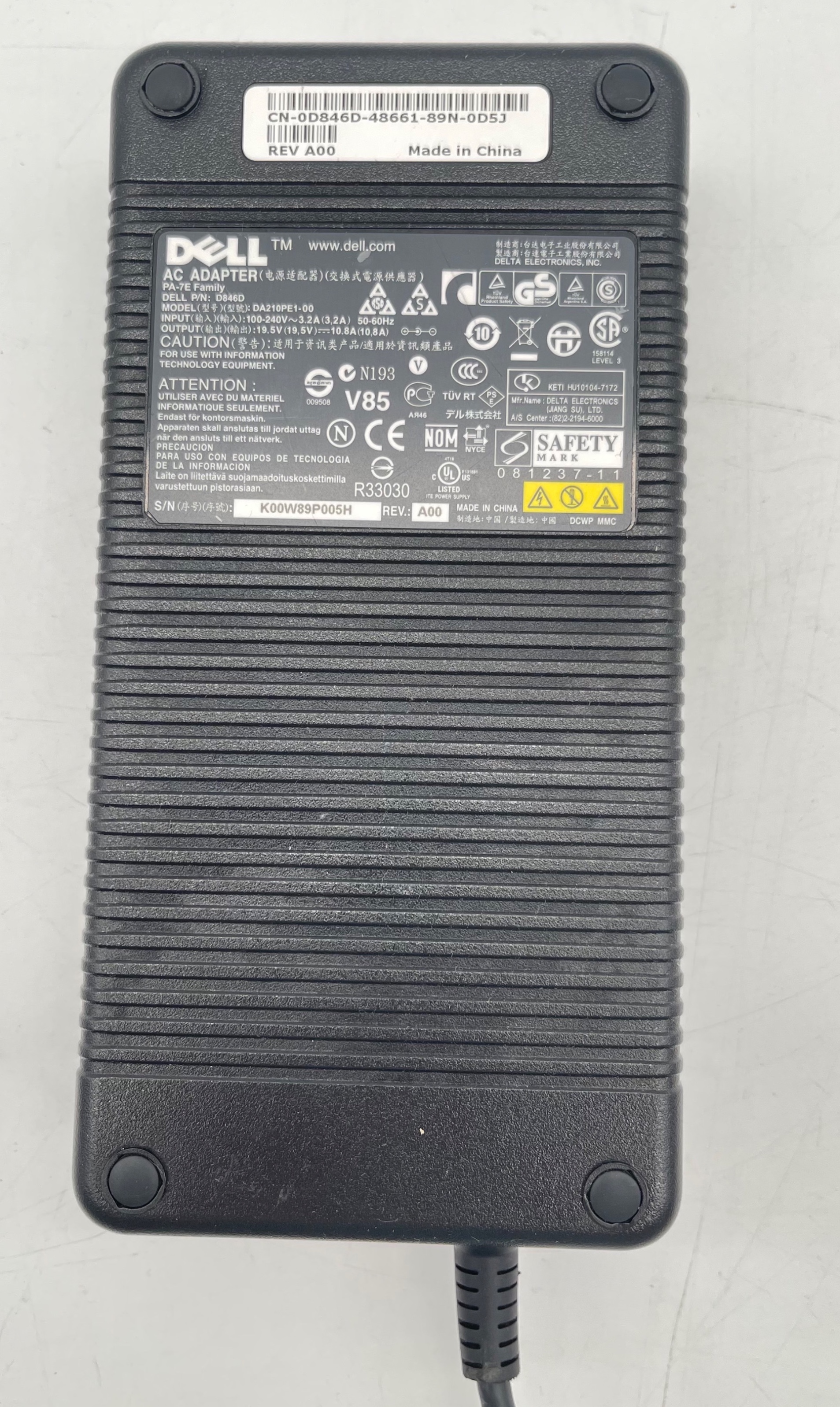
How to choose a charging block: wattage, connector, polarity
Why a "similar" charger might fit mechanically but damage your laptop electrically.
1 min read · 2026-07-30
Cooling Systems and Coolers: Why They're Tied to Board Revision
A laptop cooler is not a universal part; it's designed for a specific board and chips.
1 min read · 2026-07-30

I/O Board: what the connector board actually does
A small additional board, often hidden behind a "motherboard" failure.
1 min read · 2026-07-30

Internal Cables: Power, Wi-Fi Antenna, Battery Cable
The small cables inside a laptop that are rarely noticed—until something stops working.
1 min read · 2026-07-30

Graphics Cards and MXM Modules: Discrete vs. Integrated Graphics
Can you upgrade the graphics in a laptop—and when is it truly an MXM module, not a soldered chip?
1 min read · 2026-07-30

Case Parts: Top Case, Bottom Case, Palmrest
A laptop's chassis consists of several separate parts – each with its own compatibility.
1 min read · 2026-07-30
Hard Drives and SSDs: 2.5" SATA, Thickness, Form Factor
Disk size in inches is just the first of several compatibility parameters.
1 min read · 2026-07-30

Hard Drive Caddies and Brackets
A small metal or plastic frame, without which a drive may not stay in its bay.
1 min read · 2026-07-30

Optical Drives: Slim-ODD, Slot-load vs. Tray-load, Bezels
The optical drive in a laptop is a component gradually disappearing from new models, but it has its own compatibility considerations.
1 min read · 2026-07-30

Laptop Screens: LVDS vs eDP, Resolution, Form Factor
Why you can't pick a screen "by eye" based on size — and what actually determines compatibility.
1 min read · 2026-07-30
Display Cables: Why the Cable Is Replaced Separately from the Screen
The screen and the cable look like a single unit, but they are two different parts with different replacement logic.
1 min read · 2026-07-30

DC-Jack / роз'єм живлення: коли гніздо зарядки розхиталось
Найчастіша механічна поломка ноутбуків, що використовуються щодня.
1 min read · 2026-07-30
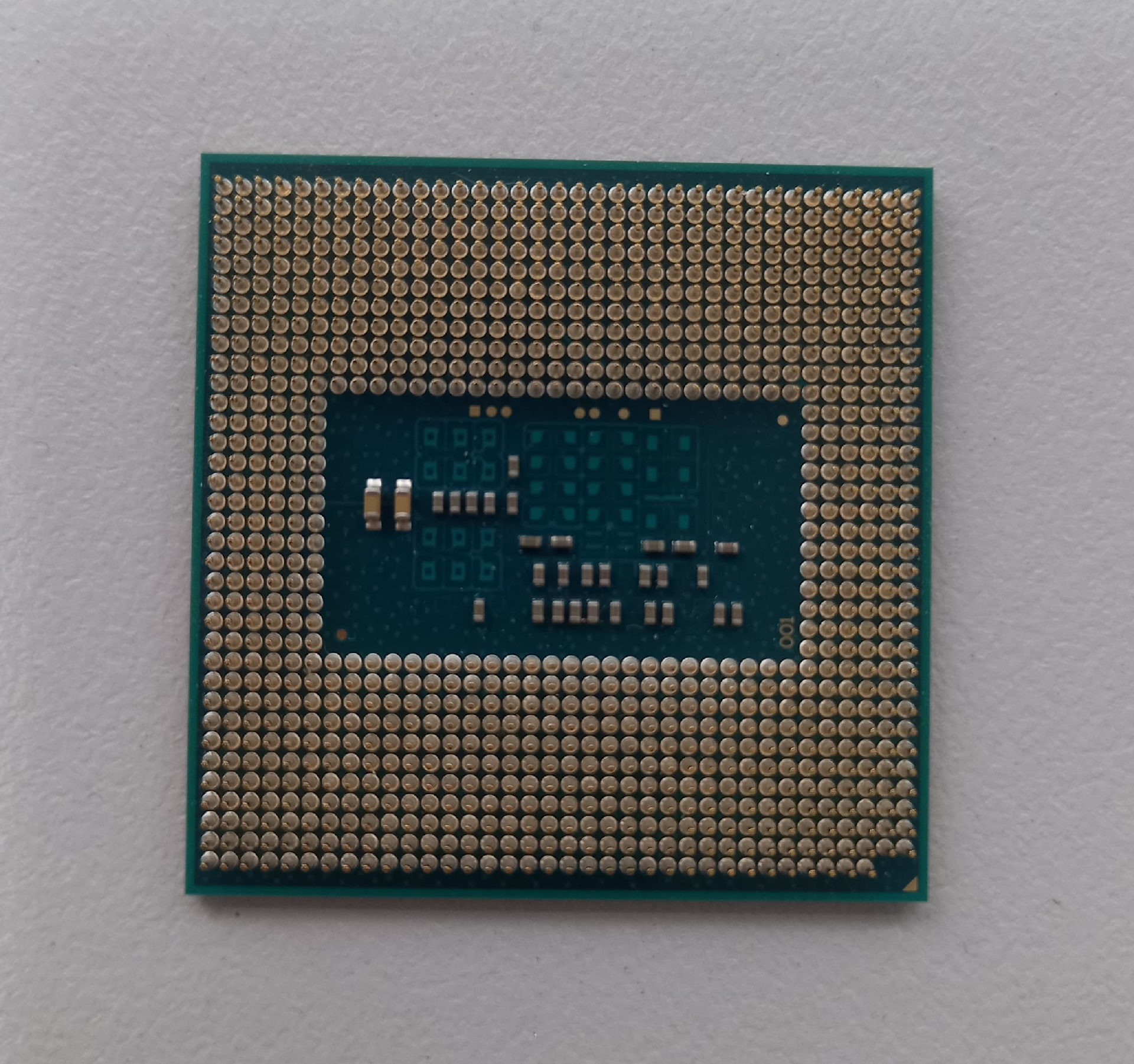
Processors: Soldered (BGA) vs. Socketed — What Can Actually Be Replaced
Most modern laptop processors cannot be replaced separately from the motherboard.
1 min read · 2026-07-30

Laptop Batteries: Capacity, Cell Type, How to Identify Wear
How to check if a battery is truly compatible with your laptop—and when it's time to replace it.
1 min read · 2026-07-30

Covers and Bezels: LCD Back Cover, Service Hatches
External decorative and protective elements that often break during careless repairs.
1 min read · 2026-07-30