
Laptop Batteries: Capacity, Cell Type, How to Identify Wear
How to check if a battery is truly compatible with your laptop—and when it's time to replace it.
How to tell if a battery is compatible with my laptop?
A laptop battery is never "universal"—even if it looks similar to another one. Compatibility is determined by three parameters:
- MPN (Manufacturer Part Number) — printed on the battery itself (usually on the bottom), sometimes visible in BIOS as "Battery Type"
- Voltage (Volt) and capacity — in mWh or mAh
- Contact placement — the contact strip must fit mechanically, not just electrically
Two batteries with the same MPN are compatible. Two batteries of similar shape but with different MPNs are often incompatible: even if it physically fits into the case, the charging electronics may incorrectly determine the capacity or not recognize the battery at all.
Design capacity vs. actual capacity
Every battery has two key values:
- Design capacity (design_mwh) — the capacity with which the battery was manufactured
- Full capacity (full_mwh) — the actual current capacity, after wear
Battery Health (in %) is the ratio of full/design capacity. For our tested devices, the rule is: wear below 80% is a warning sign, this is the same threshold we use for our 12-month warranty.
How to check wear yourself?
In Windows: open the command prompt, execute powercfg /batteryreport — the report will show "Design Capacity" and "Full Charge Capacity" side by side. The ratio of these values is the actual wear, regardless of the charge percentage in the tray (which only shows the current charge level, not capacity degradation).
Common customer mistakes
- "The battery looks identical" — the case shape is not an indicator of compatibility. Many manufacturers use the same battery casing for several generations of models with different cell chemistry.
- "A battery with higher capacity is automatically better" — only if the voltage is the same and the charging electronics of the specific model correctly handle the higher capacity.
- "I can take any battery with a suitable connector" — a mechanical connector is necessary but not sufficient; communication between the battery controller and the board (SMBus) must also match.
How to find the right battery in our store
Search in the store by MPN or exact model name. If you are unsure, send us your Service Tag/model name, and we will check compatibility before you order.
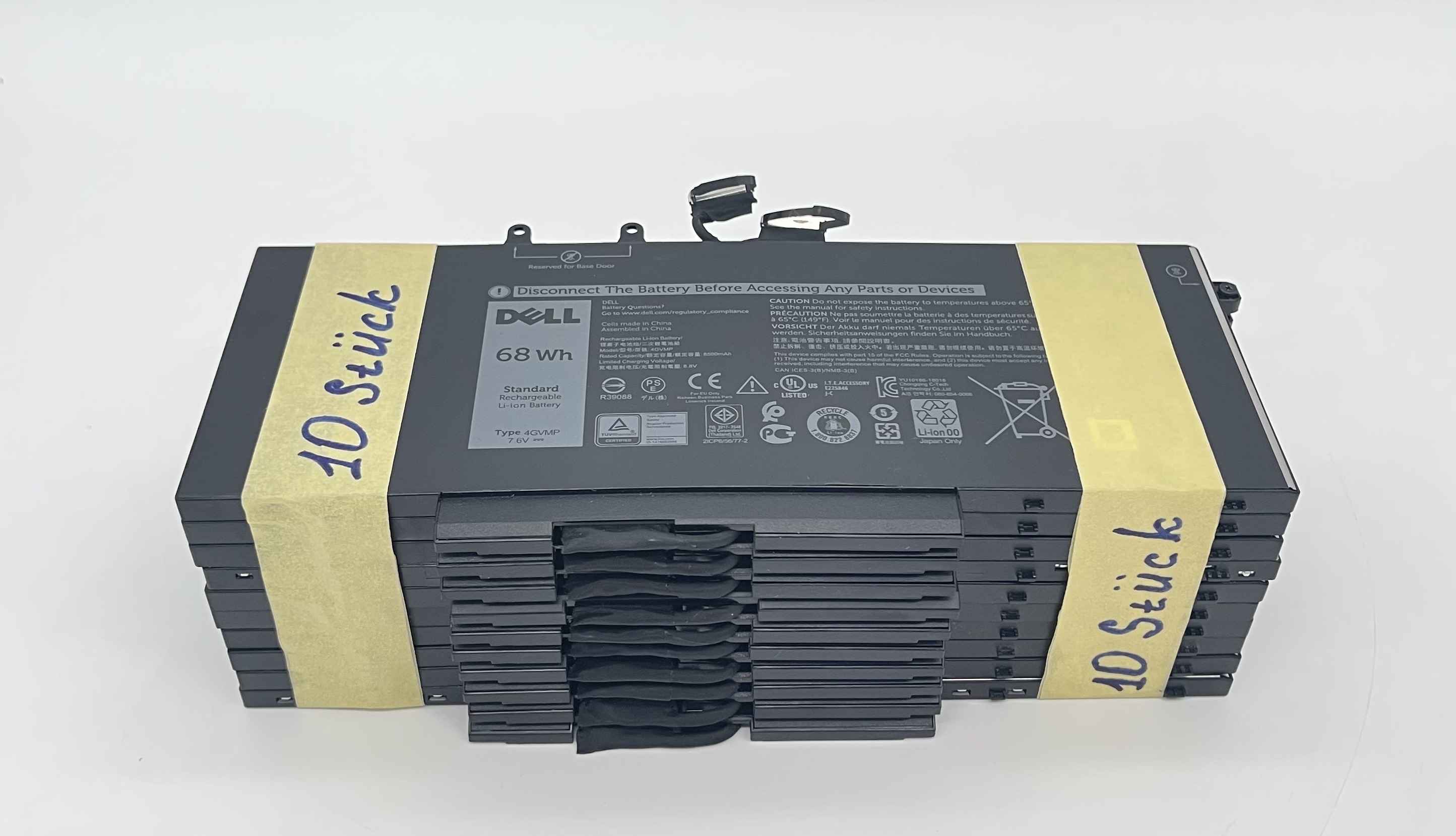 Dell Akku 4GVMP 7,6V 68Wh Set 10 Stück für Lat 5400 5500 Prec 3540 3550 Kompatibilität ungeprüft
 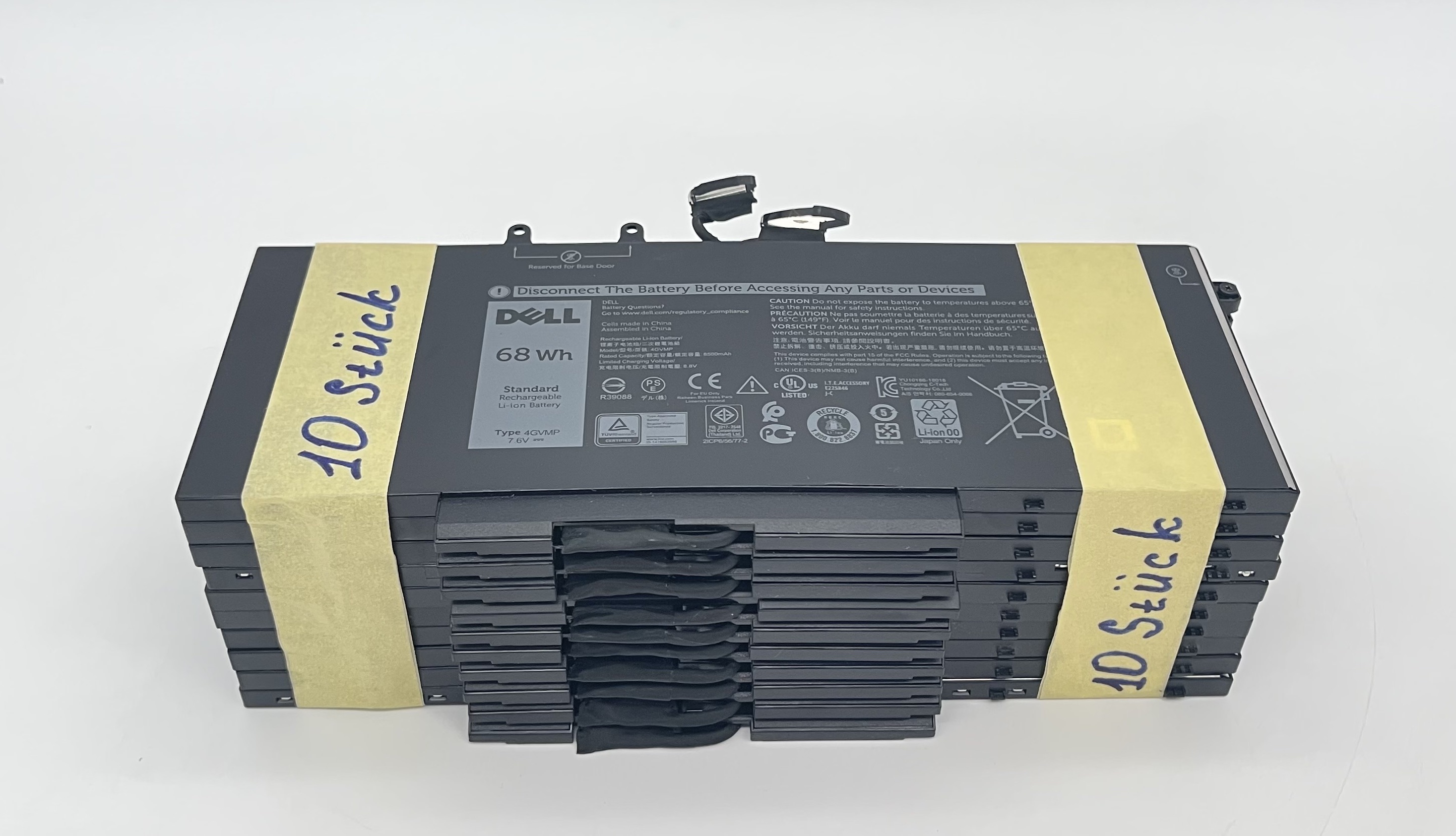 Dell Akku 4GVMP 7,6V 68Wh Set 10 Stück für Lat 5400 5500 Prec 3540 3550 Kompatibilität ungeprüft
 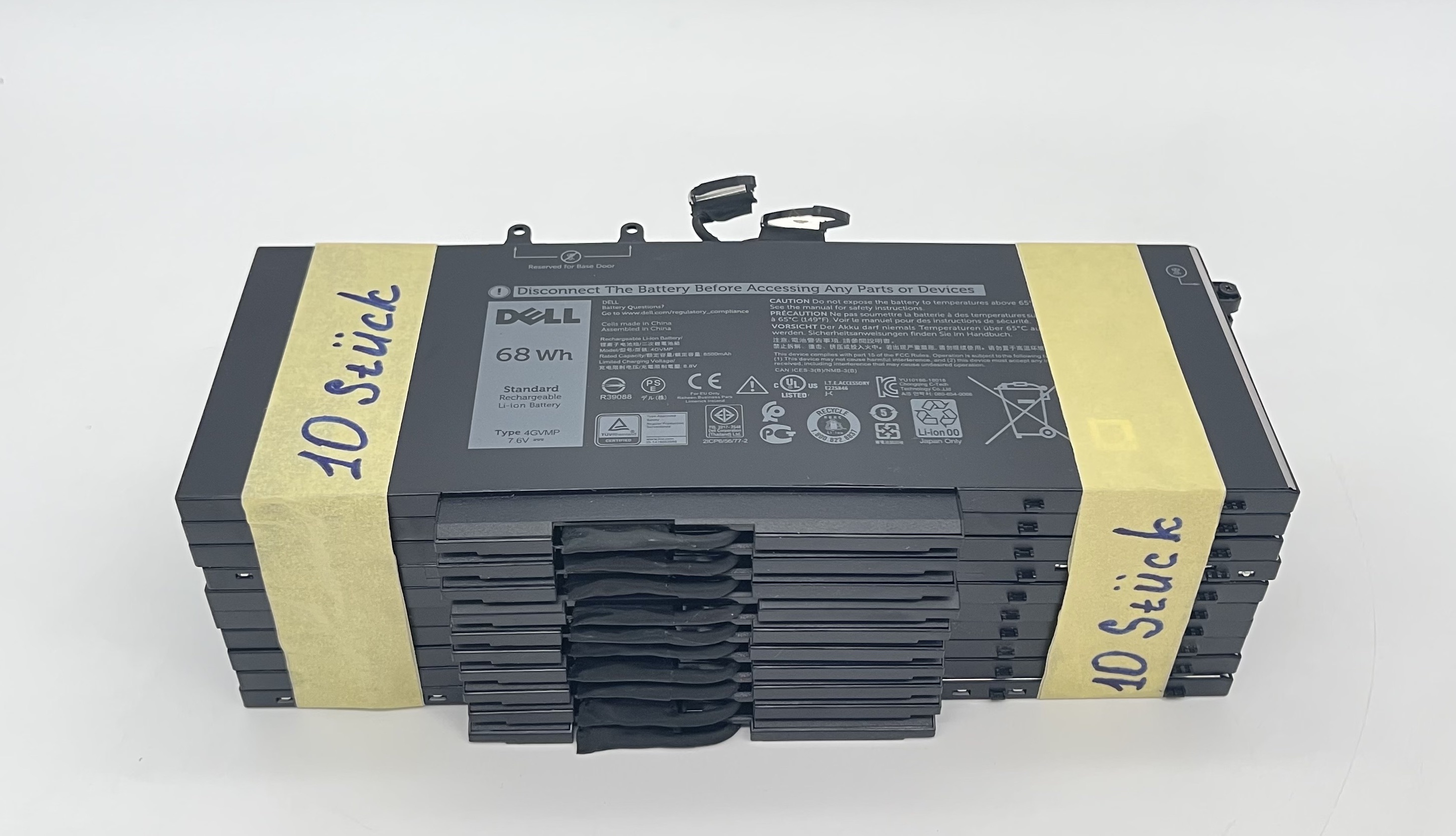 Dell Akku 4GVMP 7,6V 68Wh Set 10 Stück für Lat 5400 5500 Prec 3540 3550 Kompatibilität ungeprüft
 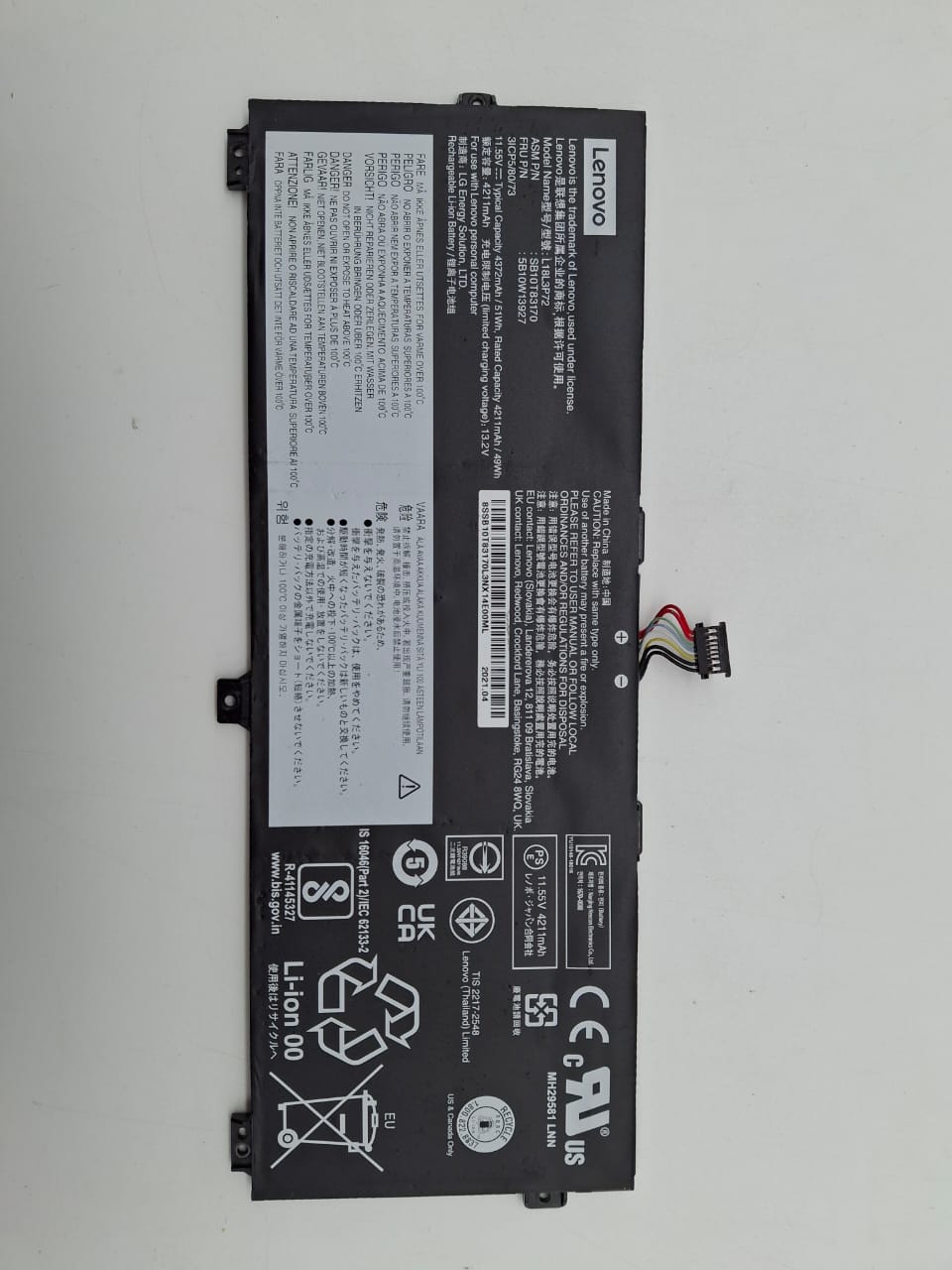 Lenovo ThinkPad X390 Yoga Original Battery / Akku 50 Wh L18L3P72 Kompatibilität ungeprüft