
M.2 SSD: B-Key/M-Key, NVMe vs SATA in one slot
The same physical M.2 slot can support completely different types of drives.
B-Key, M-Key, B+M-Key
An M.2 slot has a notch (key) that determines which types of modules will physically fit into it. B-Key is usually associated with SATA or slower interfaces, M-Key — with full NVMe (PCIe), B+M-Key — a universal notch that physically accepts modules of both types, but does not guarantee electrical support for both protocols.
NVMe vs SATA — physically identical slot, different protocol
An M.2 NVMe module and an M.2 SATA module may look identical and fit into the same slot, but they use different data transfer protocols. If the motherboard supports only the SATA protocol in a specific slot, an NVMe drive either won't work or will be recognized with limited speed.
Module length
The most common lengths are 2242, 2260, 2280 (the first two digits are width in mm, the last two are length). A slot for a specific length has a corresponding standoff for the mounting screw.
Typical customer mistakes
- "M.2 SSD is always NVMe, so it's fast" — the M.2 form factor itself does not
- "The slot physically accepts the module — therefore it's fully supported" — physical
How to choose an M.2 SSD from us
Provide the exact laptop model — we will tell you which M.2 type (NVMe/SATA), which length, and whether there is an M.2 slot at all in this model.
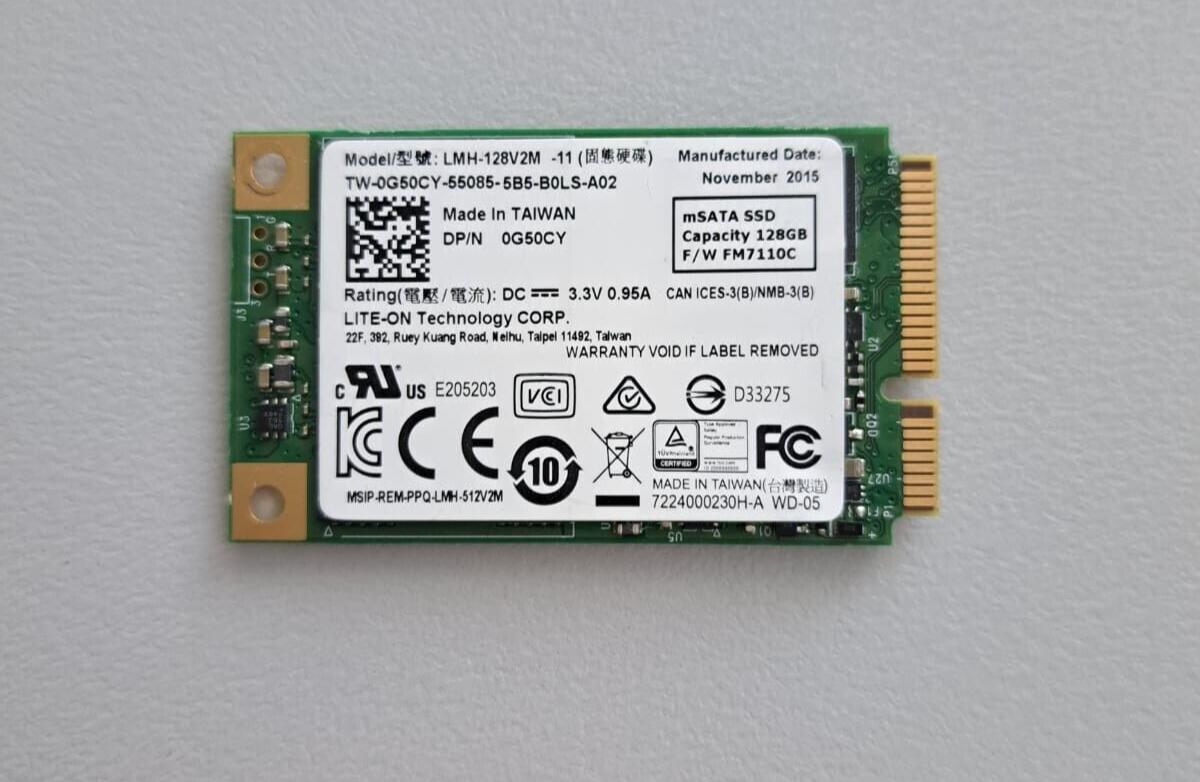 SSD 128GB Lite-on LMH-128V2M mSATA 0G50CY Kompatibilität ungeprüft
 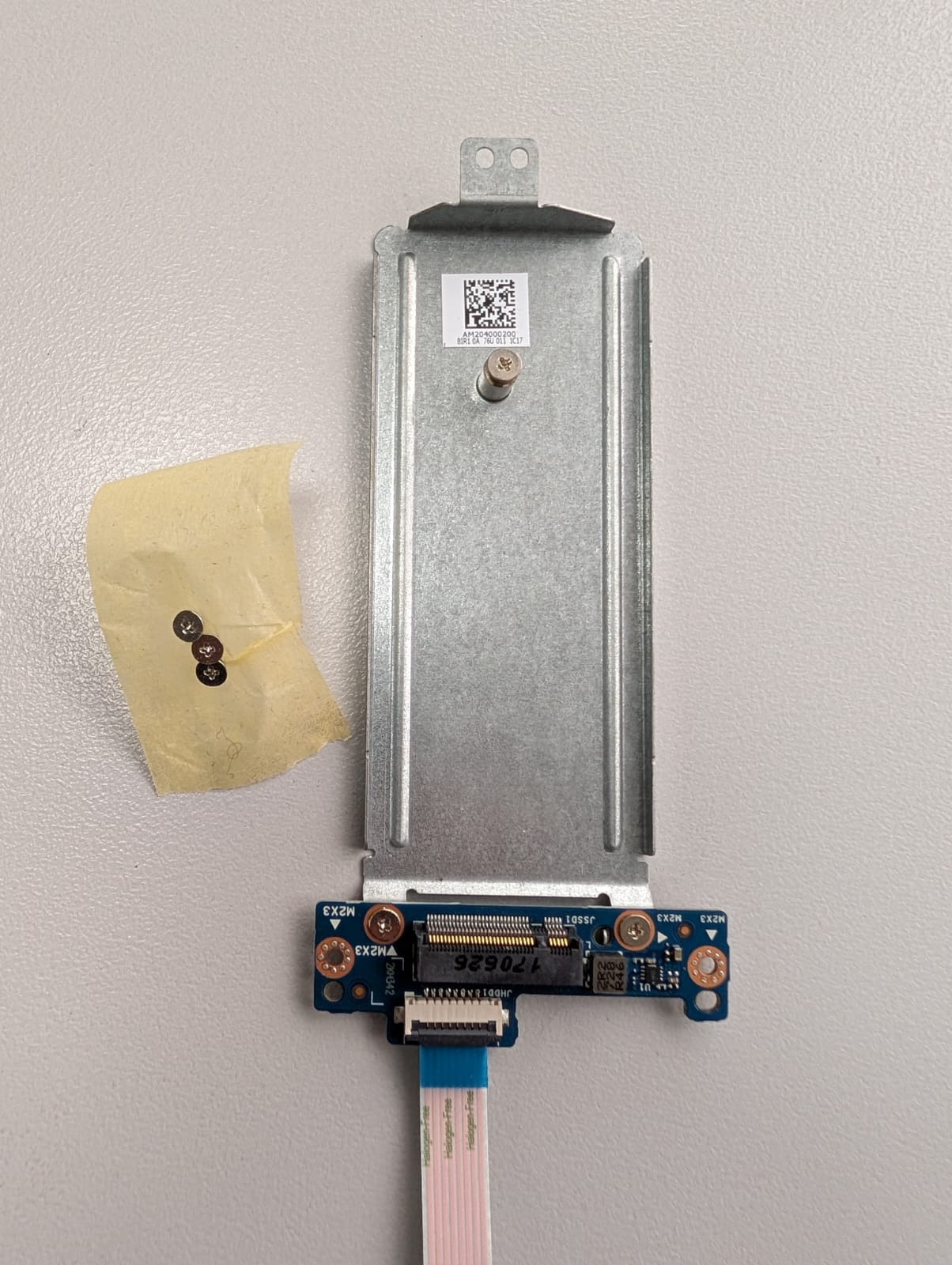 HP Notebook 250 G6 SSD SSD m.2 Anschluss SSD connector LS-E796P AM204000200 Kompatibilität ungeprüft
 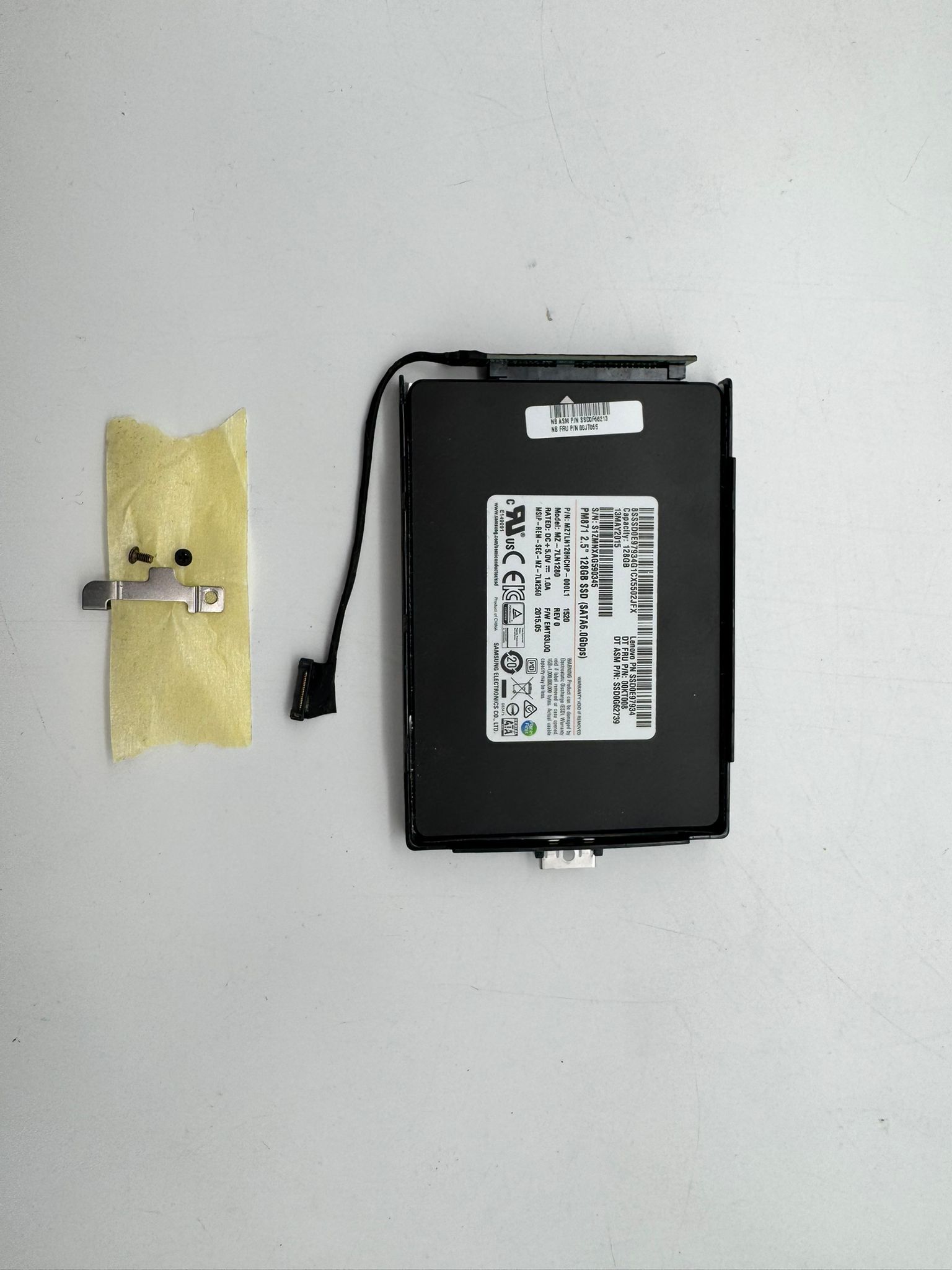 Lenovo SSD 128GB ThinkPad X250 Caddy Disk Festplatte SSD-Caddy SSD0E97934 Kompatibilität ungeprüft
 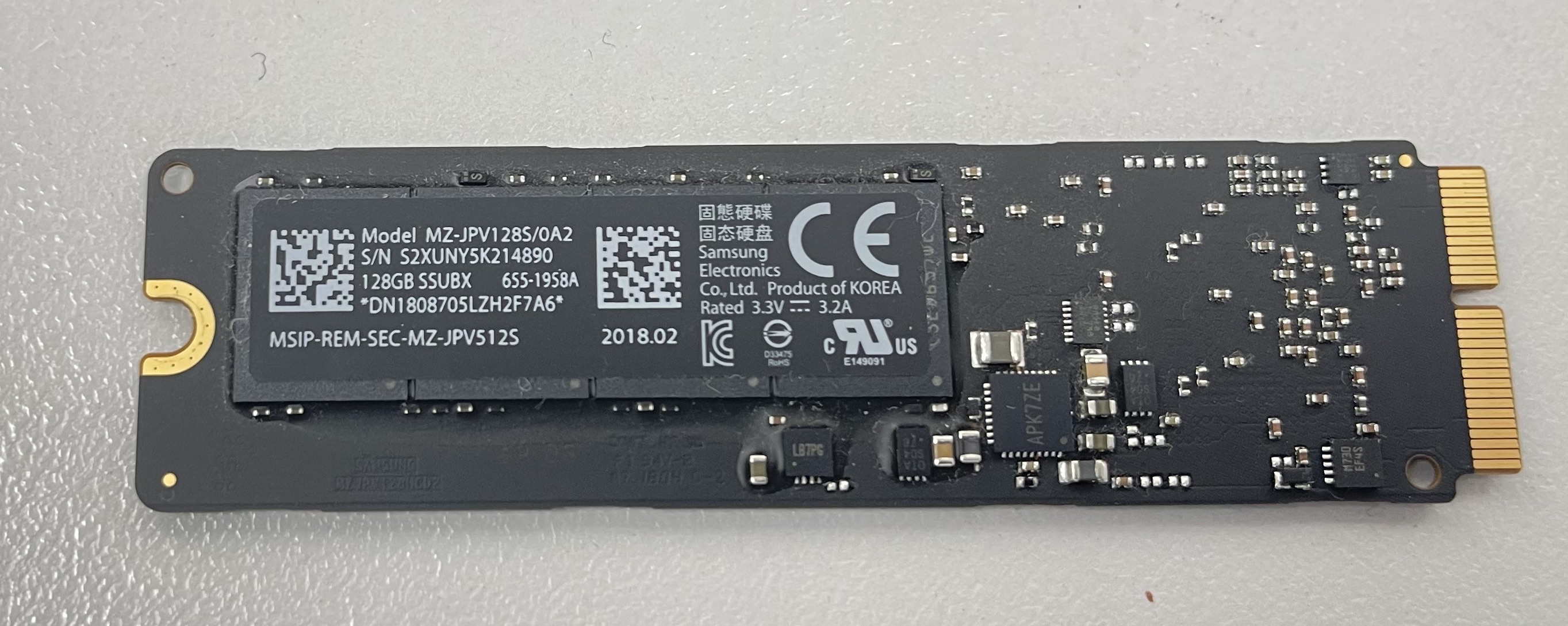 Samsung HDD 128GB Apple iMac MacBook mSATA Hard Disk Solid State Drive 655-1958A Kompatibilität ungeprüft