
Hard Drive Caddies and Brackets
A small metal or plastic frame, without which a drive may not stay in its bay.
Why you need a caddy
A mounting bracket (caddy) holds a 2.5" drive in the laptop bay and ensures mechanical contact with the SATA connector on the board. Without a caddy, the drive may not physically be secured or may fall out of its slot with the slightest jolt.
Caddy compatibility
Caddies are manufactured for specific laptop series — the location of mounting holes and guides differs between manufacturers and even between generations of the same brand.
Optical Bay Caddy (ODD caddy)
A separate type of caddy is an adapter that is inserted in place of the optical drive (DVD/CD) and allows a second drive to be installed in the freed space. Here, compatibility is determined by the thickness of the drive bay (most often 12.7mm or 9.5mm slim), not by the drive model itself.
Common customer mistakes
- "A caddy from another laptop will fit, they all look the same" — mounting
- "I'll install a second drive in the optical bay without a caddy" — without an adapter,
How to choose a caddy from us
Specify the exact laptop model and installation type (standard drive bay or optical drive replacement).
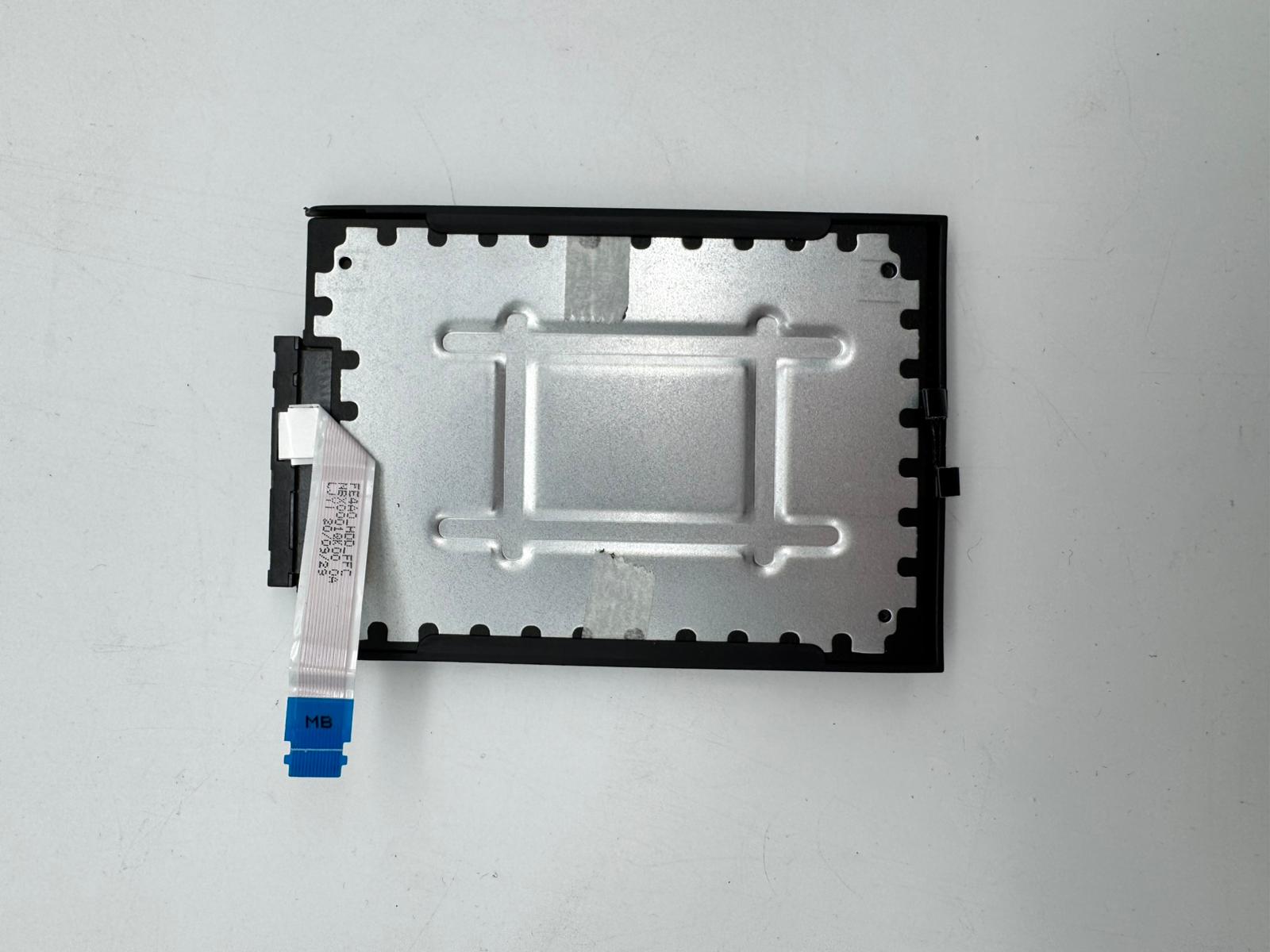 Lenovo ThinkPad E14 Gen1 SSD Mounting bracket with Cable (Without SSD) Kompatibilität ungeprüft
 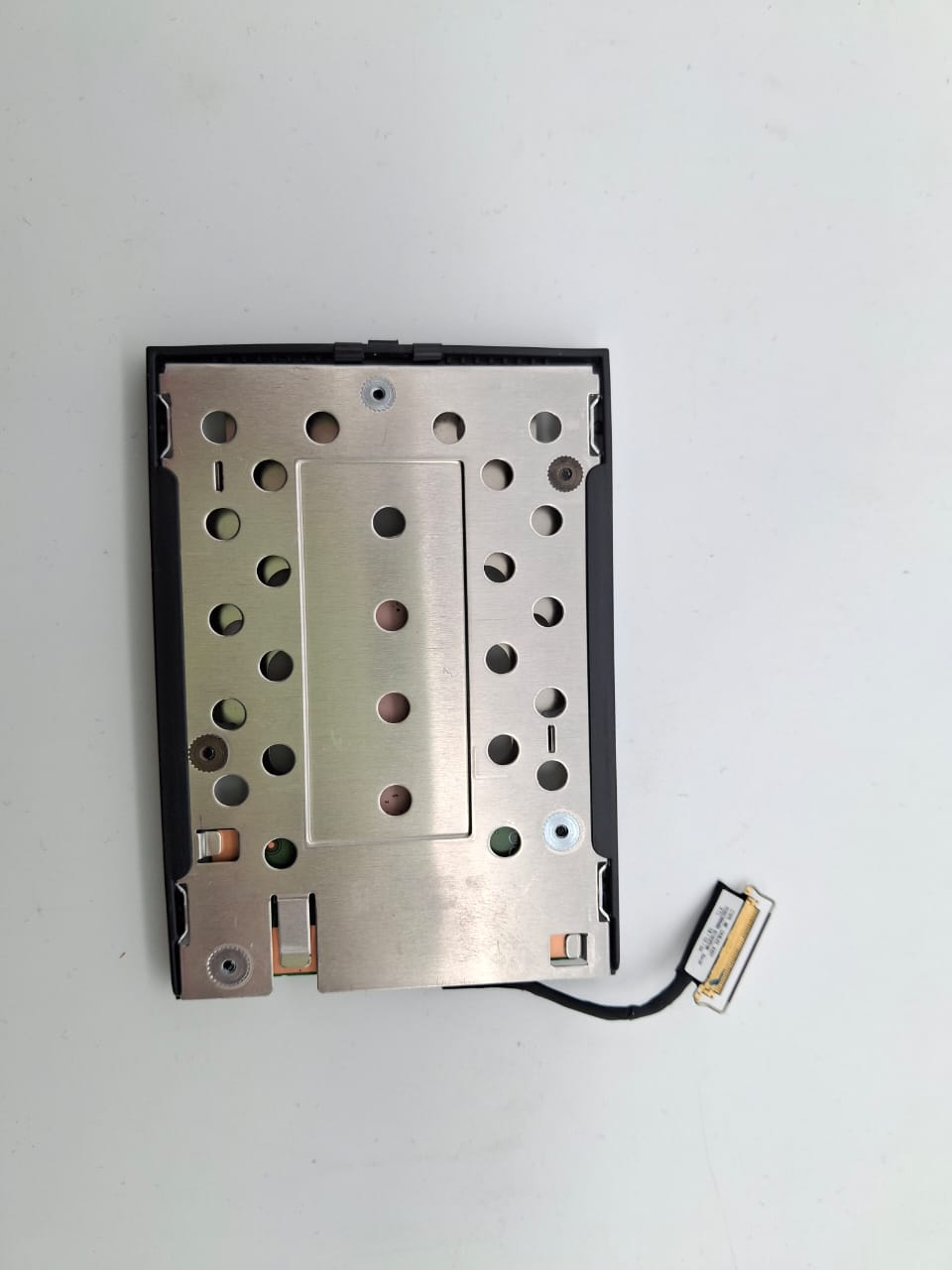 Lenovo ThinkPad T480 A485 Original SSD Caddy mit Kabel Set AM12D000A00 NS-A933 Kompatibilität ungeprüft
 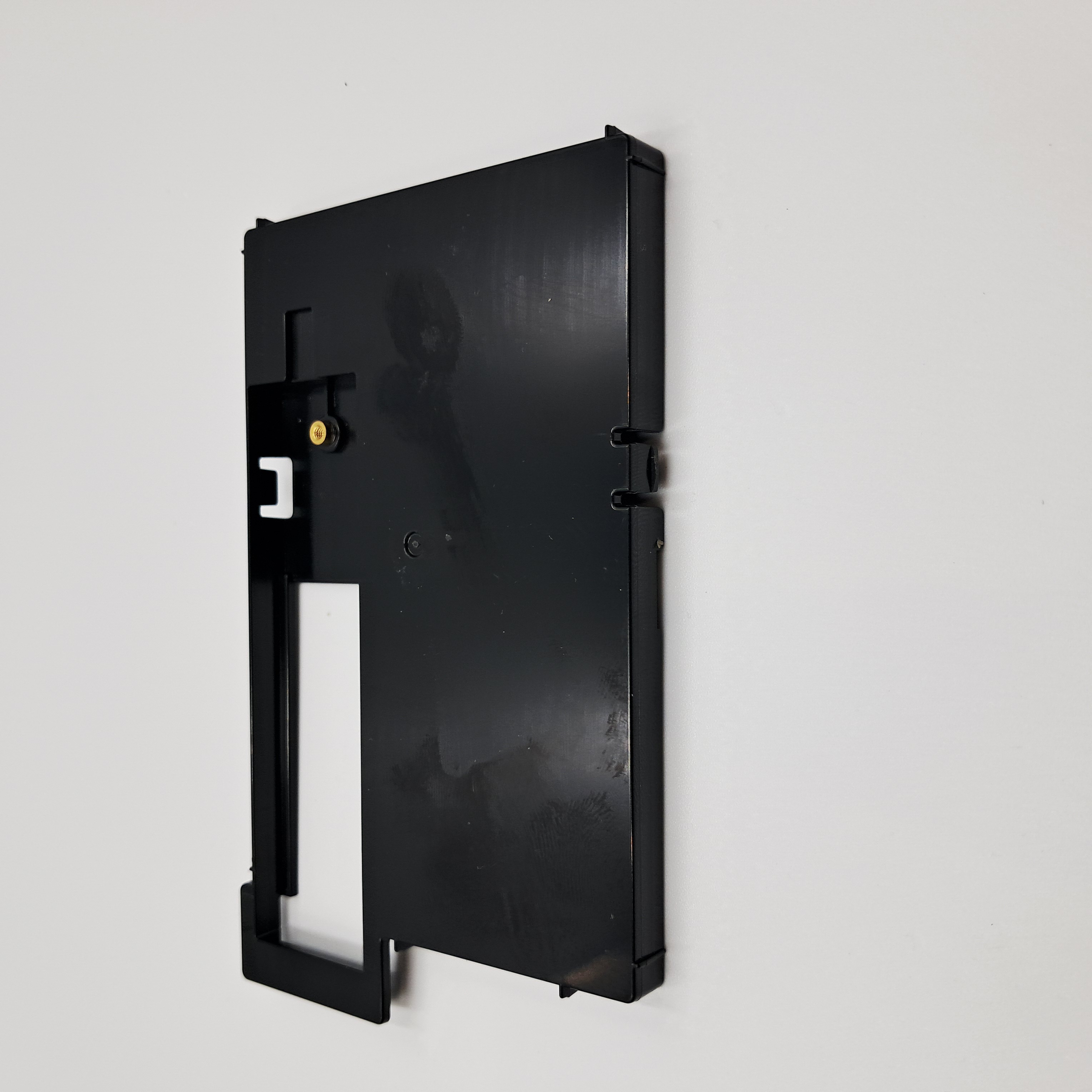 Fujitsu Lifebook U757 U758 U759 U7510 HDD SSD NVMe m.2 Festplatten Caddy Kompatibilität ungeprüft
 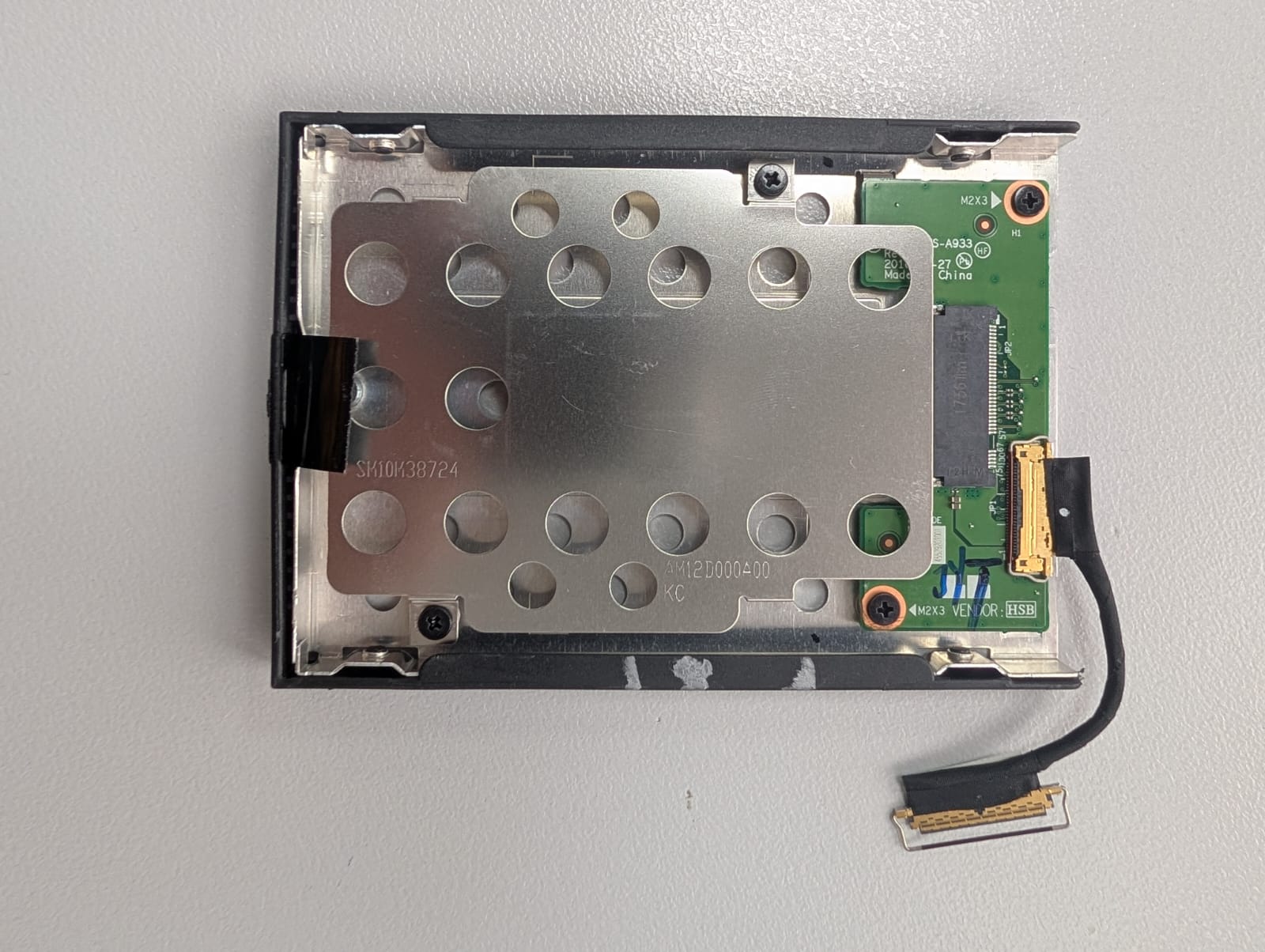 Lenovo ThinkPad T470 m.2 HDD SSD Adapter Caddy NS-A933 SM10M38724 Kompatibilität ungeprüft