
How to choose a charging block: wattage, connector, polarity
Why a "similar" charger might fit mechanically but damage your laptop electrically.
Three parameters that determine charger compatibility
- Wattage (W) — typical values are 45W, 65W, 90W, 130W, 170W. A charger with
- Connector type — a round plug (in several diameters that look almost
- Polarity — for round plugs, "positive inside / negative outside" or vice versa.
Why a charger with higher wattage is fine, but one with lower wattage is not
A laptop consumes exactly as much current as it needs — a higher wattage charger simply "can provide more." But a charger with insufficient wattage is a real problem: under peak loads, the system is "helped" by the battery, which wears out faster than a normal charge/discharge cycle.
USB-C chargers — not all are the same
Not every USB-C cable/block supports Power Delivery at the required wattage. A cheap 20W USB-C block will charge a phone but won't power a laptop that needs 65W.
Typical customer mistakes
- "I already have a charger with the same plug" — the plug diameter can be
- "A charger from the same brand will always fit" — a single manufacturer
- "The main thing is that it fits and the indicator lights up" — incorrect
How to choose the right charger
The most reliable way is to search by the exact laptop model or by the MPN of the original charger.
 Original Lenovo Laptop Netzteil Ladegerät 65W 90W 135W 170W Slim Tip Round Tip Kompatibilität ungeprüft
 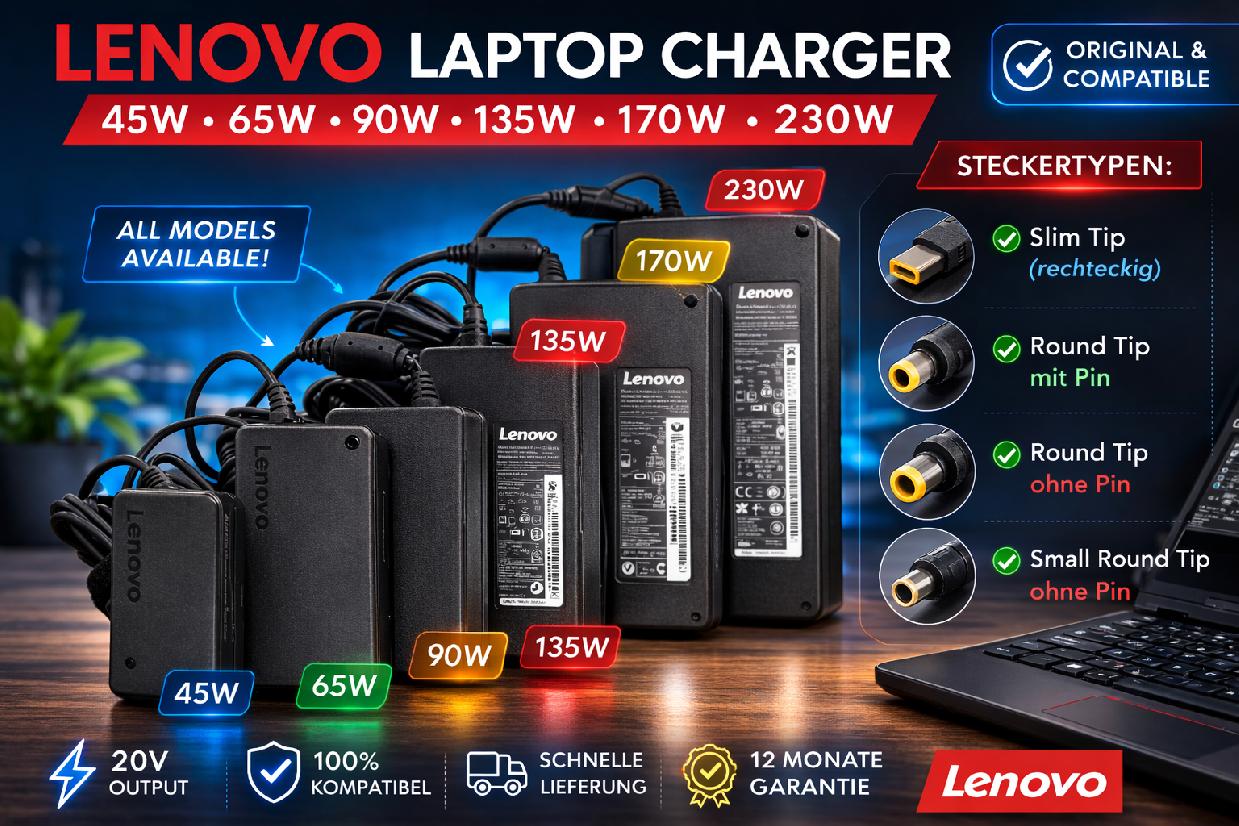 Original Lenovo Laptop Netzteil Ladegerät 65W 90W 135W 170W Slim Tip Round Tip Kompatibilität ungeprüft
 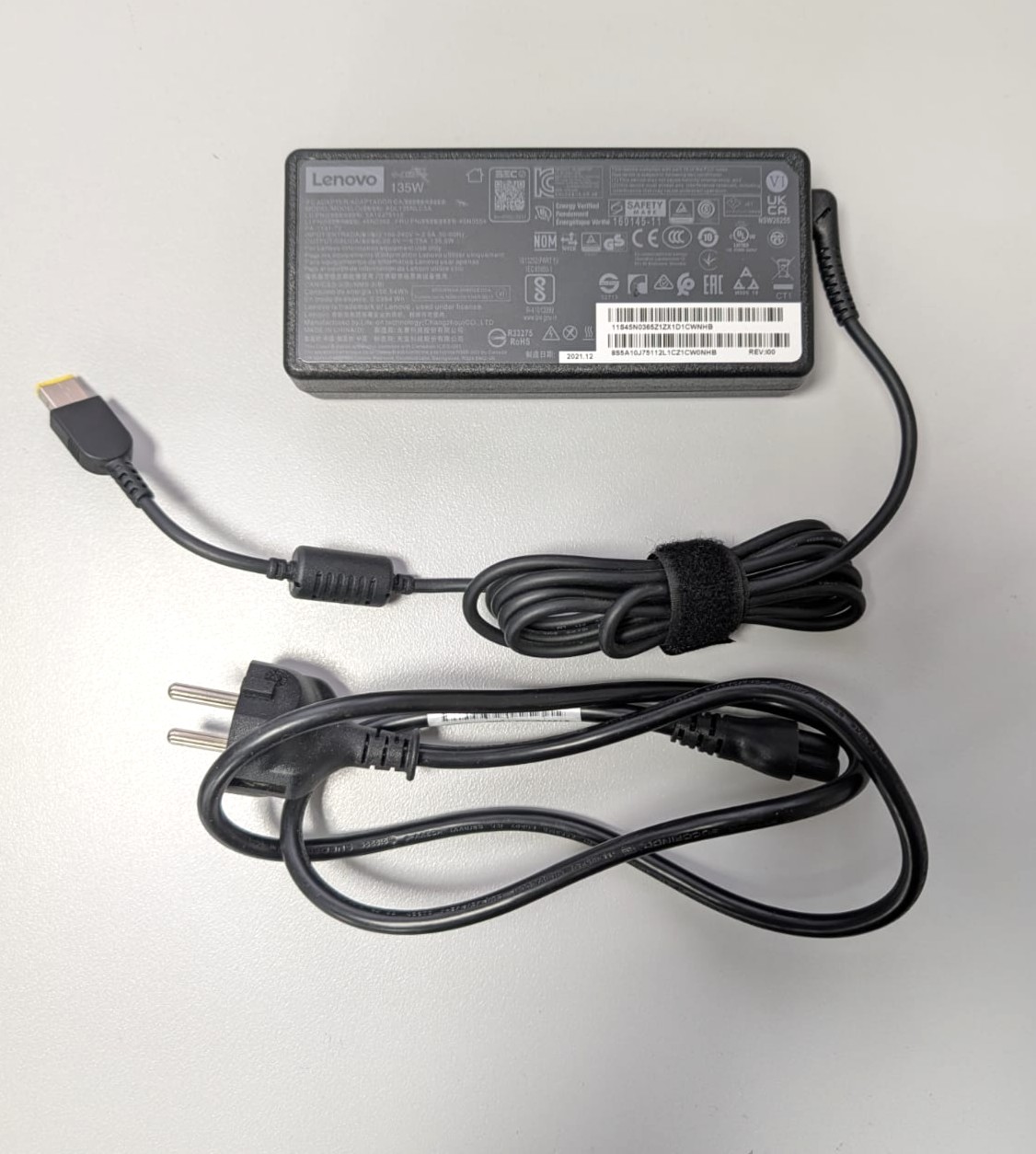 Lenovo 135W Netzteil 20V Ladegerät Charger 45N0554 00HM670 with Power Cord Kompatibilität ungeprüft
 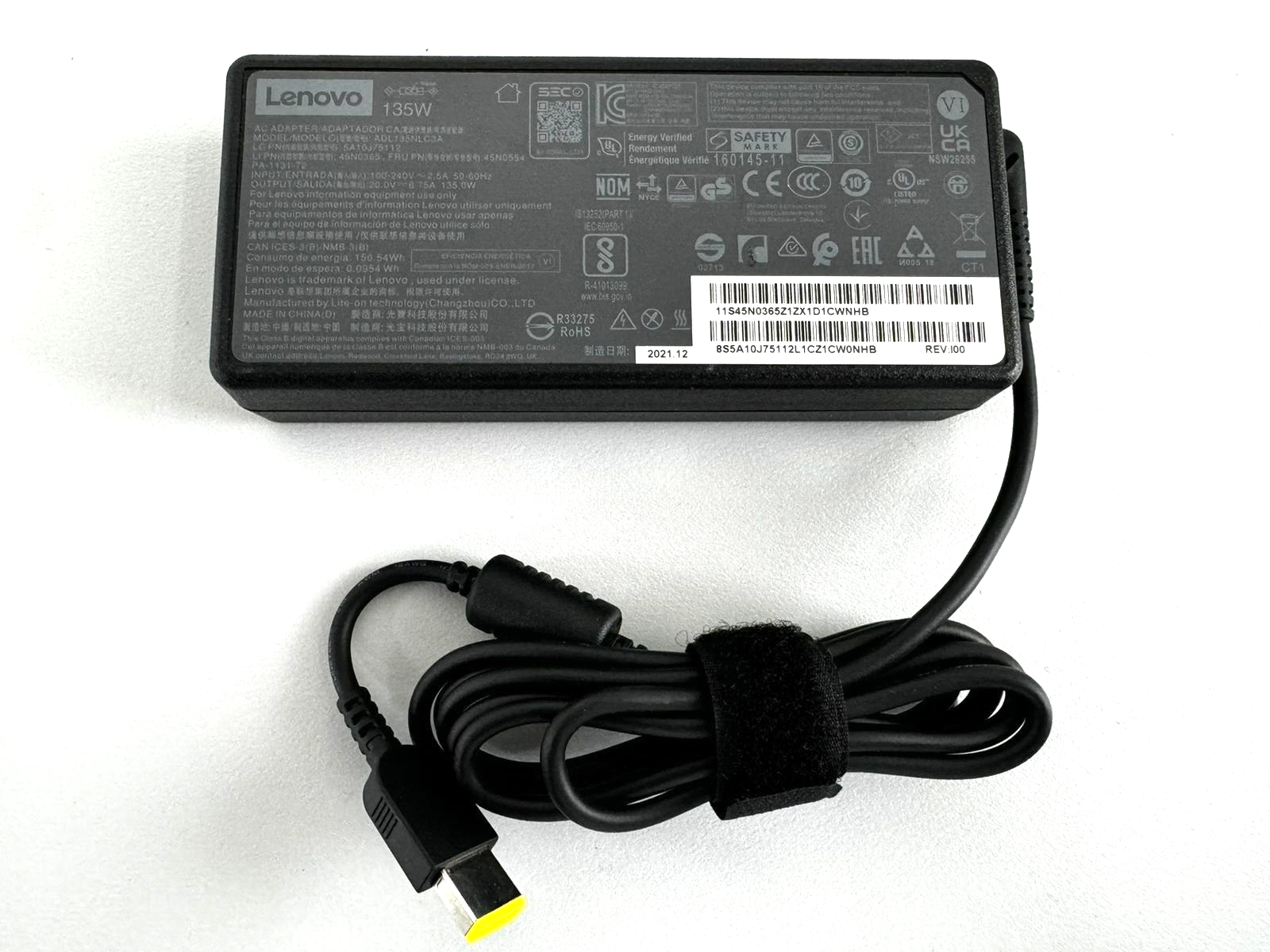 Lenovo Ladegerät Netzteil Adapter 135W 20V ADL135NDC3A 45N0554 ohne Stromkabel СКЛАД (є в продажі Kompatibilität ungeprüft