
Thermal Paste and Dust Cleaning: When It's Needed and What It Does
The cheapest and most often ignored prevention against overheating.
Why Thermal Paste is Needed
Thermal paste fills microscopic irregularities between the processor/graphics chip and the heatsink, improving heat transfer. Over time (usually 2-4 years), the paste dries out and loses effectiveness, even if the cooler is physically sound.
Symptoms Indicating a Need for Replacement
- Loud fan operation even with light tasks
- Throttling (artificial performance reduction due to overheating)
- Laptop is hot to the touch in the processor area during normal use
Dust Cleaning — A Separate but Related Procedure
Dust accumulating on fan blades and the heatsink blocks airflow regardless of the thermal paste's condition. Often, both procedures are done together because access to the chips is already open during cleaning.
Common Customer Mistakes
- "The laptop is new — the thermal paste must still be good" — the condition of the paste depends not only on age but also on operating conditions (heat, humidity, load).
- "I'll clean it myself with a cotton swab from the outside" — effective cleaning requires disassembling the case down to the heatsink; external cleaning of ventilation openings only provides partial improvement.
How to Order Service from Us
The cleaning and thermal paste replacement service is available as a standalone item or as part of other repairs — please specify your laptop model when contacting us.
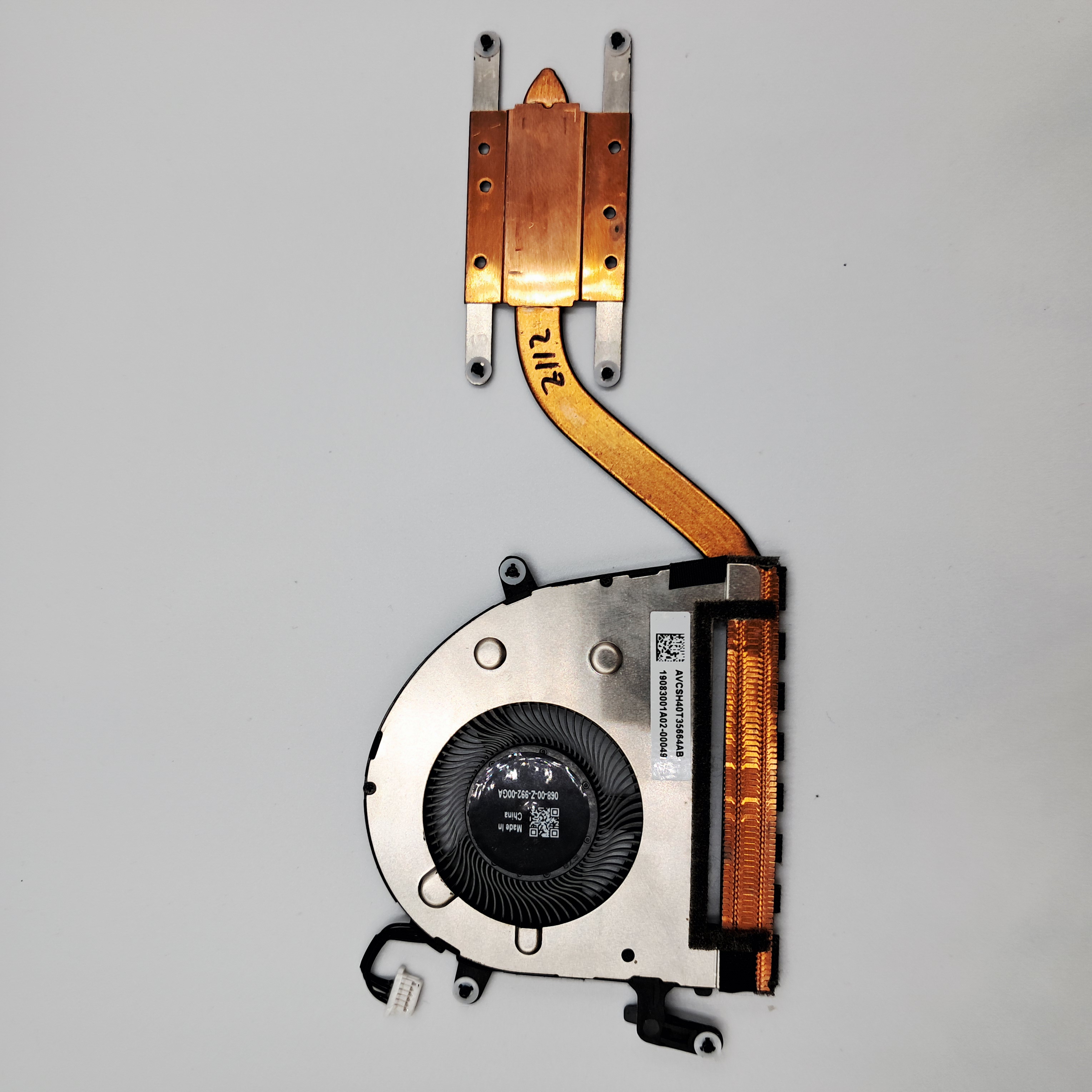 Lenovo ThinkPad X390 Yoga CPU Lüfter Kühlkörper 01YU961 01YU962 DLTSH40T35665AA Kompatibilität ungeprüft
  DELL Latitude 5430 Lüfter Kühler FAN 0HX40M Kompatibilität ungeprüft
  Lenovo ThinkPad E14 Gen1 Original Cooling Fan Heatpipe / Lüfter 5H40S72907 Kompatibilität ungeprüft
  HP EliteBook 840 G3 Lüfter NS65C00-14M16 6043B0178501 Kompatibilität ungeprüft