
I/O Board: what the connector board actually does
A small additional board, often hidden behind a "motherboard" failure.
What is an I/O Board
An I/O Board (input-output board) is an additional small board connected to the main motherboard by a ribbon cable, which usually contains additional connectors (USB, audio, card reader) or, in some models, the DC-Jack itself.
Why this is important for diagnostics
A malfunction that a customer describes as "USB port not working" or "no sound through the headphone jack" often turns out to be an I/O Board issue, rather than a problem with the main motherboard – and in such cases, the repair is significantly cheaper.
Not all models have a separate I/O Board
In compact models, all connectors may be directly on the motherboard without an external I/O Board – the presence of this component depends on the specific design of the model.
Typical customer misconceptions
- "USB isn't working – the motherboard needs to be replaced" – if there's a separate I/O Board, often only it needs to be replaced.
- "All connectors are on one board, that's normal" – this depends solely on the design of the specific model and is not a universal rule.
How we diagnose the problem
Describe which specific connector is not working and the laptop model – we will tell you whether it's an I/O Board or the main board.
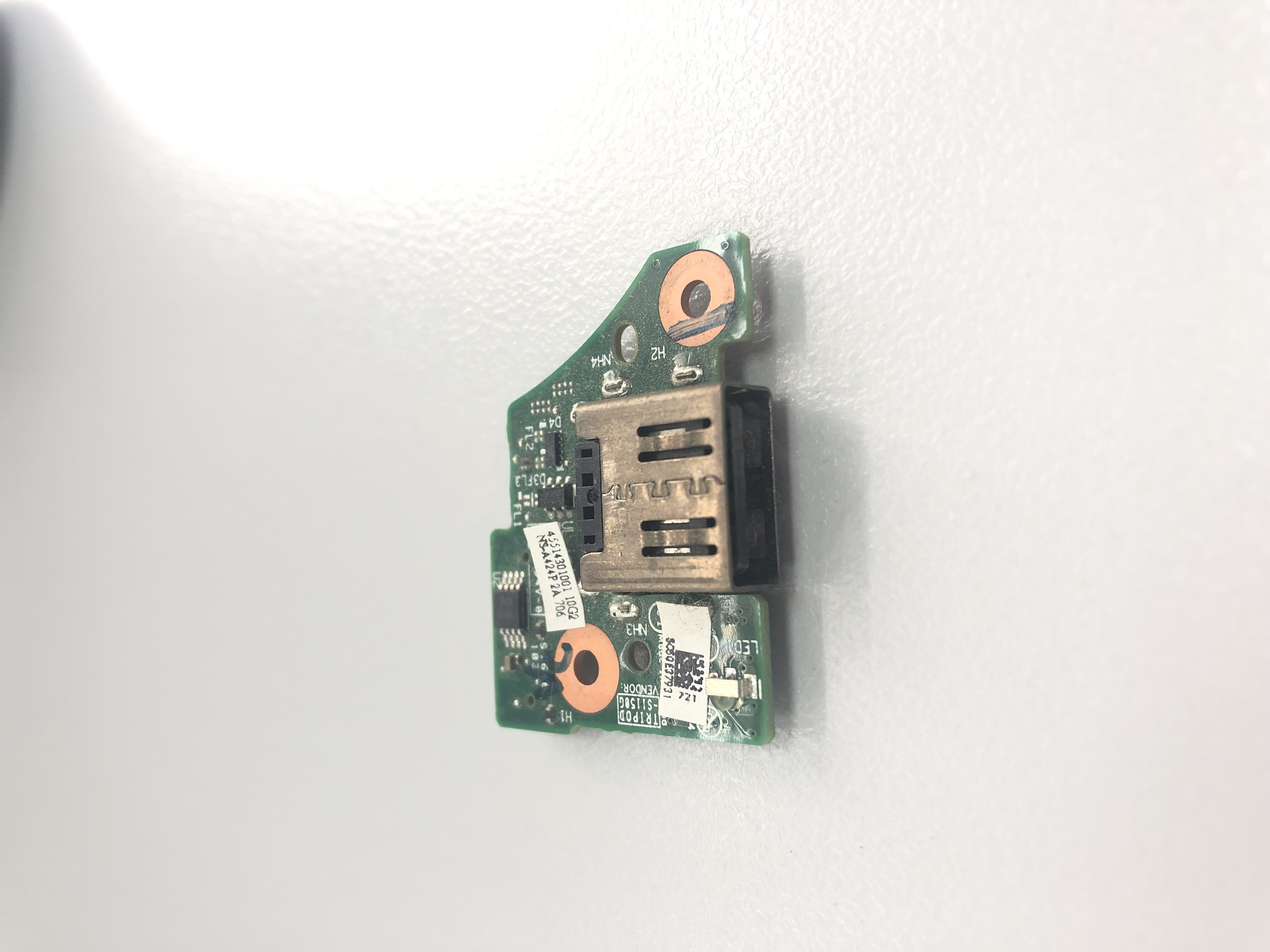 Lenovo ThinkPad T460s T470s USB Port Board NS-B083P2A NS-A424P2A Kompatibilität ungeprüft
  Lenovo ThinkPad T480 Original Power Button Board mit Cable NS-B501 Kompatibilität ungeprüft
  Lenovo Fingerabdruck Lesegerät Fingerprint Reader SC50F54350 SC50F54349 Kompatibilität ungeprüft
 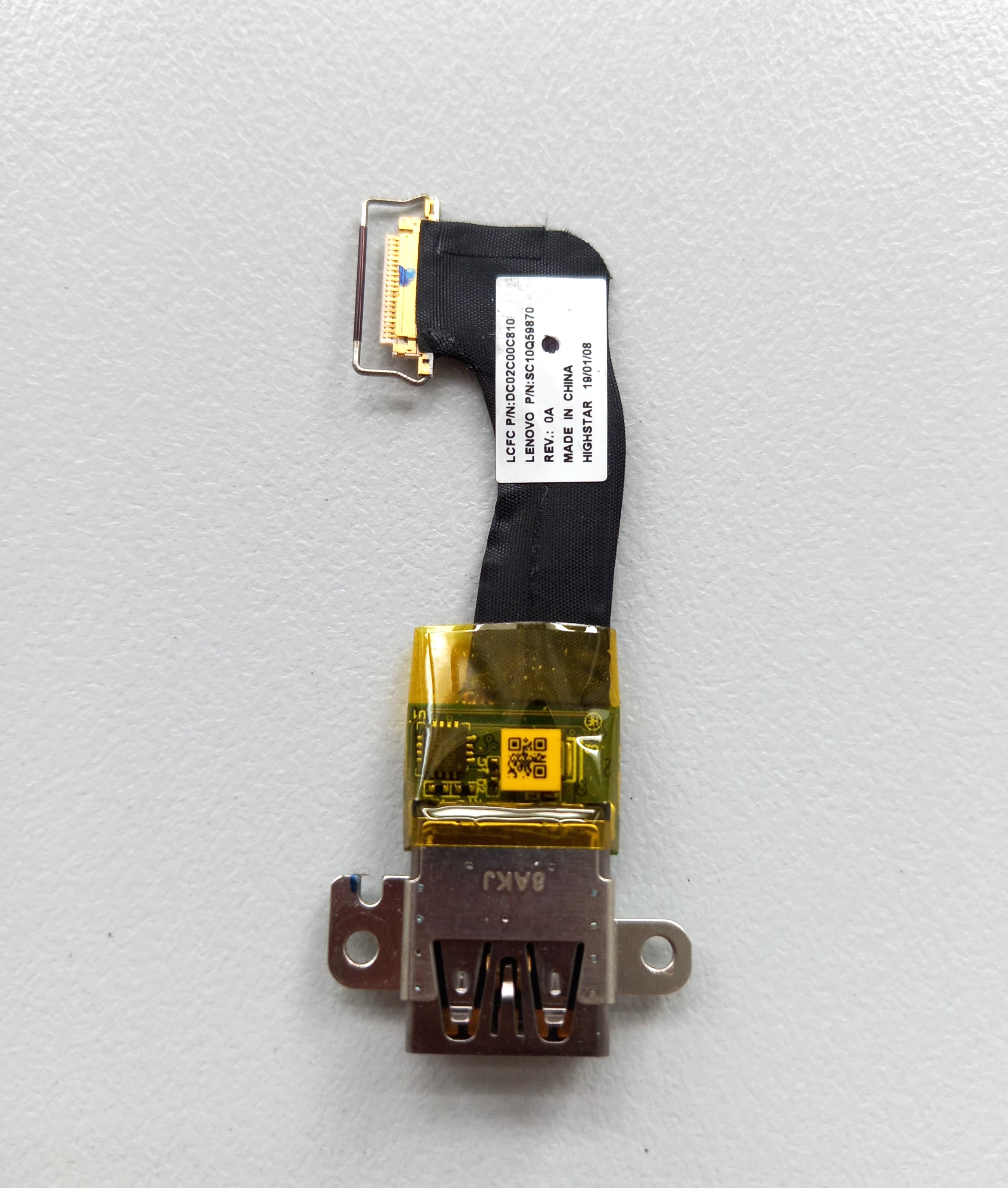 Lenovo ThinkPad X1 Carbon 6th USB Platine mit Kabel SC10Q59870 DC02C00C810 Kompatibilität ungeprüft