
Motherboards: Socket, Chipset, BIOS Region
The motherboard is the most complex component for compatibility matching. What to check before buying.
Why a motherboard is not "one size fits all" for a model
A single laptop model, over its lifecycle, may have been released with different processors (soldered BGA or socketed), different chipsets, and different BIOS regions (a board with a BIOS for a different market may have limitations – for example, blocking Wi-Fi modules from other manufacturers). Therefore, two boards "for the same model" may be incompatible with each other, even if the connector layout looks identical.
What to check before buying a board
- Exact Part Number of the board (not the laptop model!) – usually printed on the board itself.
- Processor – if it's soldered, the board and processor are one inseparable component.
- Compatibility with the existing chassis – mounting holes and connector locations must match the cutouts in the chassis.
BIOS whitelist – a hidden trap
On some models (often Lenovo ThinkPad, HP), the board's BIOS checks if the installed Wi-Fi/Bluetooth module is on the manufacturer's allowed list. Even a technically compatible network card from a different manufacturer can lead to a boot error.
Typical customer mistakes
- "A board with the same laptop model number will fit" – the laptop model encompasses several actual board variants.
- "I'll buy a cheaper board with a different processor and install my own" – on the vast majority of laptops, the processor is soldered and cannot be transferred separately from the board.
- "The BIOS is the same on all boards of this model" – regional BIOS versions can differ and affect peripheral compatibility.
How to choose a board from us
Be sure to specify the exact Part Number of the faulty board and whether the processor is soldered.
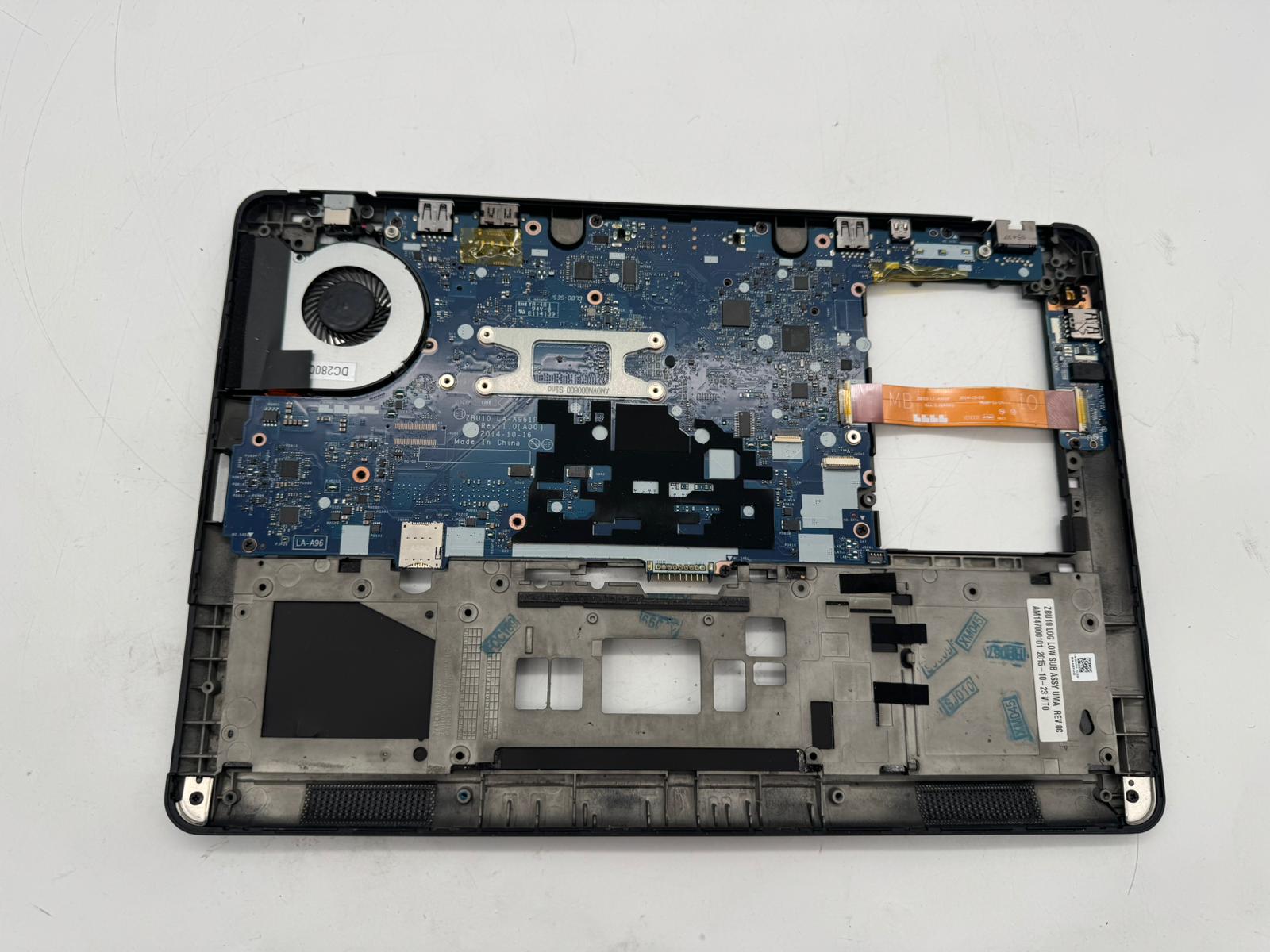 Dell Latitude E7450 Motherboard Intel Core i5-5300U LA-A961P Kompatibilität ungeprüft
  Lenovo ThinkPad E14 Gen1 i3-10110U Original Motherboard Mainboard NM-C421 Kompatibilität ungeprüft
 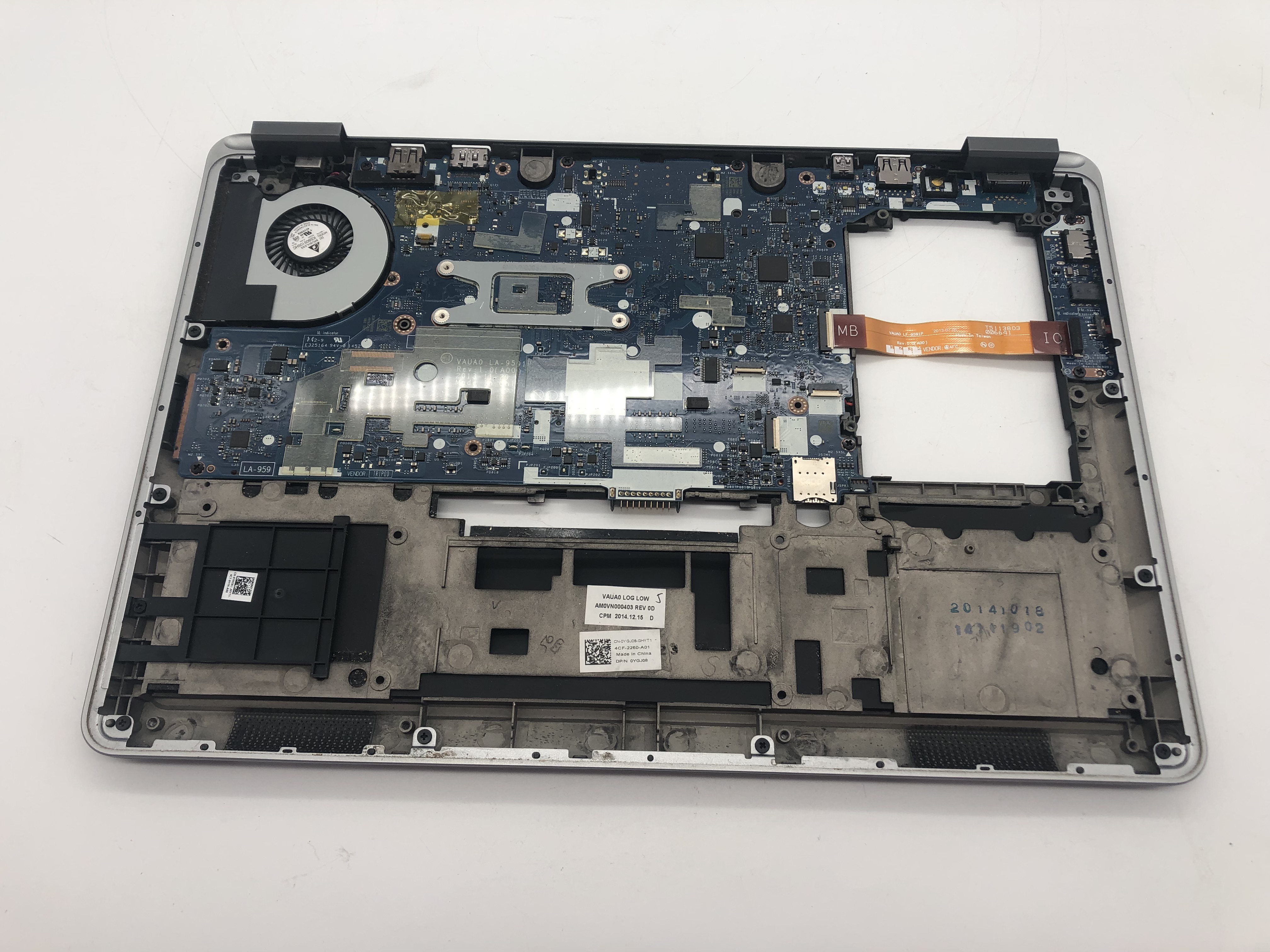 Dell Latitude E7440 Motherboard Mainboard Intel Core i5-4310U LA-9591P Kompatibilität ungeprüft
 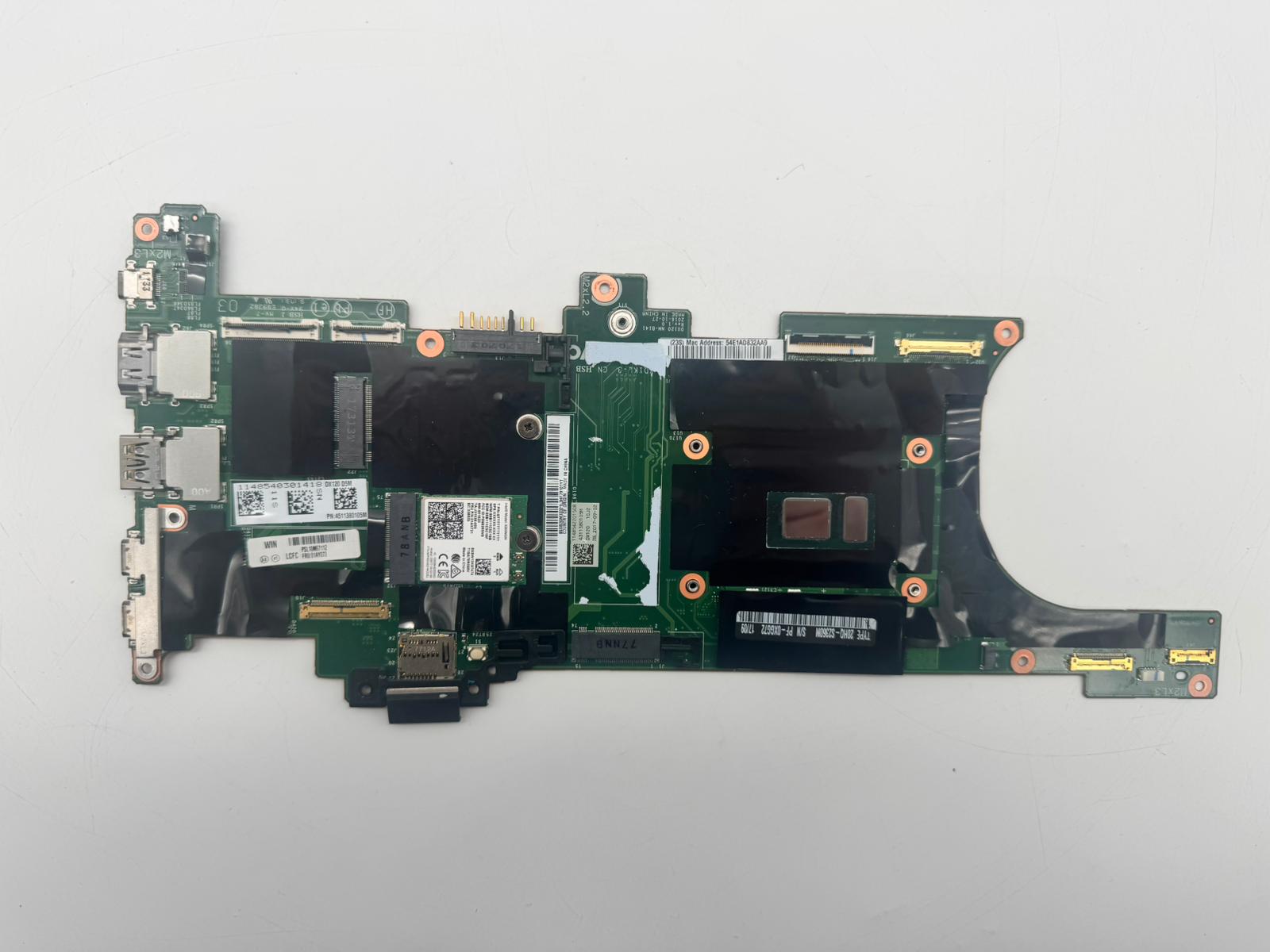 Lenovo ThinkPad X 1 Carbon G5 Motherboard Intel Core i7-7600U NM-B141 RAM 16GB Kompatibilität ungeprüft