
Optical Drives: Slim-ODD, Slot-load vs. Tray-load, Bezels
The optical drive in a laptop is a component gradually disappearing from new models, but it has its own compatibility considerations.
Slim-ODD — The Standard for Laptops
Laptop optical drives have a reduced form factor (Slim-ODD) compared to desktop drives — the thickness is usually 12.7mm or thinner (9.5mm slim). This is the first parameter that determines whether the drive will physically fit into the bay.
Slot-load vs. Tray-load
A slot-load drive accepts a disc by direct insertion into a slot, while a tray-load drive has a retractable tray mechanism. These are different mechanical designs; replacing one type with another is impossible without changing the entire mounting space in the chassis.
Bezel for the Drive Bay
If the drive is removed (for example, to install a second drive via an ODD caddy), a void remains in the chassis. A decorative bezel is selected for a specific laptop model to avoid leaving an open hole.
Typical Customer Mistakes
- "Any Slim-ODD will fit in terms of thickness" — the loading type (slot-load/tray-load) must also match.
- "A bezel is just a plastic cover, any one will do" — the mounting and size differ between models.
How to Choose a Drive or Bezel from Us
Specify the exact laptop model and the loading type of the old drive (slot-load or tray-load).
 Lenovo ThinkPad T540p DVD-Laufwerk Brenner DVD±RW 45N7647 Kompatibilität ungeprüft
 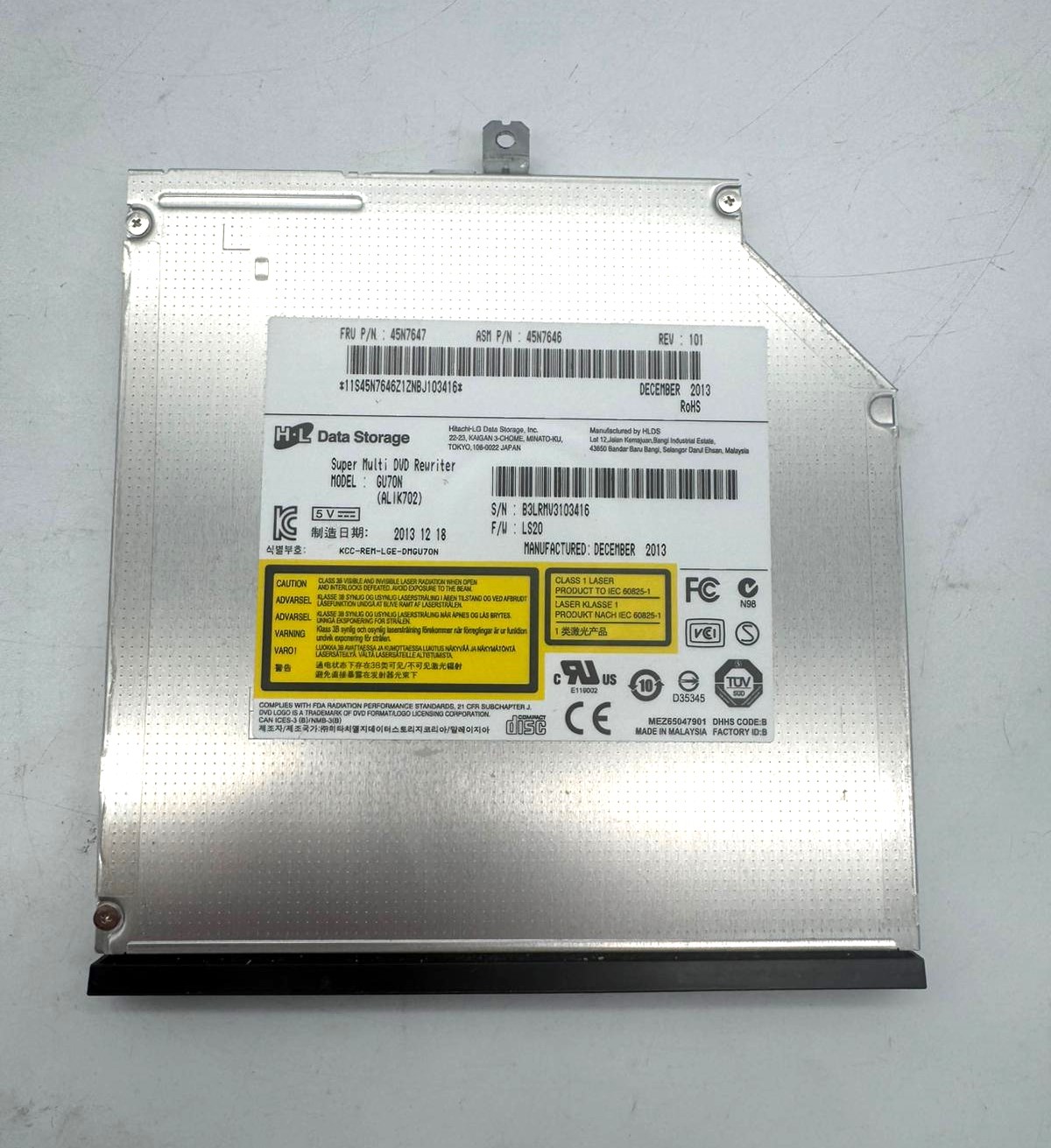 Lenovo ThinkPad T440p DVD Writer DVD-Laufwerk Brenner GU70N DVD-ROM 45N7646 MIX Kompatibilität ungeprüft
  Dell Latitude E6330 DVD Laufwerk SU-208 DVD+RW 091FGG Kompatibilität ungeprüft
 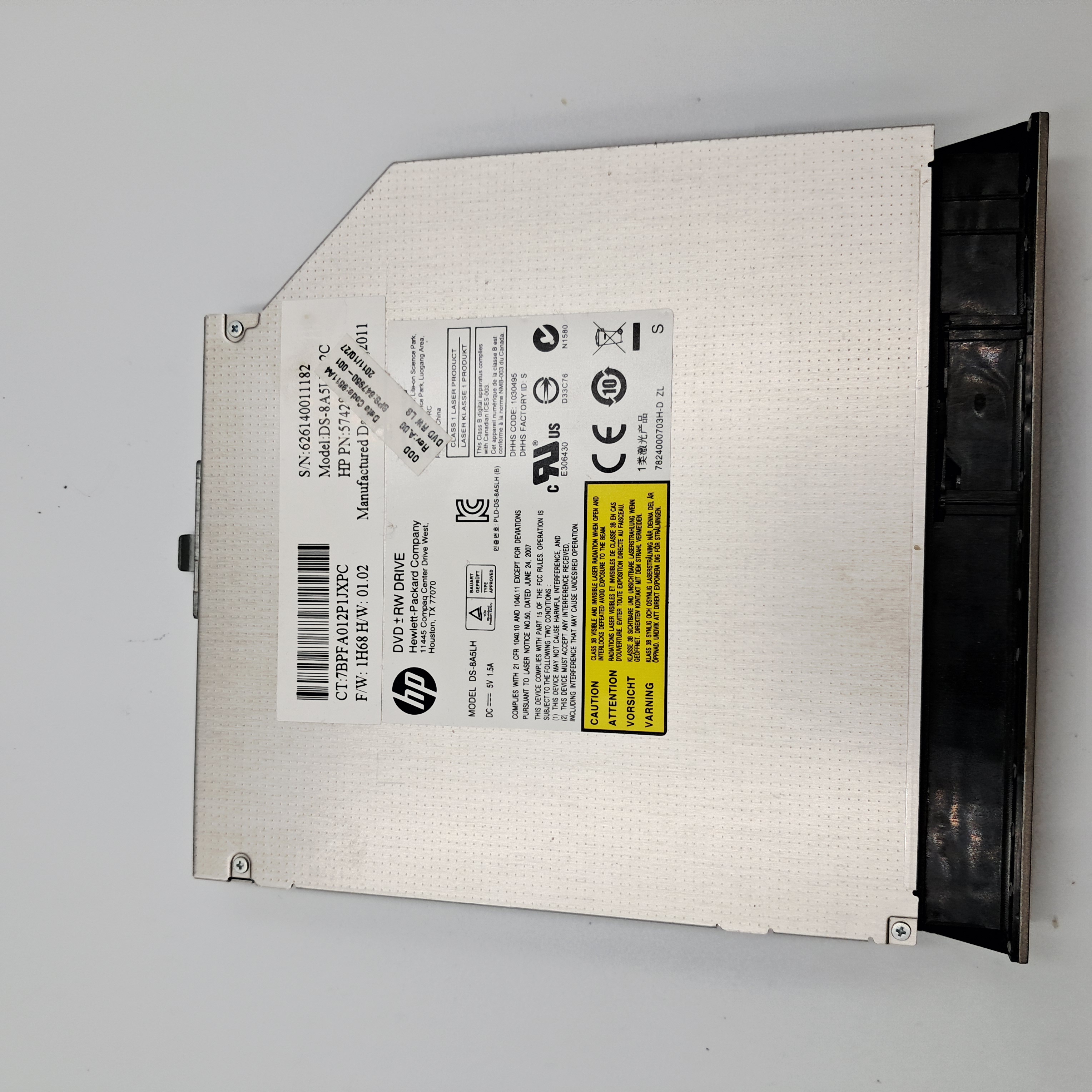 HP ProBook 4530S Serie SATA DVD RW Laufwerk C 647950-001 Kompatibilität ungeprüft