
Keyboards: Layout, Backlight, Cable Revision
Why a keyboard "for the same model" sometimes doesn't fit — and how to avoid it.
What determines keyboard compatibility
- Layout — DE (QWERTZ), US (QWERTY), UK, PL — physically different
- Backlit — backlit and non-backlit keyboards of the same model
- Cable revision — manufacturers often change the number of pins on the keyboard
- Mounting to the top case — some keyboards are integrated with the palm rest as a single
Why layout is important even if the client "doesn't care what's printed"
Some layouts (US) do not have separate keys for national symbols that are present in DE/PL. If the client actively types in a language with diacritics, this is a functional problem.
Typical customer mistakes
- "The old keyboard was non-backlit, this one is backlit — it's just better" —
- "I'll buy any keyboard for this model on the marketplace" — the laptop model
- "The keyboard doesn't work — it must be defective" — often the reason is an incompatible
How to choose a keyboard from us
Specify the exact laptop model, layout (DE/US/UK/PL), and whether backlighting is needed.
 HP EliteBook 840 G3 G4 Keyboard Tastatur QWERTZ 6037B0113904 6037B0113304 Kompatibilität ungeprüft
 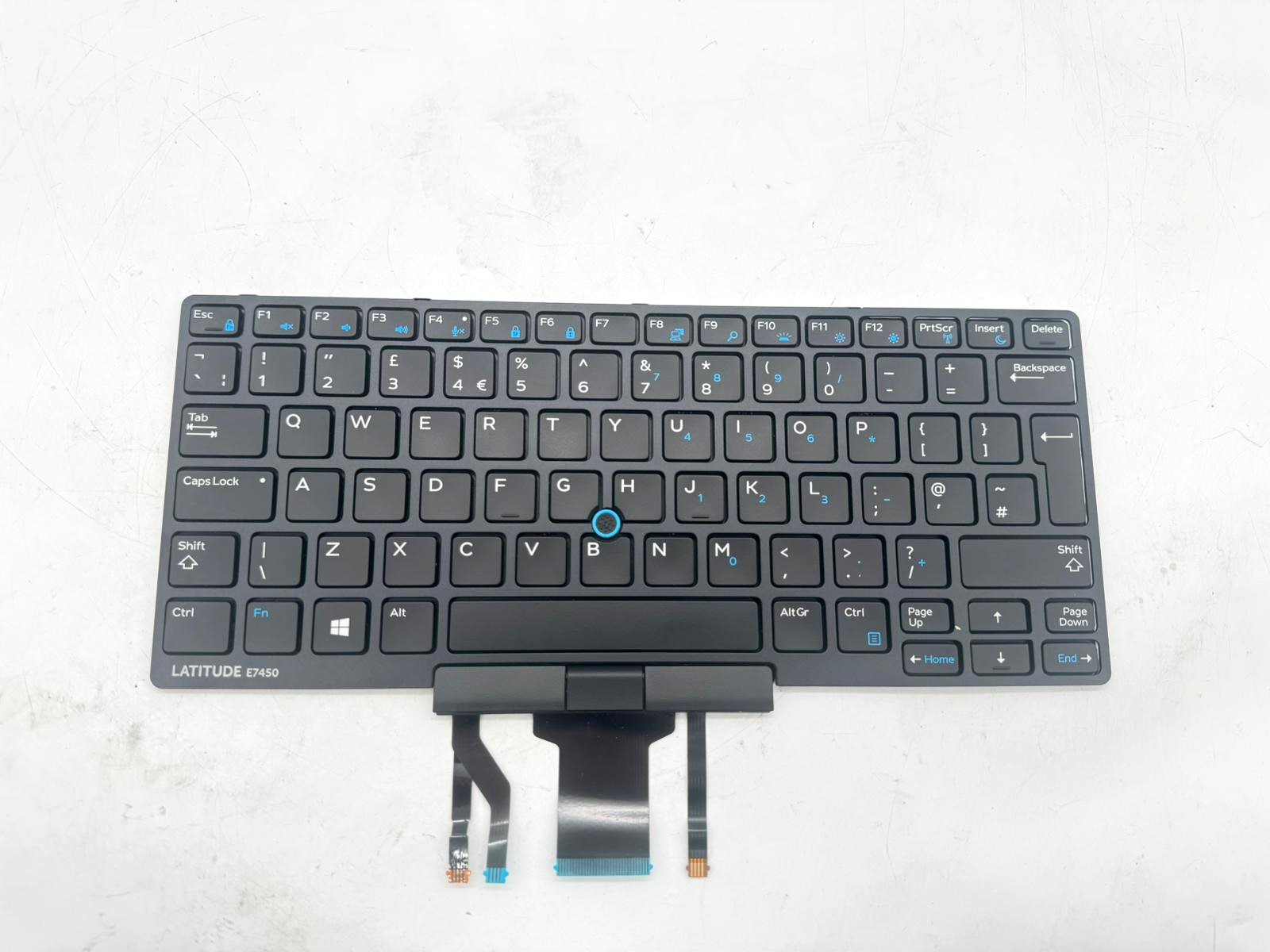 Dell Latitude E7450 Keyboard Tastatur QWERTY 0K9V28 Kompatibilität ungeprüft
  Dell Precision 3520 Tastatur Keyboard AZERTY 13P56F0J698 PK1313M3B13 0WCKVN Kompatibilität ungeprüft
 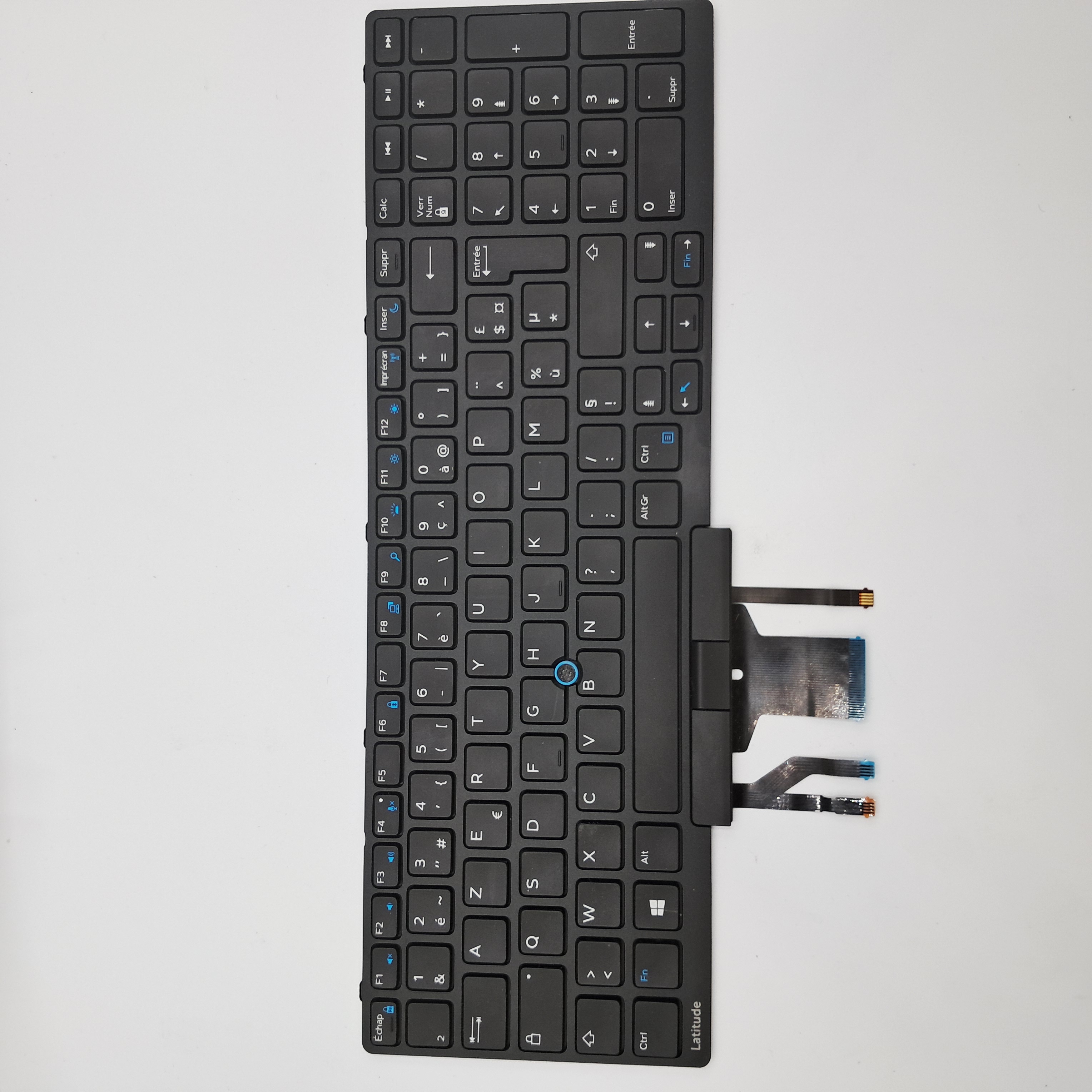 Dell Latitude E5570 Tastatur Keyboard AZERTY PK1313M1B13 0WCKVN Kompatibilität ungeprüft