
RAM: DDR3 vs. DDR3L vs. DDR4, mixing modules
The same SO-DIMM module form factor does not guarantee compatibility with your laptop.
DDR3, DDR3L, DDR4 — why they are not interchangeable
DDR3 and DDR3L have the same physical connector but different operating voltages (1.5V vs. 1.35V) — a board designed only for DDR3L may operate unstably or fail to boot with regular DDR3. DDR4 has a different physical notch in the module and will not physically fit into a DDR3/DDR3L slot.
Can you mix modules of different capacities and brands?
Technically, you can install modules of different capacities (e.g., 4GB + 8GB) — the system will operate in an asymmetrical (single-channel for part of the memory) mode. Mixing different brands usually also works, but it's more reliable to use the same frequency (MHz), otherwise all memory will adjust to the lower frequency of the two modules.
Maximum memory capacity
Each laptop model has its official limit for supported capacity — it depends on the motherboard chipset, not just the physical number of slots.
Typical customer mistakes
- "DDR3L can always be replaced with regular DDR3" — depends on whether the board is designed for a range of voltages or only for the lower one.
- "The more memory, the better; I'll install the maximum I can find" — beyond the official support limit, the board may simply not recognize part of the memory.
How to choose memory from us
Provide the exact laptop model — we will advise on the type (DDR3/DDR3L/DDR4), maximum capacity, and recommended frequency.
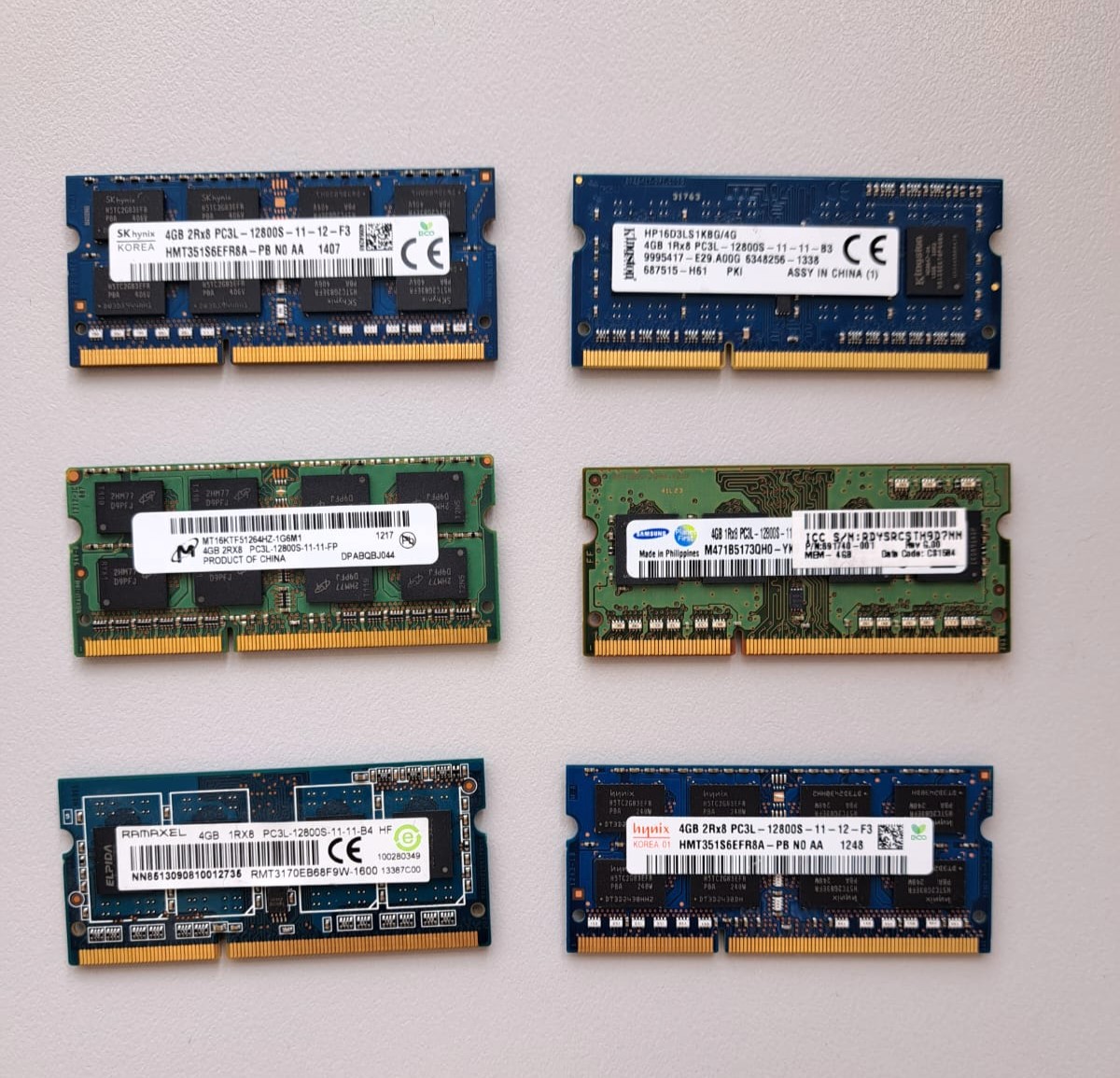 4GB RAM DDR3 SODIMM PC3L-12800S Samsung/Hynix/Ramaxel/Micron Preis pro Stück Kompatibilität ungeprüft
 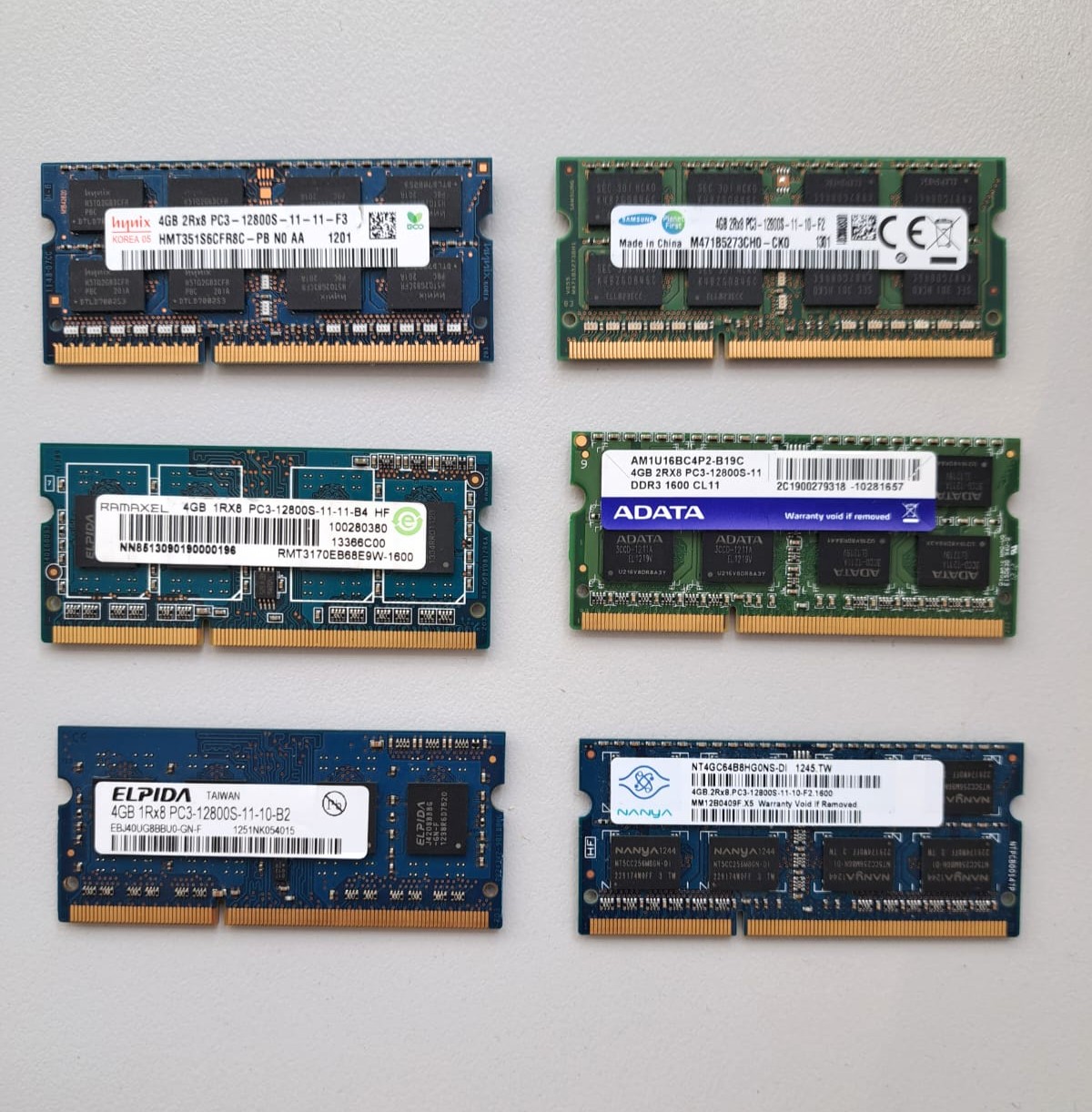 4GB RAM DDR3 SODIMM PC3-12800S Samsung/Hynix/Ramaxel/Micron Preis pro Stück Kompatibilität ungeprüft
 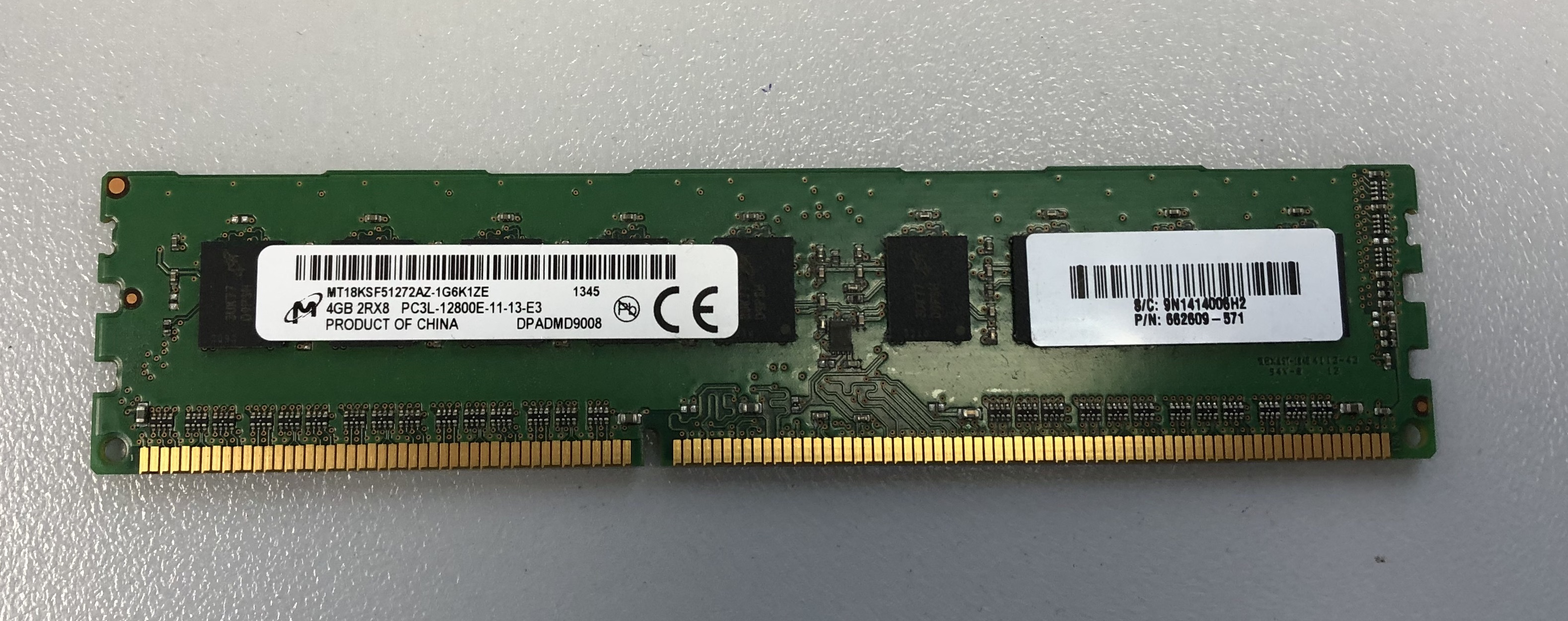 Micron 4GB 2R*8 RAM DDR3 PC3-12800E 1600MHZ MT8KSF51272AZ Kompatibilität ungeprüft 4GB RAM DDR3 PC3-12800E 1600MHZ Micron 2R*8 MT8KSF51272AZ Kompatibilität ungeprüft