
Internal Cables: Power, Wi-Fi Antenna, Battery Cable
The small cables inside a laptop that are rarely noticed—until something stops working.
Types of Internal Cables (excluding display flex cables)
- Power cable from the charging port (DC-in) to the motherboard — a separate
- Wi-Fi/Bluetooth antenna cables — connect the network card to the antennas,
- Battery cable — if the battery connects to the motherboard not directly,
Why these cables are rarely sold separately on the open market
Due to their low cost and model-specific nature, most such cables are only supplied as part of another component (for example, antennas come with the display lid to which they are glued).
Symptoms of a damaged antenna cable
Weak Wi-Fi signal, frequent disconnections, even though the network card module itself is working and drivers are updated — often the cause is a damaged or disconnected antenna cable, not the card itself.
Typical customer misconceptions
- "Wi-Fi reception is poor — I definitely need a new network card" — first,
- "I'll buy the cable separately on a marketplace" — often sold only in
How we diagnose the problem
Describe the exact symptom (e.g., "not charging," "poor Wi-Fi reception") and your laptop model — we will advise on the most likely cause.
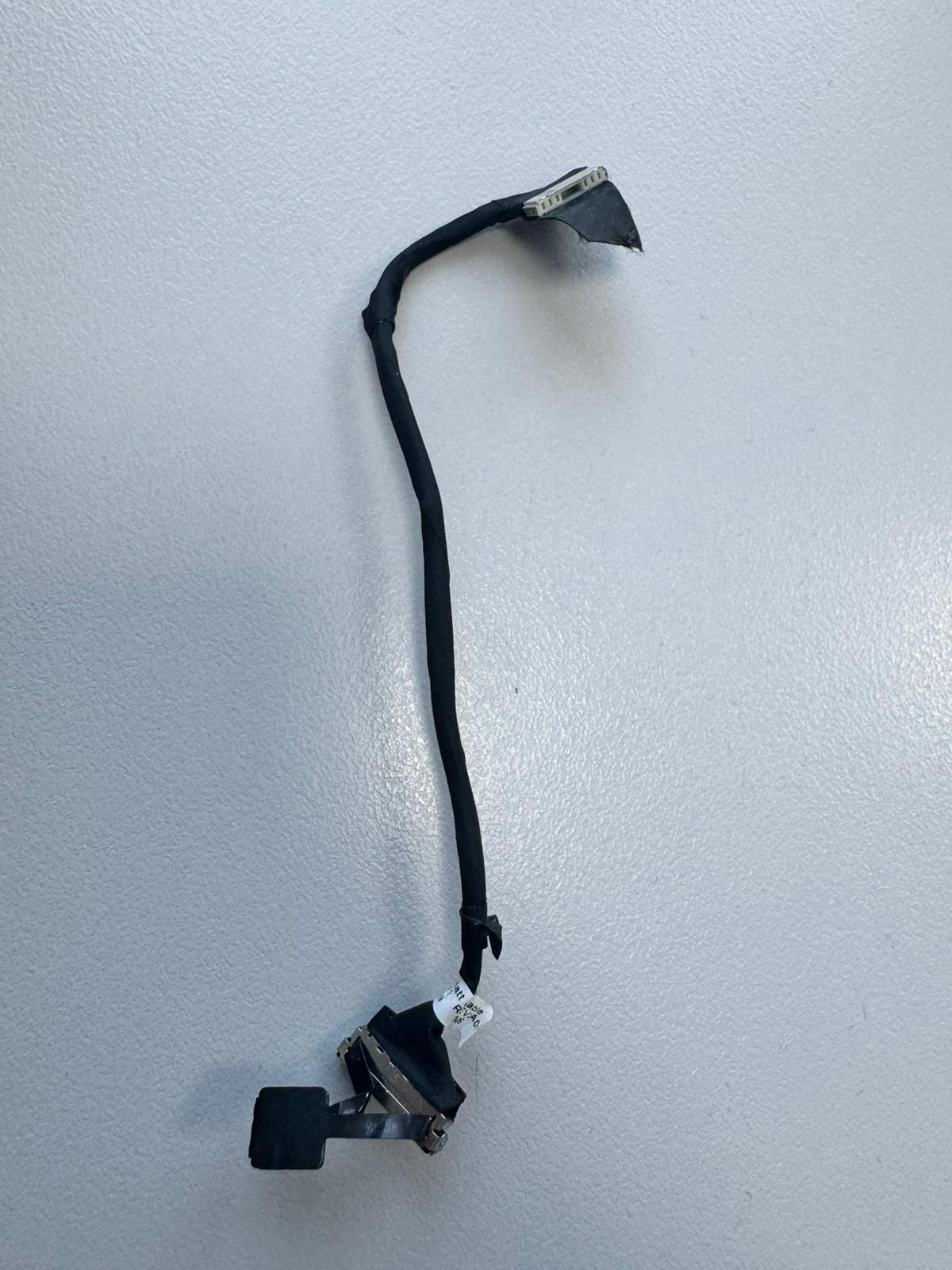 Dell Latitude 5520 Akku-Kabel 0C2NNY Kompatibilität ungeprüft
 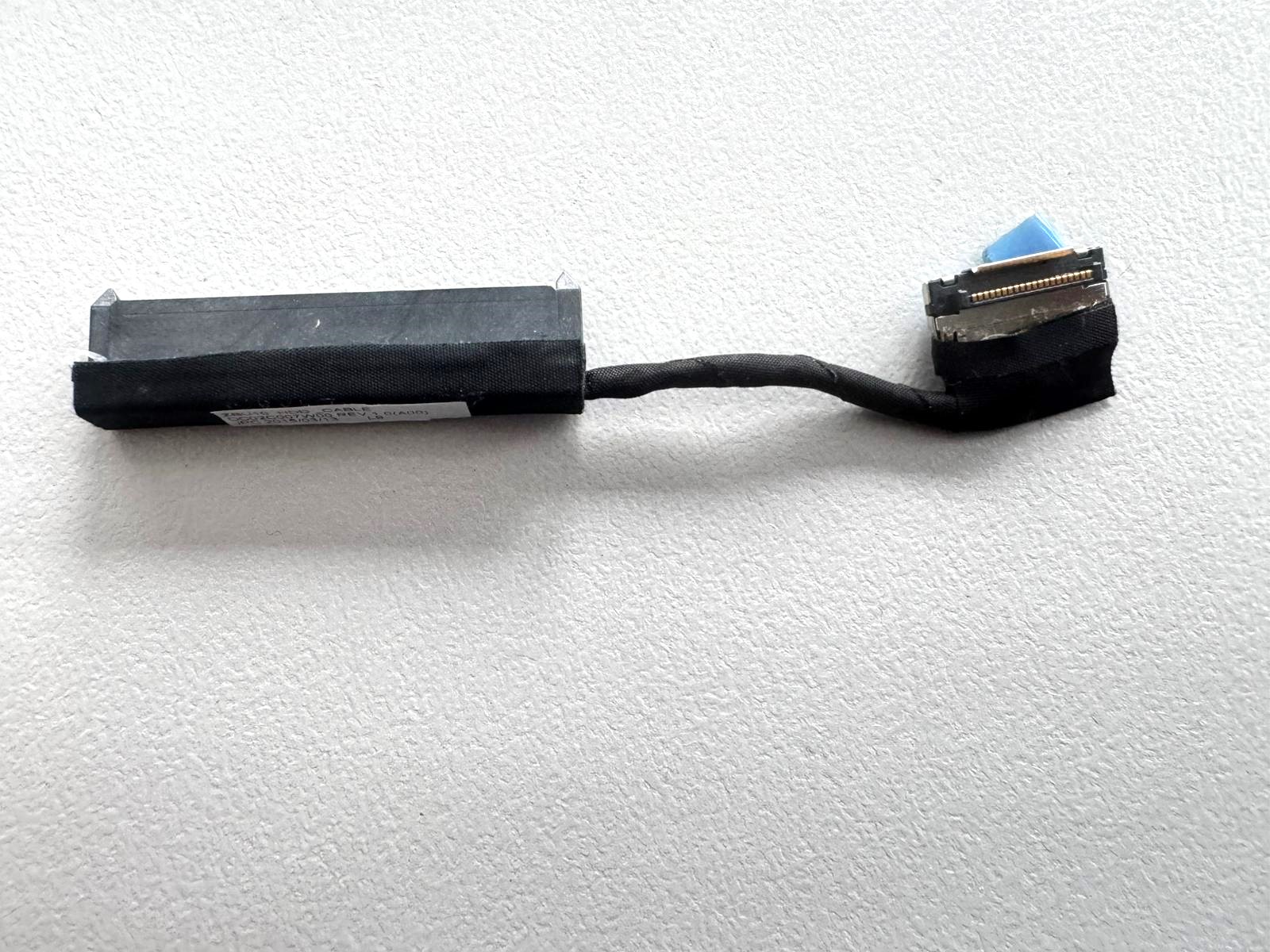 Dell Latitude E7450 HDD / SSD SATA Kabel DC02C007W00 Kompatibilität ungeprüft
 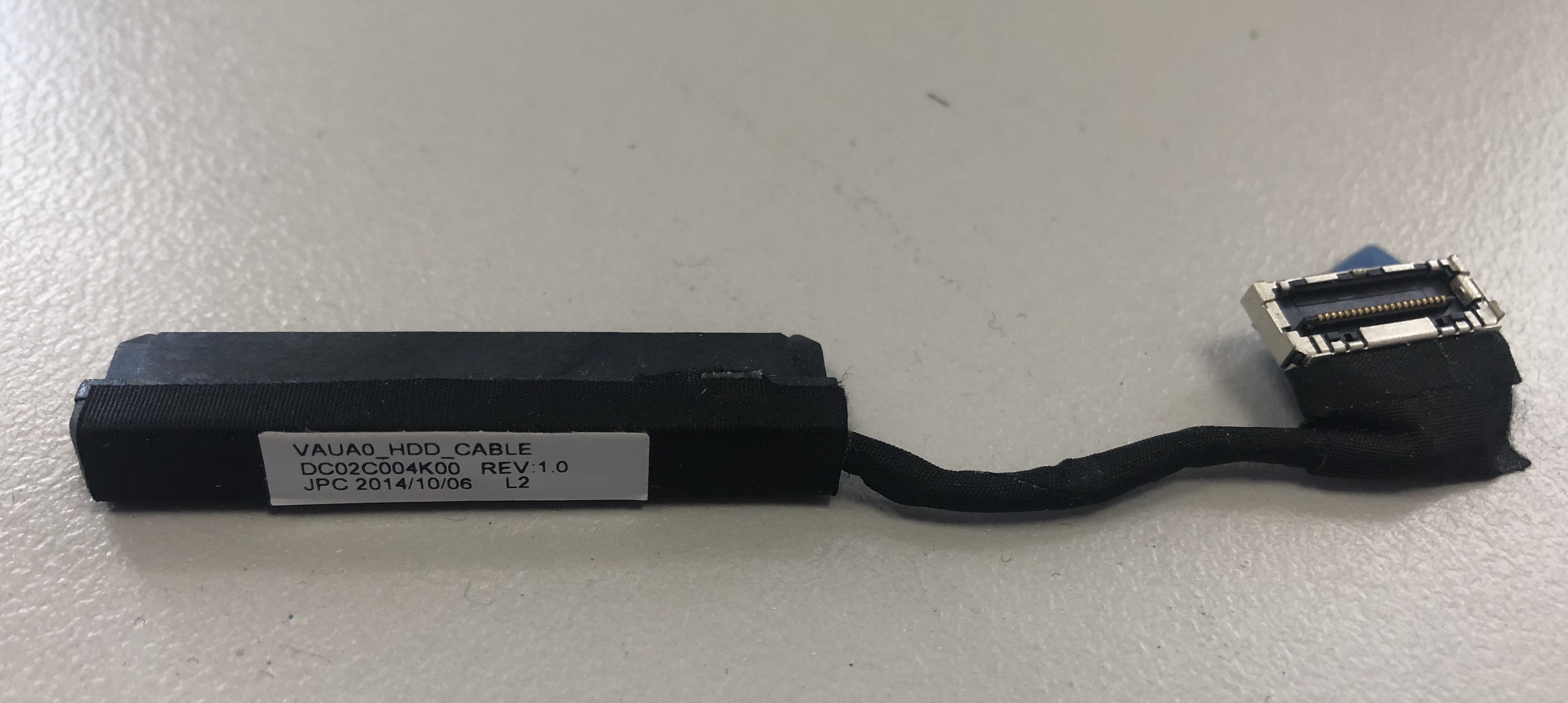 DELL Latitude E7440 HDD Cable Anschluss Adapter Kabel DC02C004K00 Kompatibilität ungeprüft
 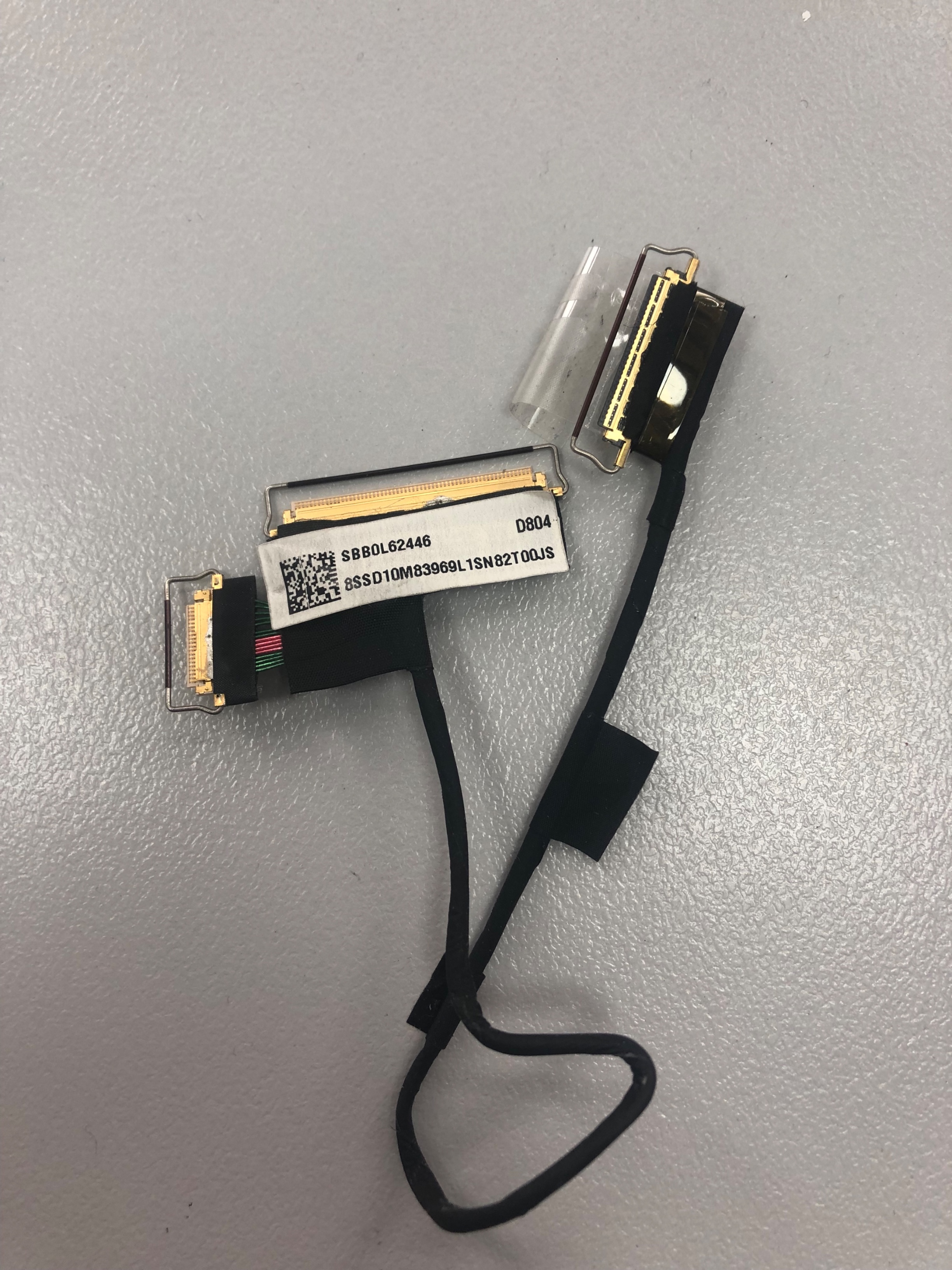 Lenovo ThinkPad T460s T470s Displaykabel Video Kabel SBB0L62446 SBB0J08711 Kompatibilität ungeprüft