
Laptop Screens: LVDS vs eDP, Resolution, Form Factor
Why you can't pick a screen "by eye" based on size — and what actually determines compatibility.
A Screen "Fits by Size" — That's a Myth
Diagonal (13.3", 14", 15.6") is only one of four parameters, and the least reliable. A screen of the same diagonal from different manufacturers or even different revisions of the same laptop may have:
- Different cable types — LVDS (older standard, thick flat cable, 30-40 pins) or eDP (thinner, fewer pins, newer models) — they are physically incompatible
- Different resolutions — HD (1366×768), Full HD (1920×1080), or higher
- Matte or glossy
- Touch or non-touch — touchscreens have an additional cable for the touchscreen controller
How to Check the Exact Screen Model
The most reliable source is the marking on the back of the screen itself (a model like N140HCE-EAA or similar). This is the actual identifier for compatibility search.
Why the Cable is a Separate Part from the Screen
The cable (flex) connecting the screen to the board often changes within the same laptop model between revisions — so the screen and cable sometimes need to be ordered separately.
Typical Customer Mistakes
- "The diagonal is the same — so it will fit" — the diagonal says nothing about the cable type or resolution.
- "I'll buy a cheaper screen with a different cable type, I'll resolder it" — LVDS and eDP are not compatible at the controller level.
- "The main thing is that an image appears at all" — a screen with an unsuitable resolution can technically show a distorted image — this is not a "working" solution.
How to Choose a Screen from Us
Most accurately — send the marking from the back of your old screen or the exact model and configuration of your laptop.
 Dell Latitude 5500 Notebook 15,6" Display Bildschirm FHD 1920*1080 Kompatibilität ungeprüft
  Dell Latitude 5500 15,6" Display Bildschirm FHD 1920*1080 Kompatibilität ungeprüft
 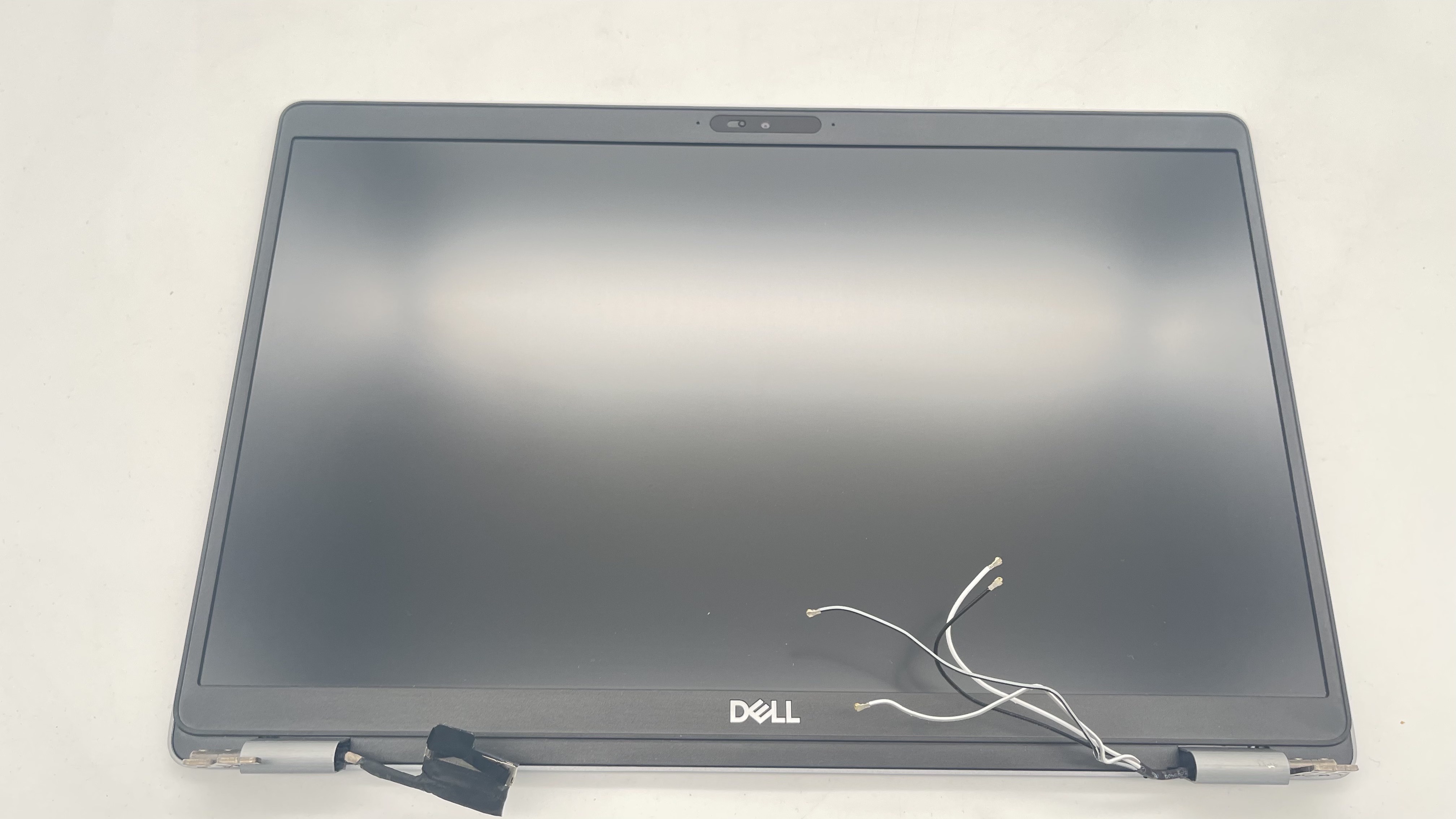 Dell Latitude 5510 15,6" Display Bildschirm FHD 1920*1080 SIM Kompatibilität ungeprüft
 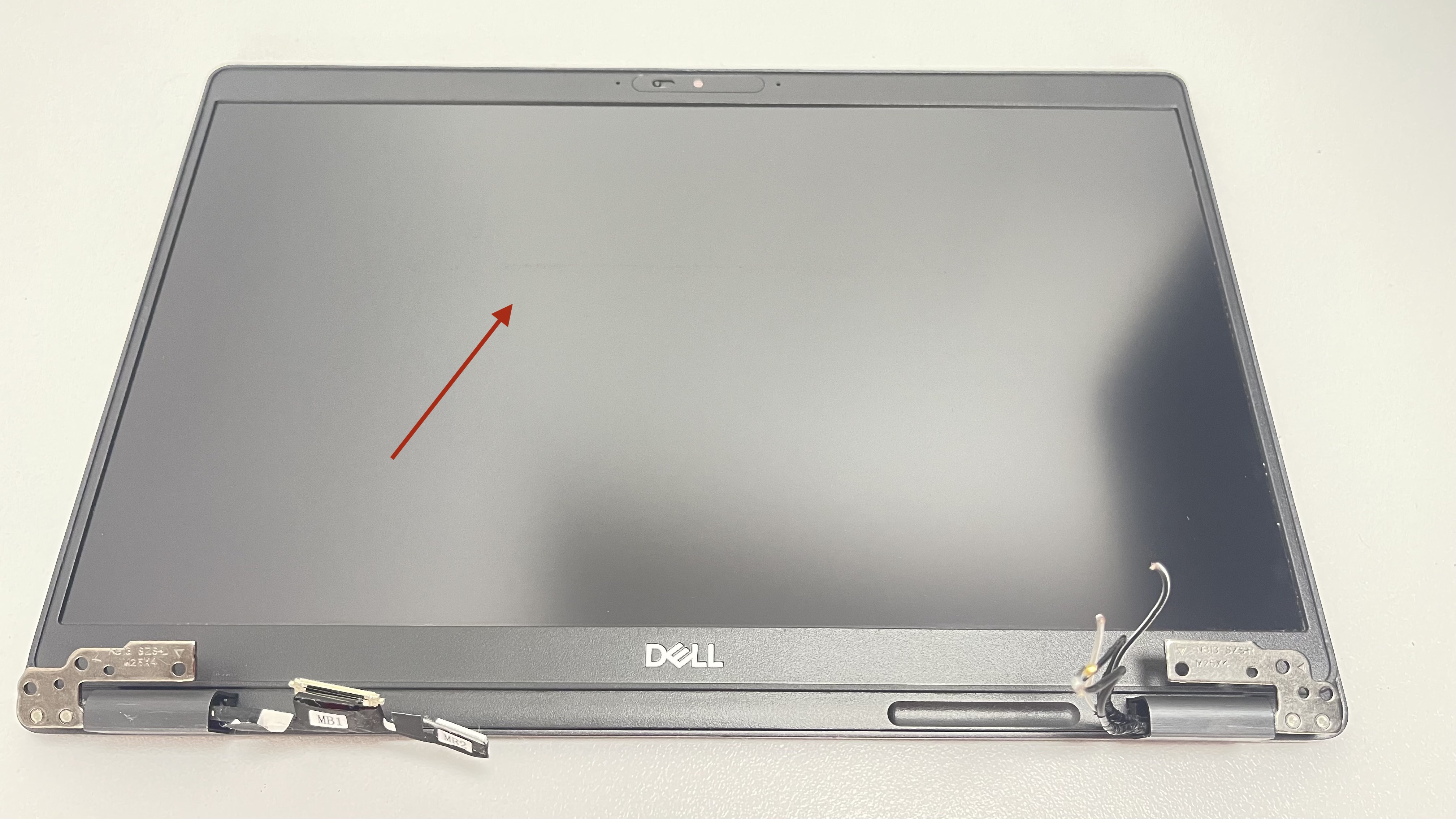 Dell Latitude 5300 13,3" FHD Display Bildschirm Original Ersatzteil Kompatibilität ungeprüft