
Display Cables: Why the Cable Is Replaced Separately from the Screen
The screen and the cable look like a single unit, but they are two different parts with different replacement logic.
Why the Cable Is a Separate Part
The cable (flex cable) that connects the screen to the motherboard is physically attached to the screen, but it is a separate part with its own part number. Manufacturers often change the cable's revision within the same laptop generation — a different number of pins, a different length, a different connector location on the board.
When the Cable Is Replaced Separately
- The screen is functional, but the image disappears when opening/closing the lid — a typical sign of a damaged cable, not the screen.
- The old screen is no longer available, but there is a repairable donor cable.
- Replacement with a screen from a different supplier with the same connector, but a shorter/longer cable.
Why You Can't Just Take "Any Cable for This Model"
One laptop model could be equipped with screens from 2-3 different panel manufacturers (e.g., LG Display and BOE) with different cable pinouts, even with the same connector on the board. The cable is selected for a specific screen, not just for the laptop model.
Typical Customer Mistakes
- "I'll buy the cable separately, it will definitely fit the new screen" — only if the new screen is from the same manufacturer and revision as the old one.
- "Image problem — definitely the screen" — flickering or loss of image specifically when moving the lid more often indicates a cable issue, not the panel itself.
How to Choose a Cable from Us
Specify the exact screen model (marking on the back) and the laptop model — the cable is selected based on both parameters simultaneously.
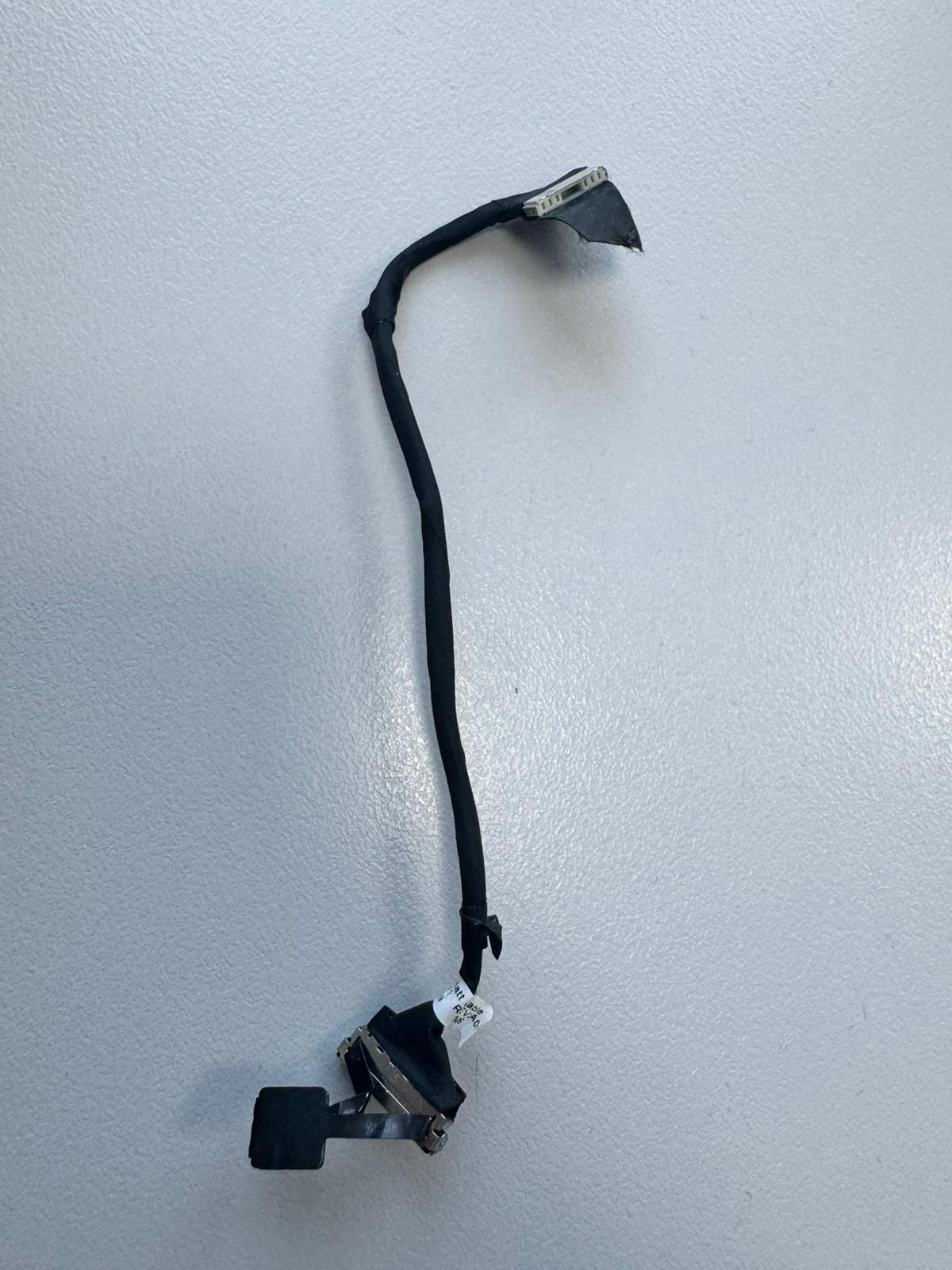 Dell Latitude 5520 Akku-Kabel 0C2NNY Kompatibilität ungeprüft
 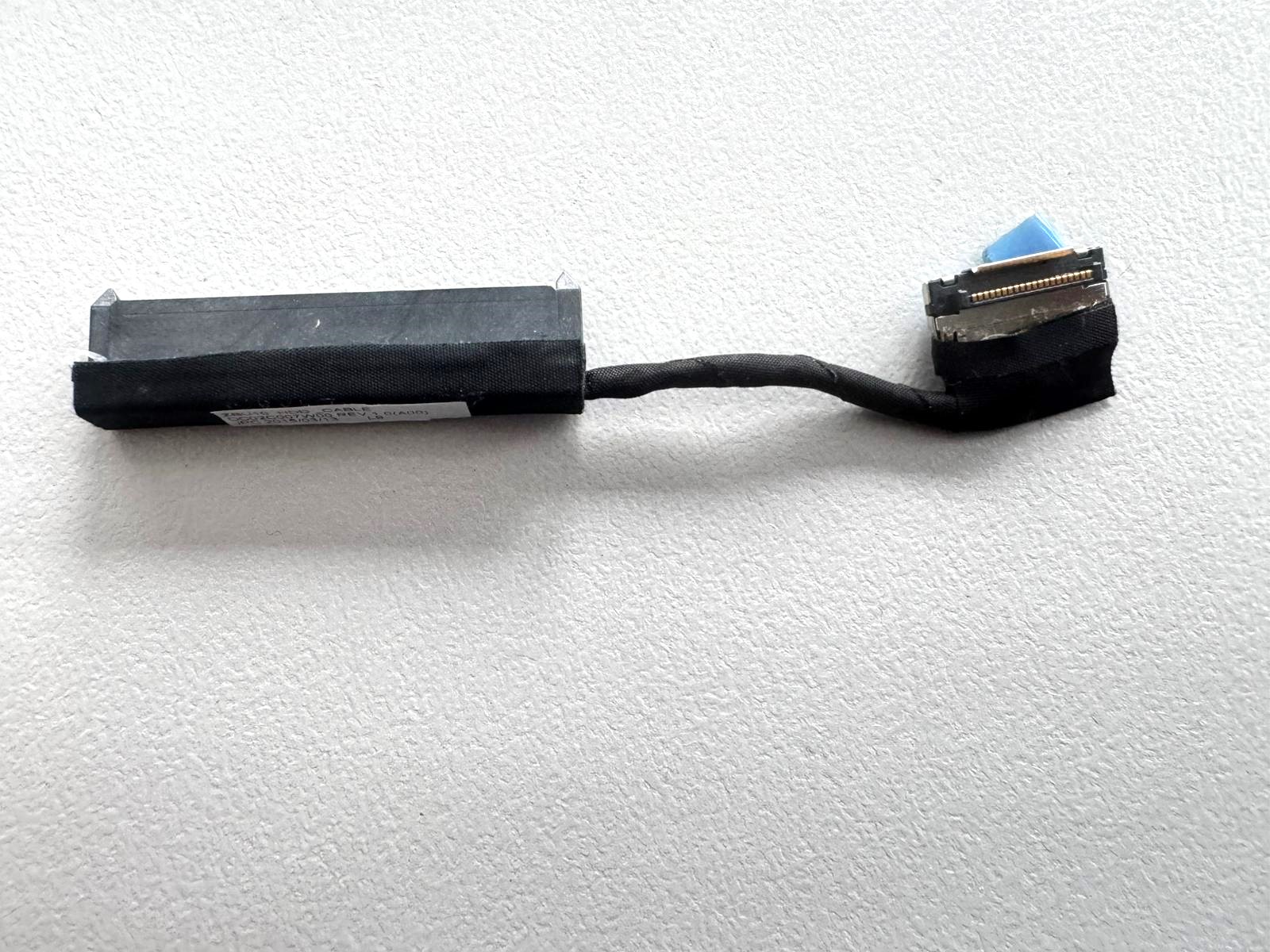 Dell Latitude E7450 HDD / SSD SATA Kabel DC02C007W00 Kompatibilität ungeprüft
 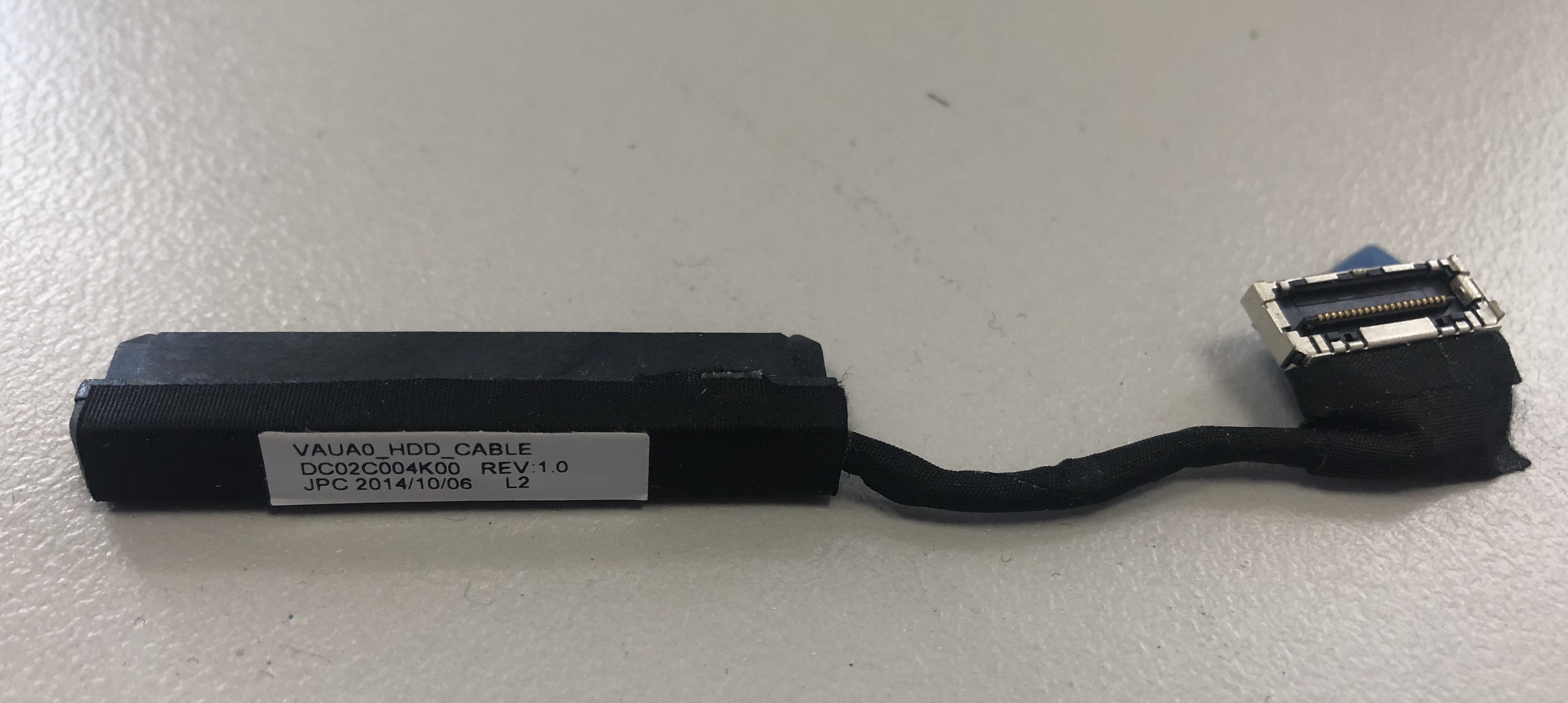 DELL Latitude E7440 HDD Cable Anschluss Adapter Kabel DC02C004K00 Kompatibilität ungeprüft
 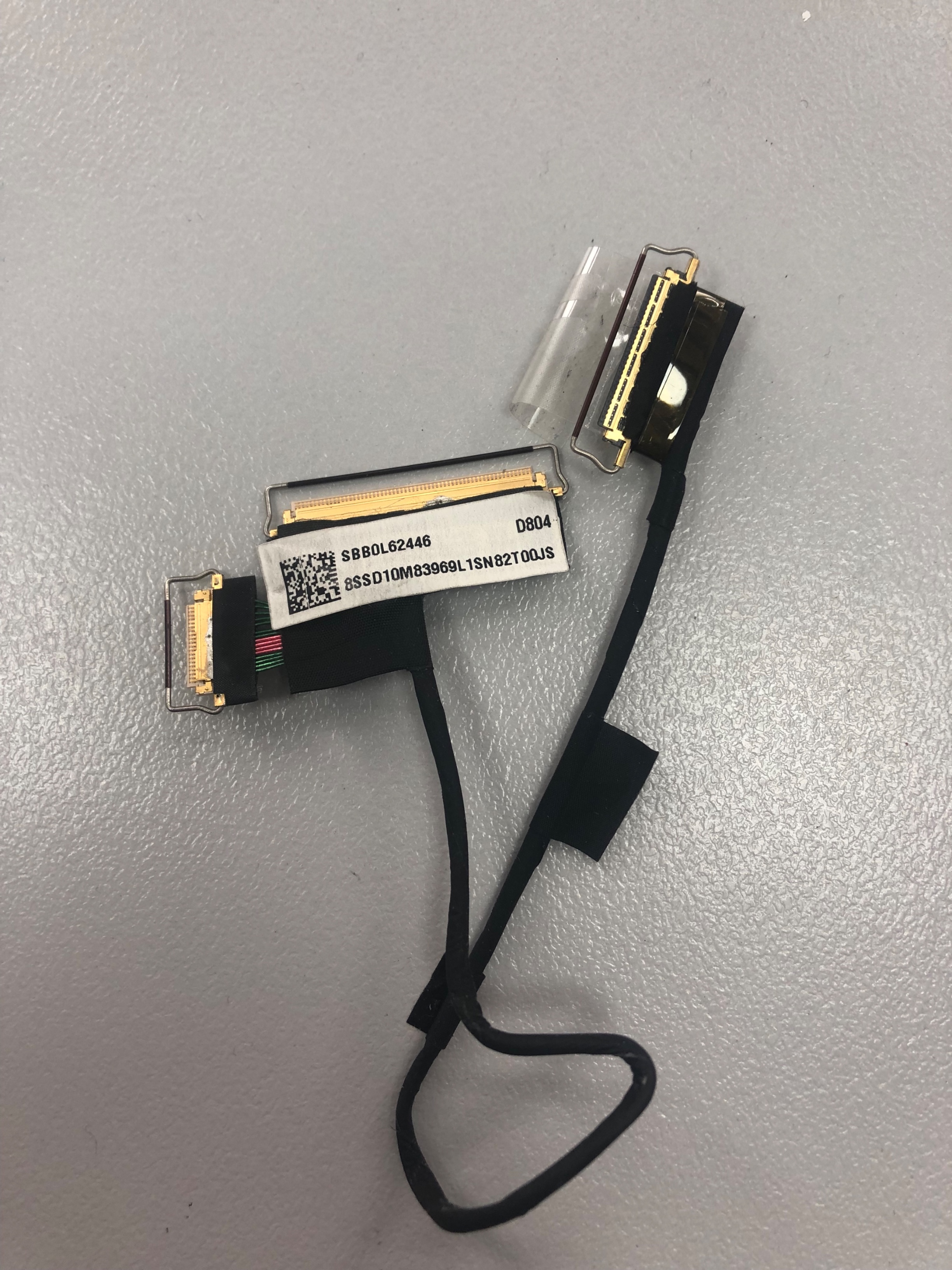 Lenovo ThinkPad T460s T470s Displaykabel Video Kabel SBB0L62446 SBB0J08711 Kompatibilität ungeprüft