
Wi-Fi/Bluetooth Modules: M.2 Key A/E, BIOS Whitelist
The network card is one of the few components where official compatibility can be intentionally limited by the manufacturer.
A-Key vs E-Key for M.2 Wi-Fi Modules
M.2 slots for network cards have a specific notch (key), different from those used for SSDs. A-Key and E-Key are the most common variants for Wi-Fi/Bluetooth modules; a specific slot will only physically accept the corresponding module type.
BIOS Whitelist — A Key Feature for This Category
On many models (especially Lenovo ThinkPads, some HPs), the motherboard's BIOS checks whether the network module is on a list of components authorized by the manufacturer. A module from another manufacturer that is technically compatible by connector might cause a boot error like "Unauthorized wireless network card detected" — and the laptop simply won't boot until the card is replaced with an authorized one.
How to Check This Feature in Advance
Before purchasing a network module, it's worth ensuring that there is no such restriction on your specific model and BIOS revision, or choose a card from the list officially supported for that model.
Typical Customer Mistakes
- "Any M.2 Wi-Fi card with the same key will fit" — physical compatibility does not account for a potential BIOS whitelist.
- "I'll buy a newer Wi-Fi 6 card for faster internet" — a newer card might not pass the BIOS check even if the physical connector matches.
How to Choose a Network Module from Us
Provide the exact laptop model — we will check for BIOS restrictions and identify which modules are definitely compatible.
 Lenovo ThinkPad Fibocom L830-EB WWAN Karte 01AX761 Kompatibilität ungeprüft
 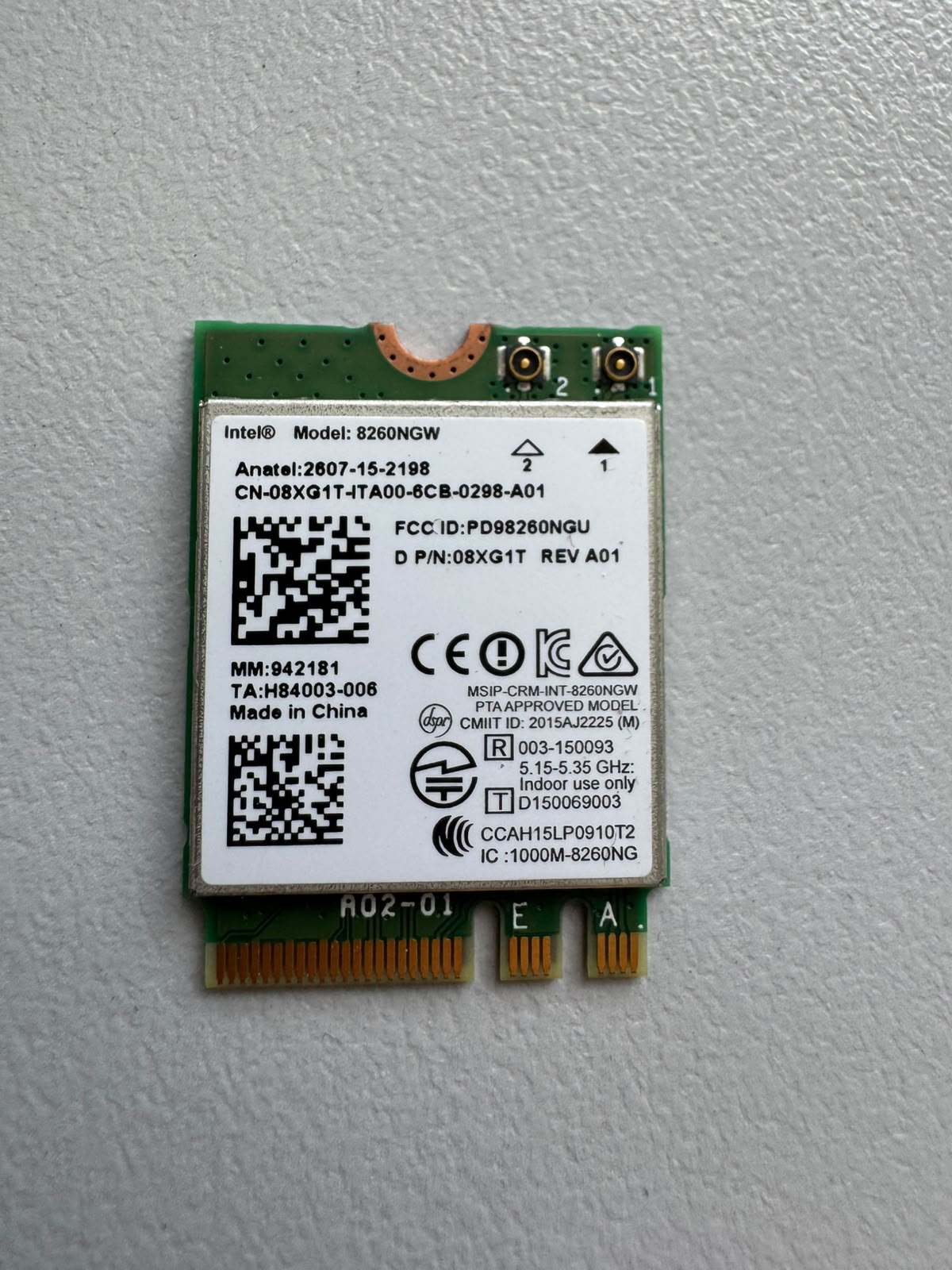 Intel OriginaI Dual Band Wireles Model 8260NGW 867Mbps M.2 08XG1T Kompatibilität ungeprüft
 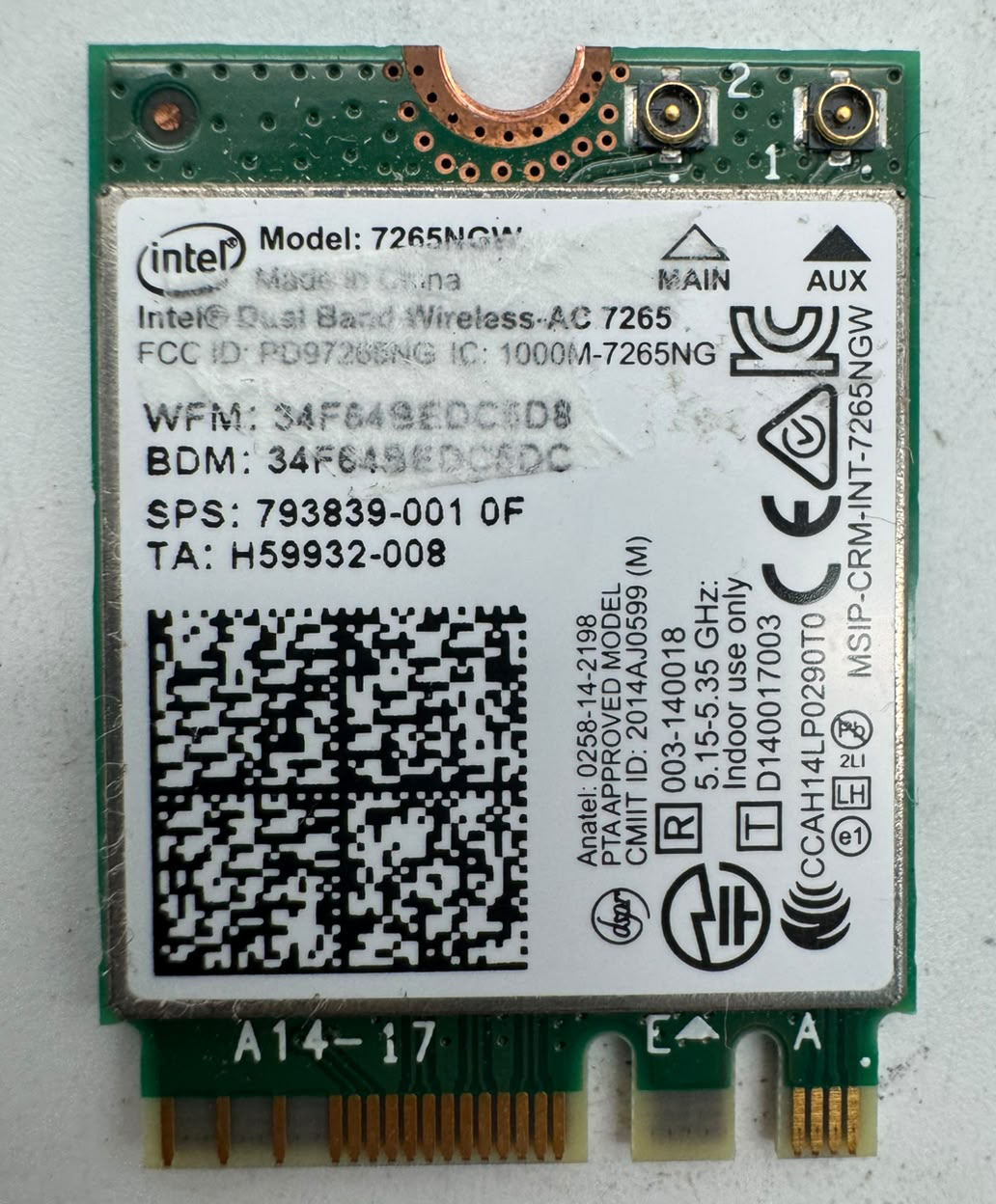 Acer Swift SF314-52 TravelMate P2410 Intel 7265NGW WLAN BT Karte M.2 793839-001 Kompatibilität ungeprüft
 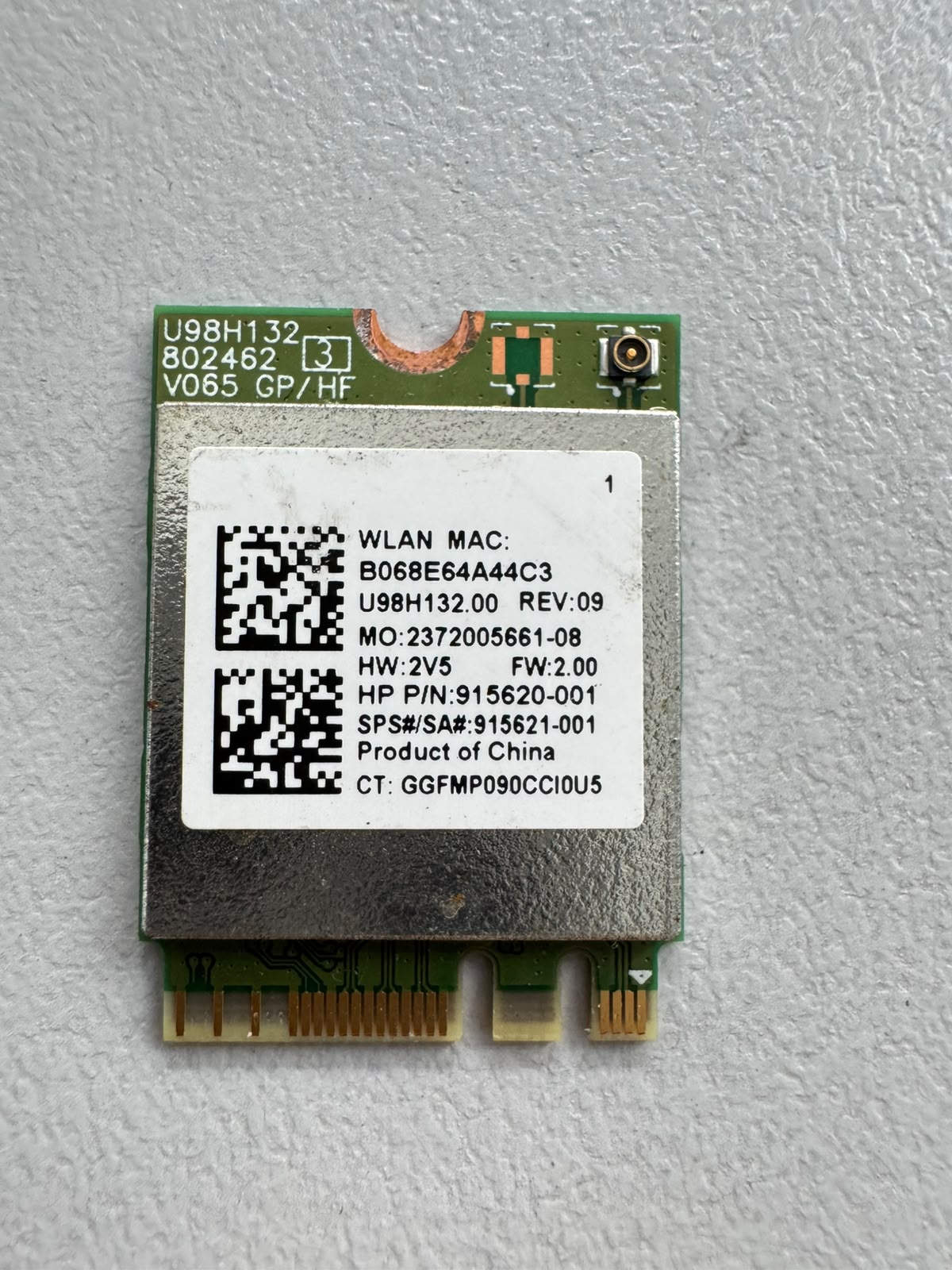 HP Laptop 17-by1645ng RTL8821 WLAN Karte 915620-001 Kompatibilität ungeprüft