
Windows 10 vs. Windows 11 on Older Hardware
Not every used business laptop officially supports Windows 11 — let's break down what that means in practice.
The Main Condition for Upgrading to Windows 11
The official requirement is the presence of TPM 2.0 and support for Secure Boot (more details in a separate article about TPM). Older processor models may not be on Microsoft's official list of supported hardware, even if they technically have sufficient performance.
Can Windows 11 be Installed on Unofficially Supported Hardware?
Technically, there are ways to bypass the compatibility check, but this means there will be no guaranteed official security updates in the future — not a recommended option for long-term use.
Performance: Is There a Difference?
For typical office tasks, the performance difference between Windows 10 and Windows 11 on the same hardware is minimal — upgrading does not provide a noticeable speed increase on its own.
When to Stick with Windows 10
If your model does not officially support Windows 11, and the support period for Windows 10 security updates has not yet ended, you can continue using it without risk, keeping an eye on Microsoft's official support timelines.
How to Check the Compatibility of a Specific Model
Microsoft's PC Health Check tool automatically checks compatibility; for newer models, this compatibility may also be indicated separately in the product specifications on Lapto.de.
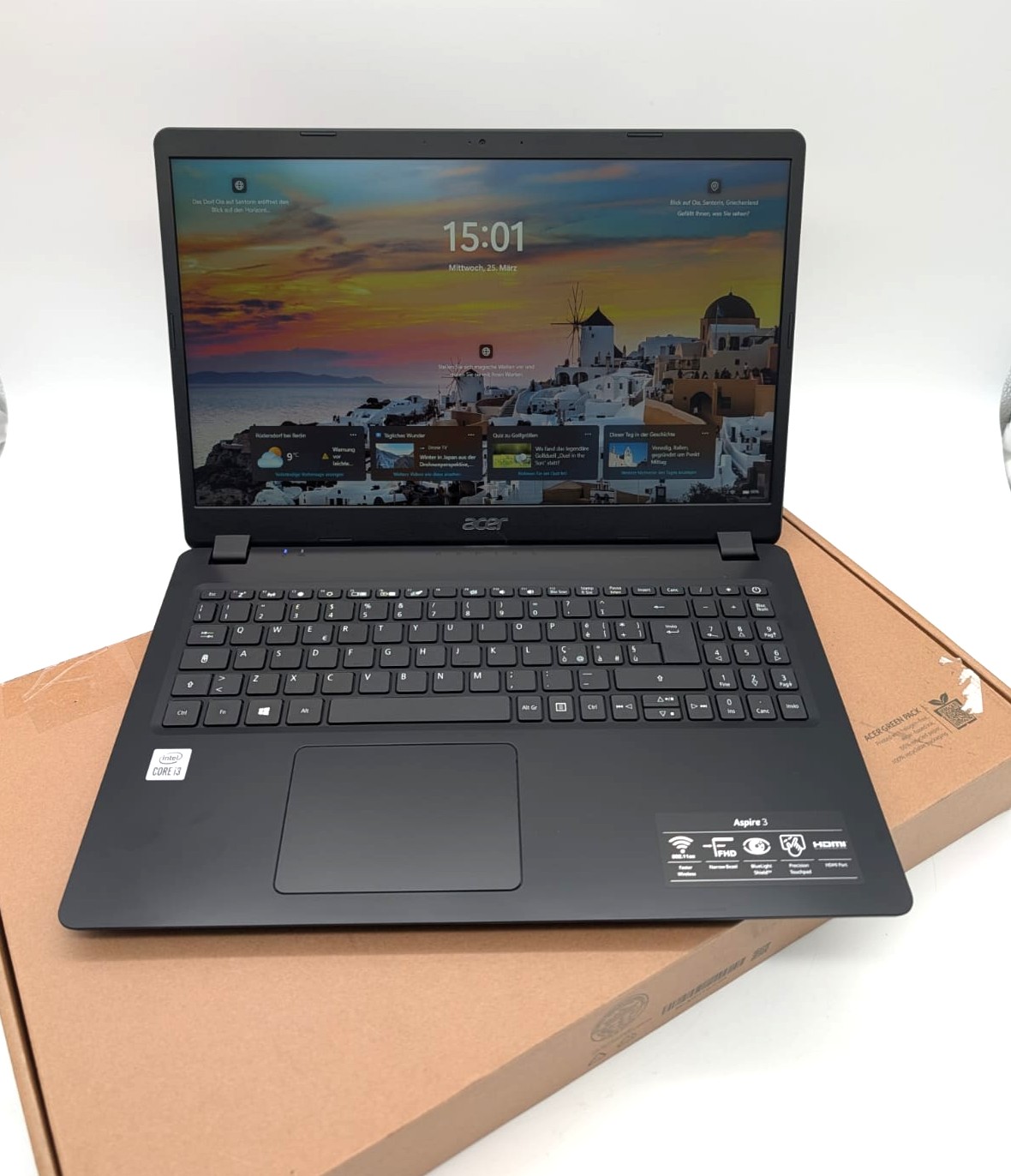 Laptop Acer Aspire 3 A315-56 15,6" FHD 256GB SSD Intel i3-1005G1 8GB RAM Kompatibilität ungeprüft
 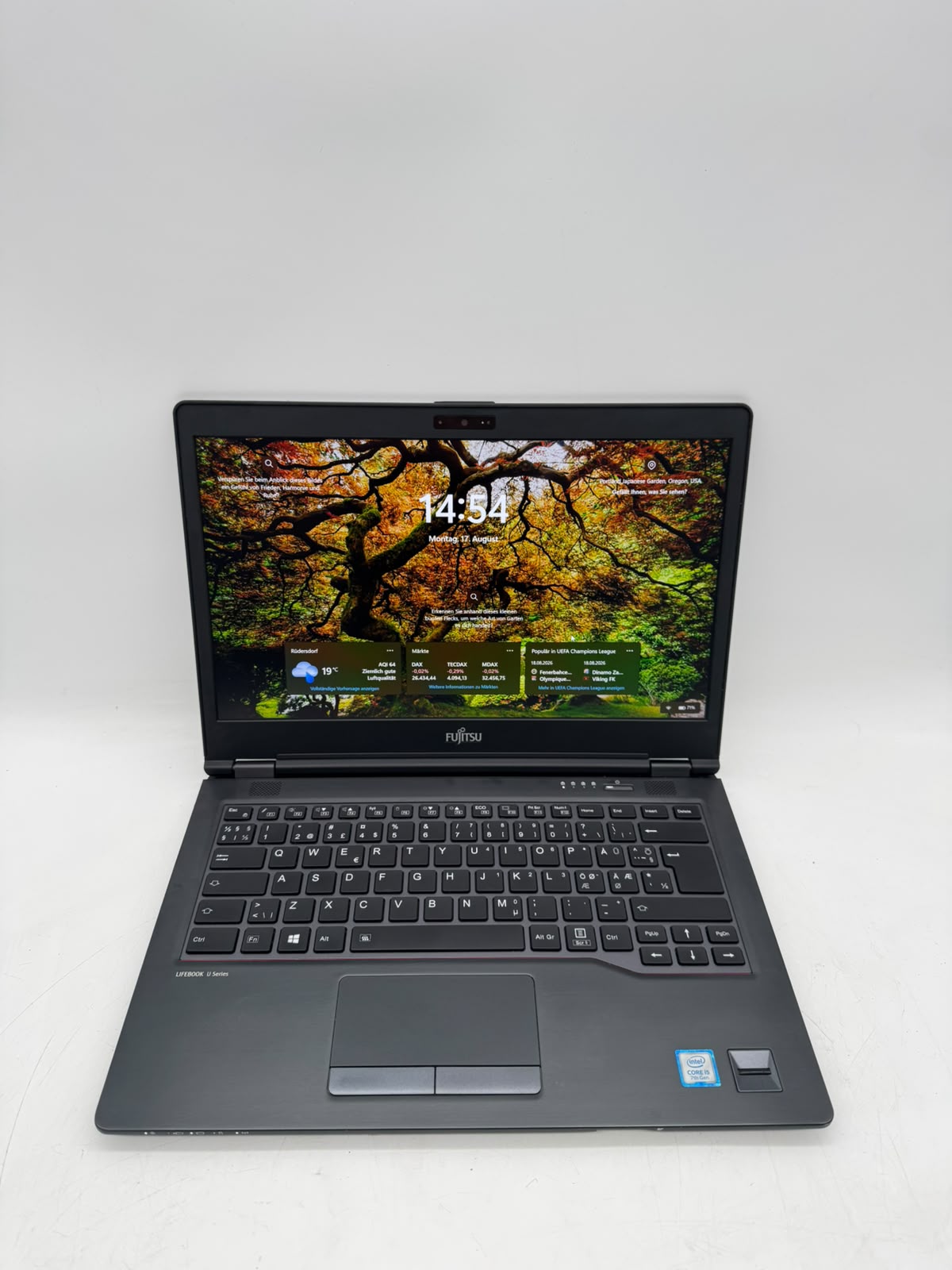 Laptop Fujitsu Lifebook U747 14" FHD 256GB SSD Intel Core i5-7200U 8GB RAM Kompatibilität ungeprüft
 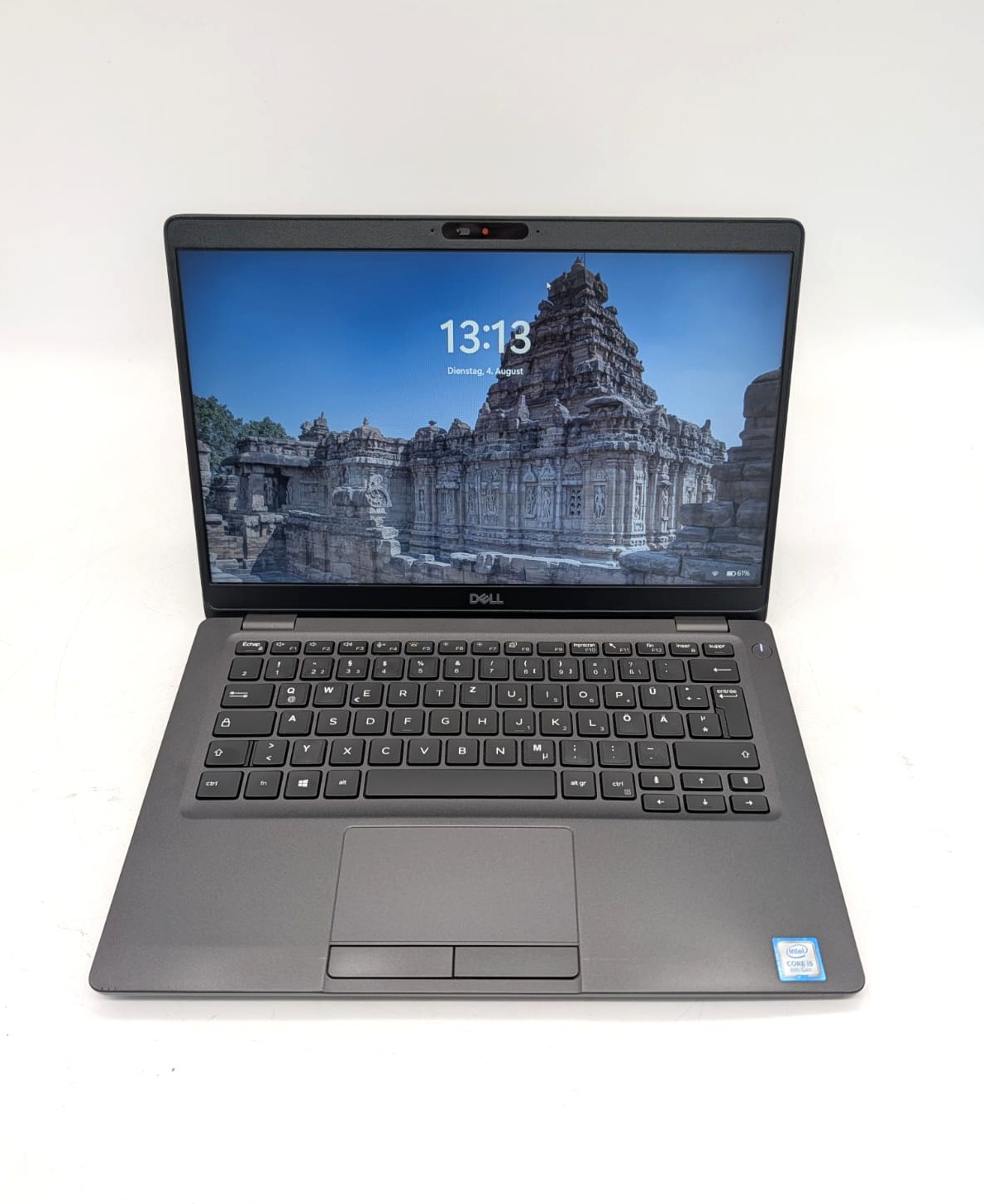 Laptop Dell Latitude 5300 13.3'' 128GB SSD i5-8365U 8GB RAM QWERTZ Kompatibilität ungeprüft
  Laptop Lenovo ThinkPad T14s Gen1 14" 256GB SSD AMD R5 PRO 4650U 16GB RAM Kompatibilität ungeprüft