
SSD-апгрейд і відновлення даних
Апгрейд накопичувача з перенесенням даних, а також відновлення інформації з пошкоджених дисків.
TITLE: SSD Upgrade and Data Recovery EXCERPT: Drive upgrade with data migration, as well as data recovery from damaged drives.
ARTICLE MARKDOWN:
Drive Upgrade
Replacing an HDD with an SSD or a smaller SSD with a larger one involves migrating all your data and the installed system to the new drive, so your laptop is immediately ready for use without needing to reinstall Windows and applications from scratch.
Compatibility Before Upgrade
Before replacement, we check which type of drive your model supports (SATA 2.5", M.2 SATA, or M.2 NVMe — more details in separate articles on Hard Drives (Festplatten) and M.2 SSDs) to select the optimal and compatible option.
Data Recovery from Damaged Media
If the old drive doesn't boot or shows SMART errors, we assess the possibility of data recovery before final replacement — success depends on the type and extent of media damage.
Does the Laptop Warranty Remain After an Upgrade?
A drive upgrade performed by our service does not affect the remaining laptop warranty.
How to Order an Upgrade or Data Recovery
Specify your laptop model, the desired capacity of the new drive, and whether data migration from the old drive is needed.
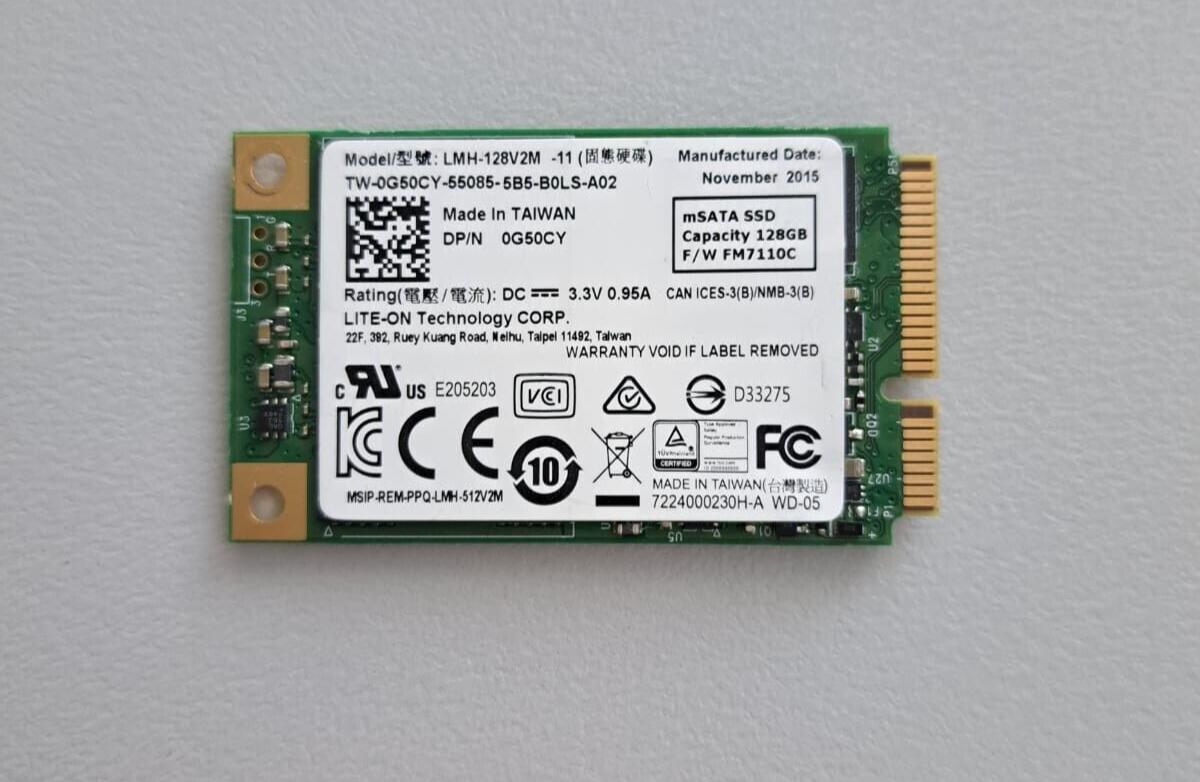 SSD 128GB Lite-on LMH-128V2M mSATA 0G50CY Kompatibilität ungeprüft
 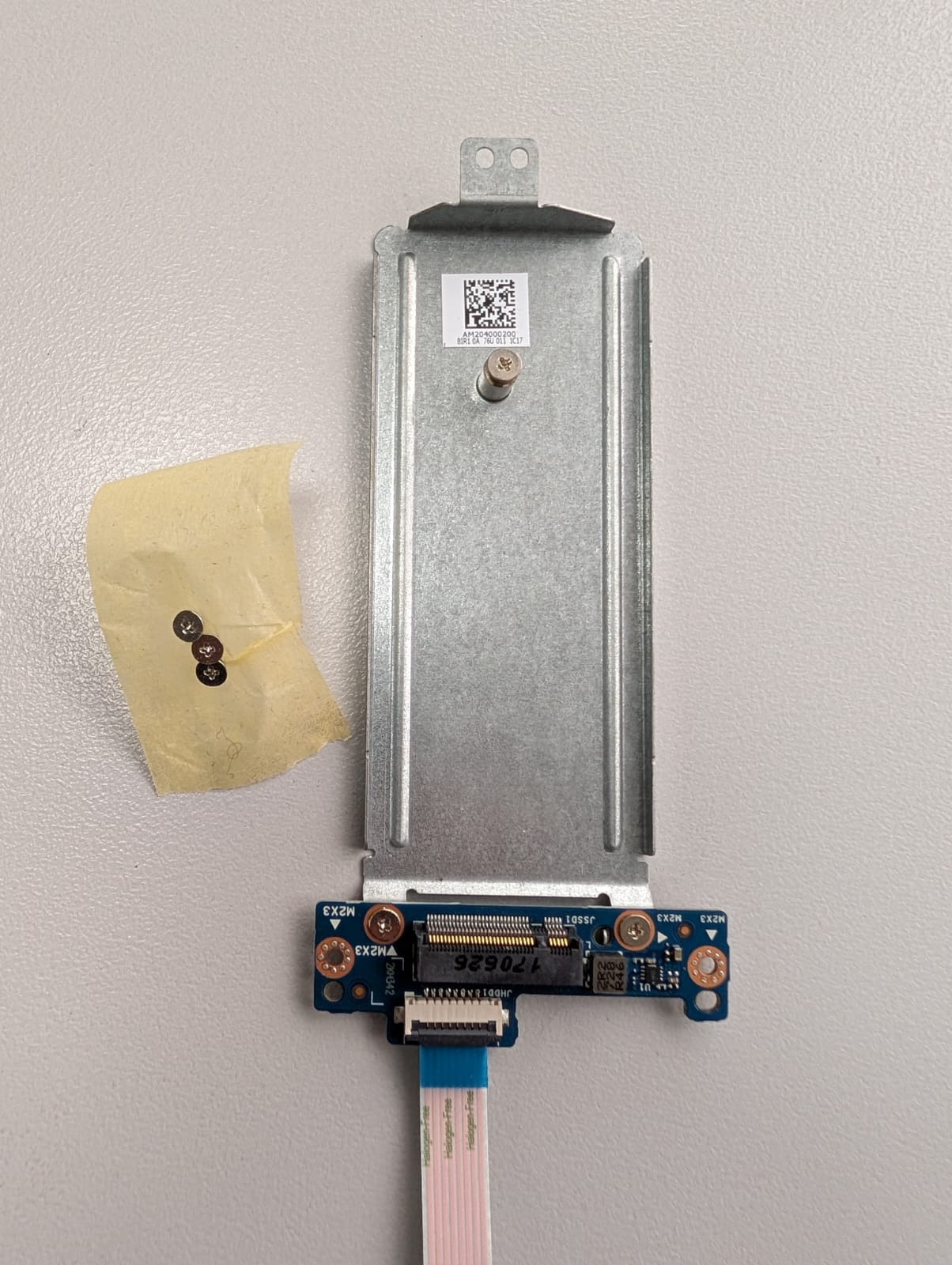 HP Notebook 250 G6 SSD SSD m.2 Anschluss SSD connector LS-E796P AM204000200 Kompatibilität ungeprüft
 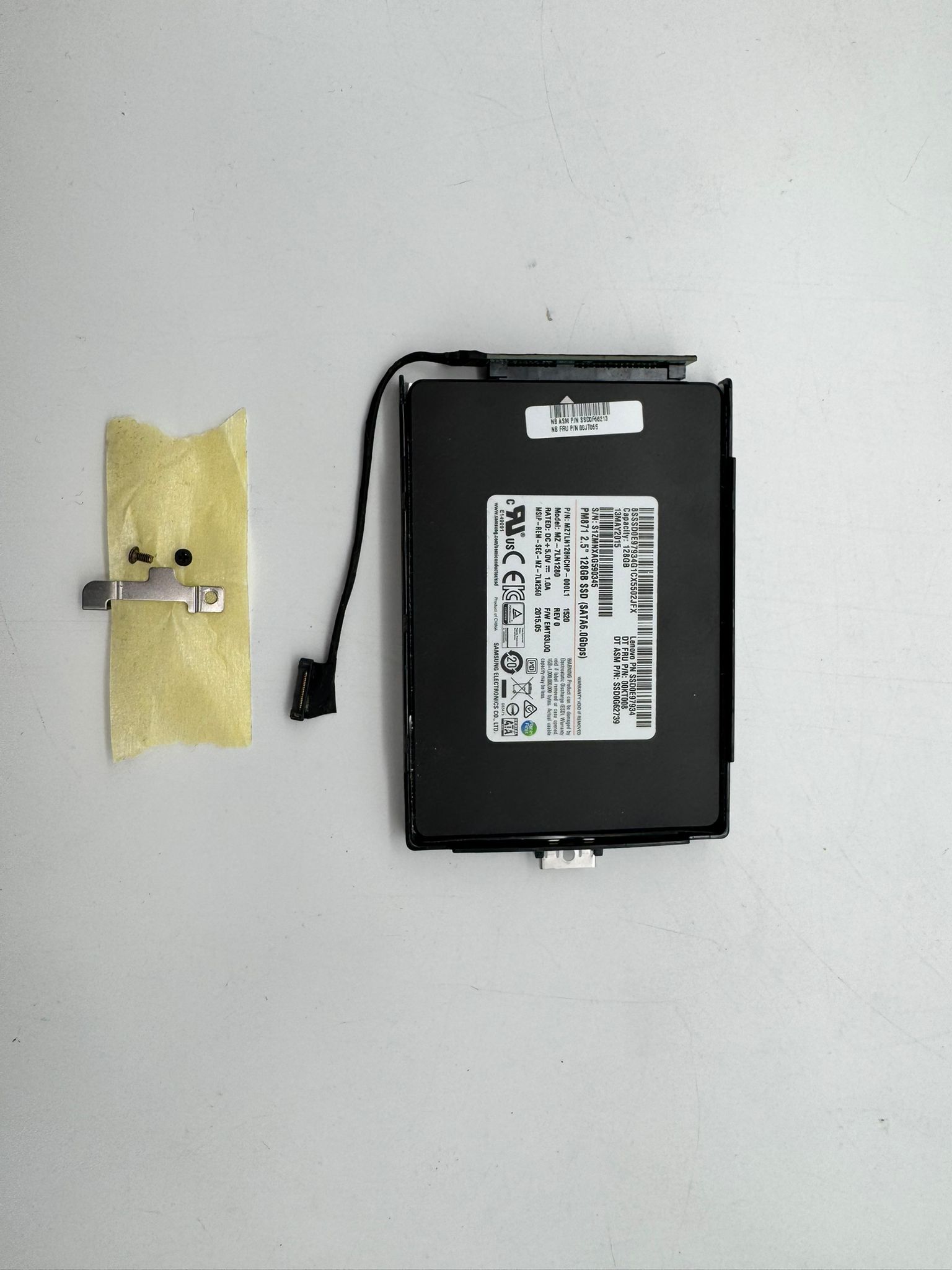 Lenovo SSD 128GB ThinkPad X250 Caddy Disk Festplatte SSD-Caddy SSD0E97934 Kompatibilität ungeprüft
 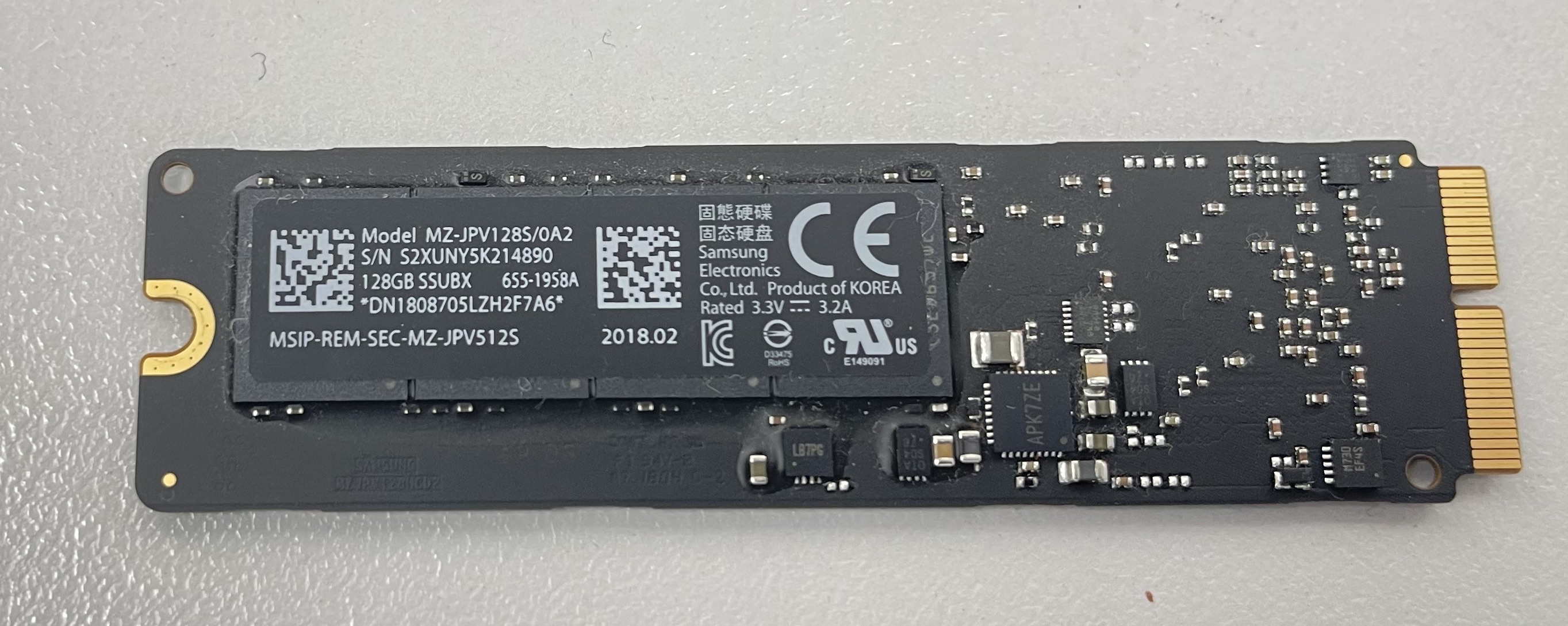 Samsung HDD 128GB Apple iMac MacBook mSATA Hard Disk Solid State Drive 655-1958A Kompatibilität ungeprüft