
Перевірка ноутбука одразу після отримання: чекліст
Що перевірити в перші хвилини після розпакування, щоб одразу зафіксувати можливі зауваження.
TITLE: Laptop Inspection Immediately After Receipt: Checklist EXCERPT: What to check in the first minutes after unboxing to immediately record any potential issues.
ARTICLE MARKDOWN:
Step 1: External Inspection
Compare the actual cosmetic condition with the stated Grade on the product page — scratches, dents, condition of the keyboard and palm rest.
Step 2: Display Check
Turn on a solid-color image (for example, a white background in a browser) and inspect the screen for dead pixels, spots, and uneven backlighting from different angles.
Step 3: Keyboard and Touchpad
Check each key (you can use an online keyboard testing service) and the touchpad's sensitivity across its entire surface, including gestures.
Step 4: Battery and Charging
Check the actual remaining capacity relative to the nominal capacity in Windows settings (powercfg /batteryreport) — it should match the stated warranty threshold.
Step 5: Ports and Wireless Modules
Check each USB/HDMI/audio port, as well as Wi-Fi and Bluetooth connections.
What to do if something doesn't match the description
Contact Lapto.de immediately with a description and, if possible, photos/videos — the 14-day return policy and 12-month warranty cover precisely such cases (more details in a separate article about the warranty).
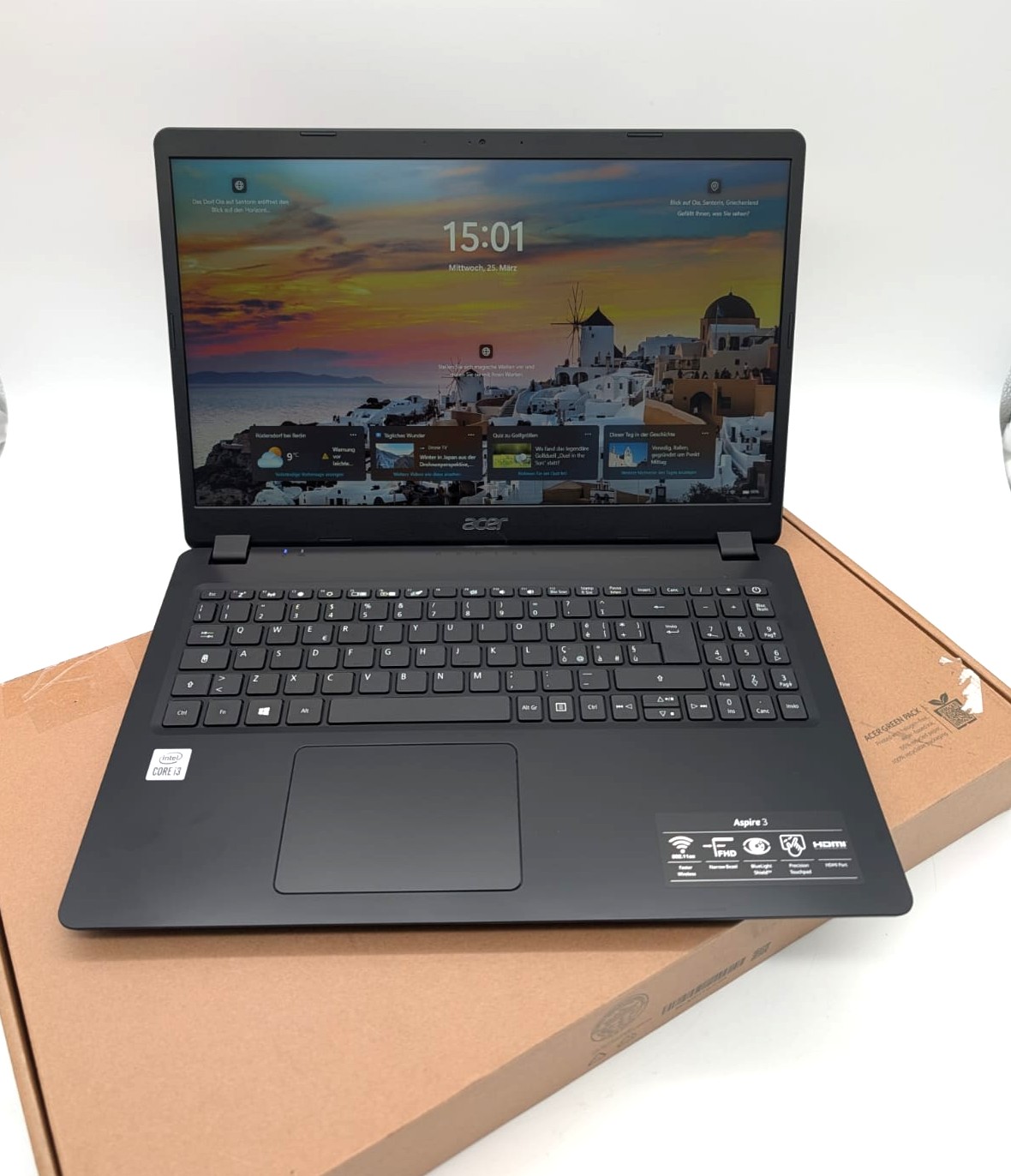 Laptop Acer Aspire 3 A315-56 15,6" FHD 256GB SSD Intel i3-1005G1 8GB RAM Kompatibilität ungeprüft
 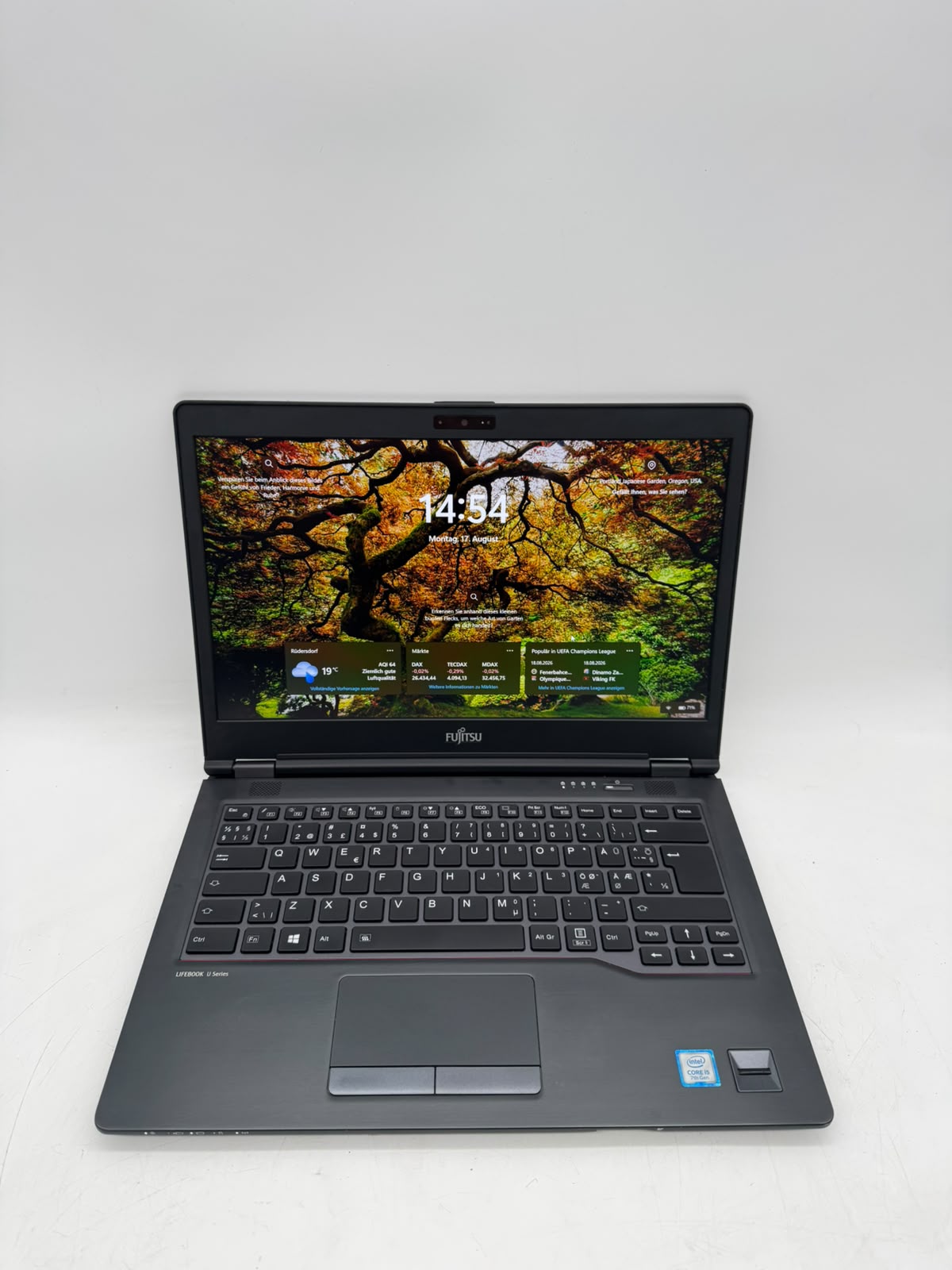 Laptop Fujitsu Lifebook U747 14" FHD 256GB SSD Intel Core i5-7200U 8GB RAM Kompatibilität ungeprüft
 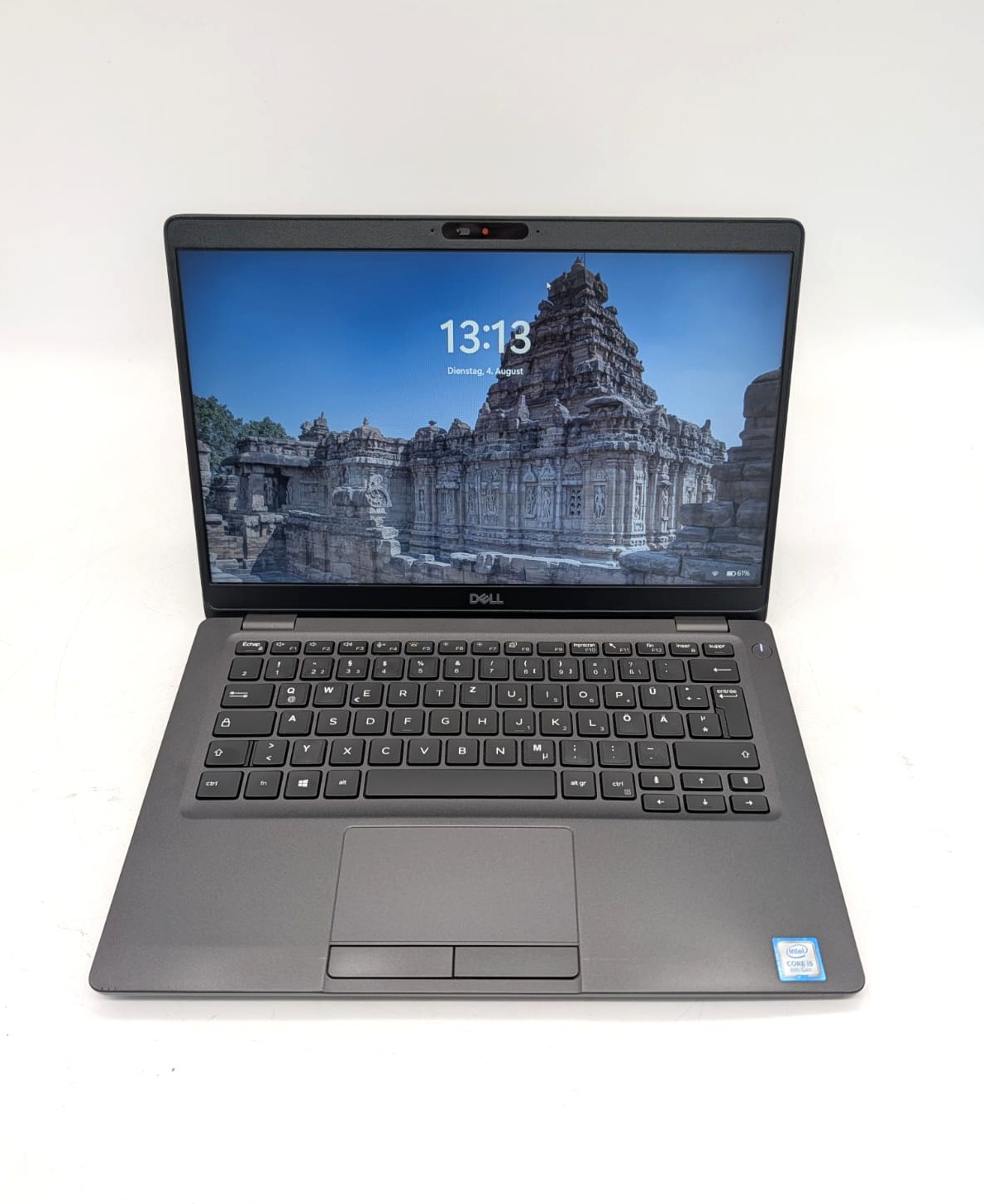 Laptop Dell Latitude 5300 13.3'' 128GB SSD i5-8365U 8GB RAM QWERTZ Kompatibilität ungeprüft
  Laptop Lenovo ThinkPad T14s Gen1 14" 256GB SSD AMD R5 PRO 4650U 16GB RAM Kompatibilität ungeprüft