
Laptop for Office Work: What You Really Need
For Word, Excel, browser, and video calls, you don't need a top-tier configuration — we'll tell you what to prioritize.
What Really Stresses an Office Laptop
A browser with many tabs, video calls (Zoom/Teams), and Office are the main resource consumers in daily office work, more so than the office applications themselves.
Priorities for Office Tasks
- RAM 16GB — a comfortable reserve for a browser with tabs simultaneously with a video call, without slowdowns.
- SSD, not HDD — the speed of system and program loading is felt daily.
- Processor — even a Core i5 of previous generations is sufficient for these tasks; there's no point in overpaying for an i7 or the latest generation.
What You Don't Need to Prioritize
A discrete graphics card, the highest display resolution — for office tasks, these do not provide a significant advantage and only increase the price.
Recommended Models for the Office
ThinkPad T-series, Dell Latitude E/5xxx-series, HP EliteBook/ProBook — all three lines are designed specifically for long-term office use.
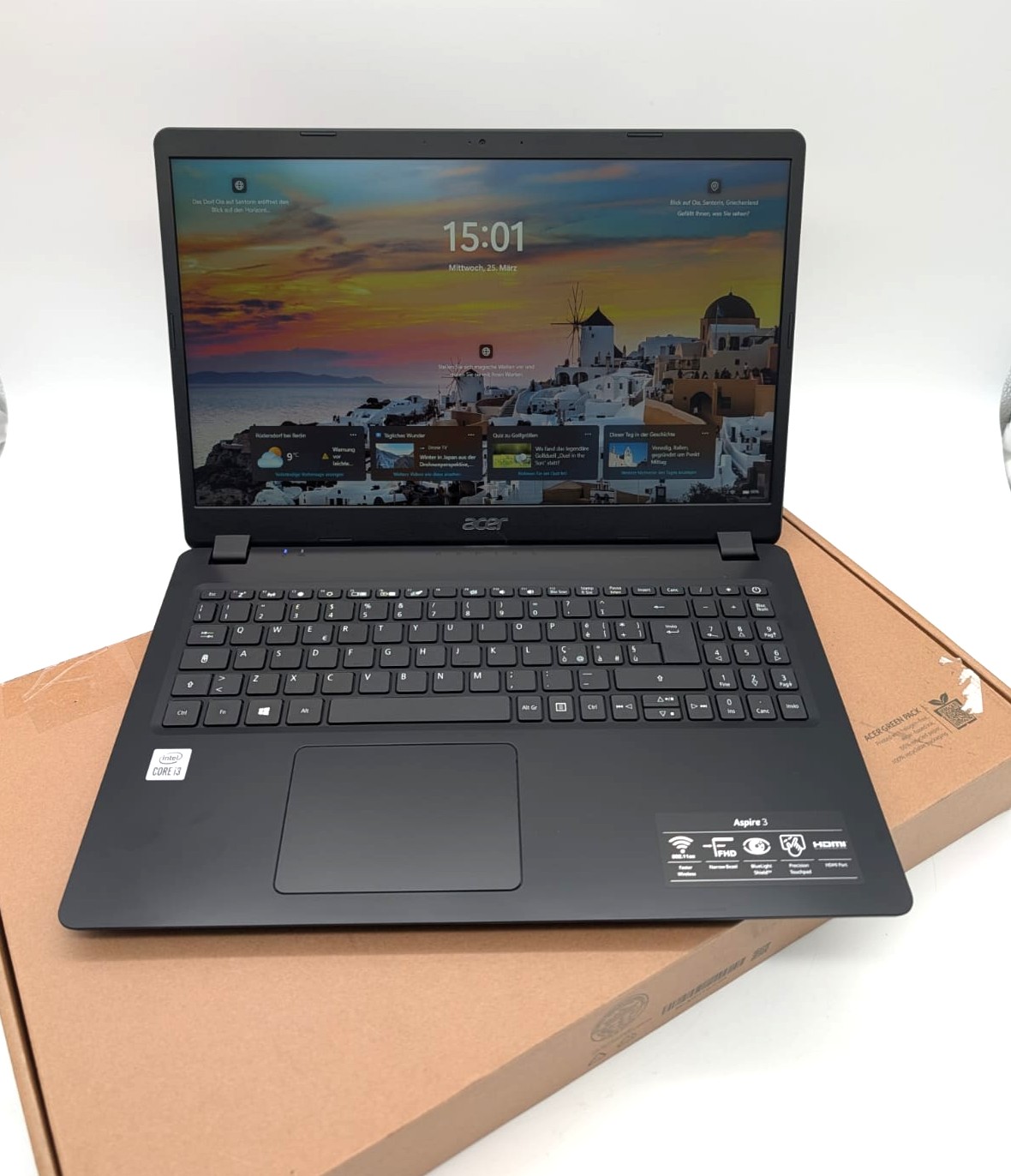 Laptop Acer Aspire 3 A315-56 15,6" FHD 256GB SSD Intel i3-1005G1 8GB RAM Kompatibilität ungeprüft
 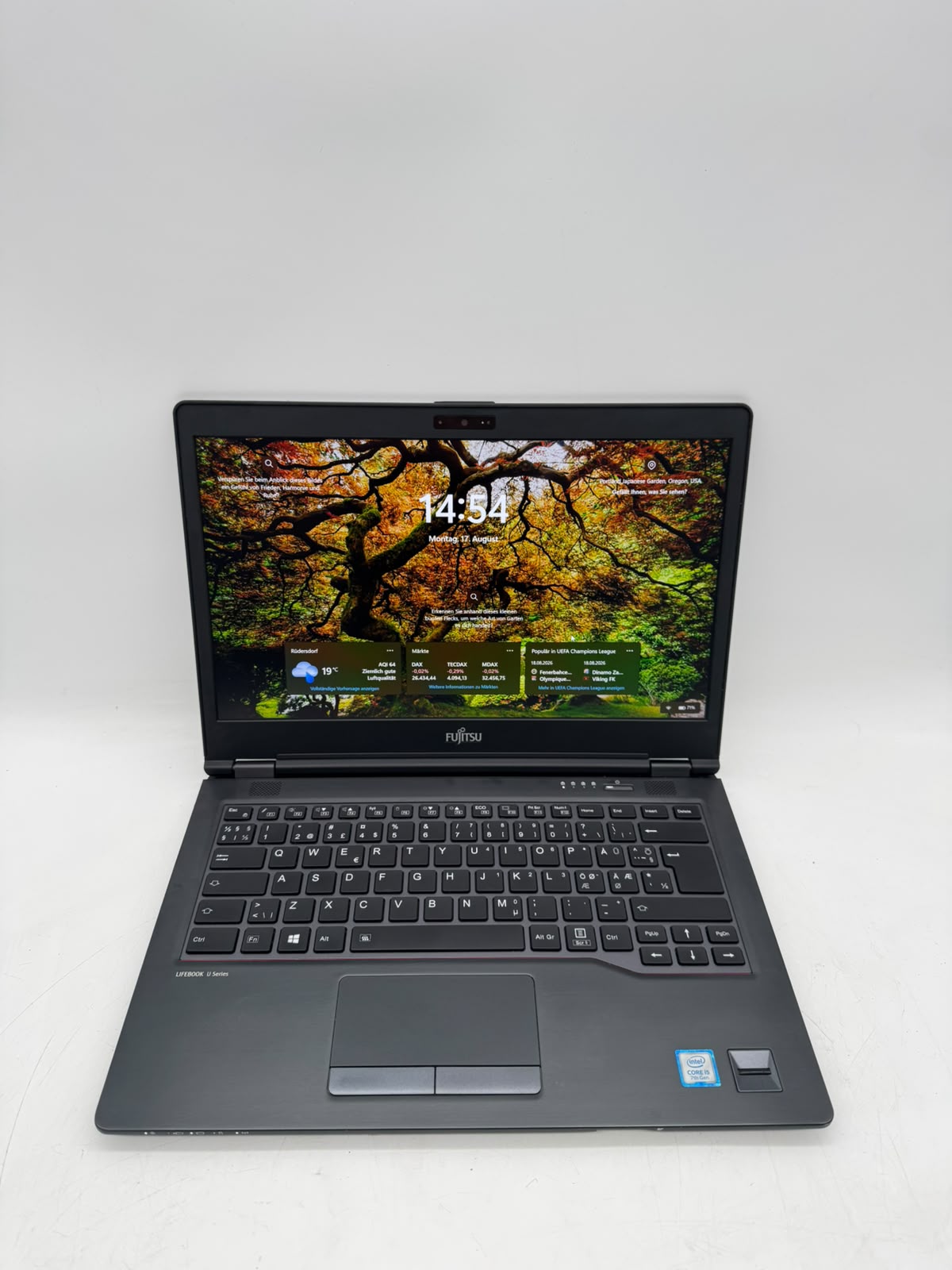 Laptop Fujitsu Lifebook U747 14" FHD 256GB SSD Intel Core i5-7200U 8GB RAM Kompatibilität ungeprüft
 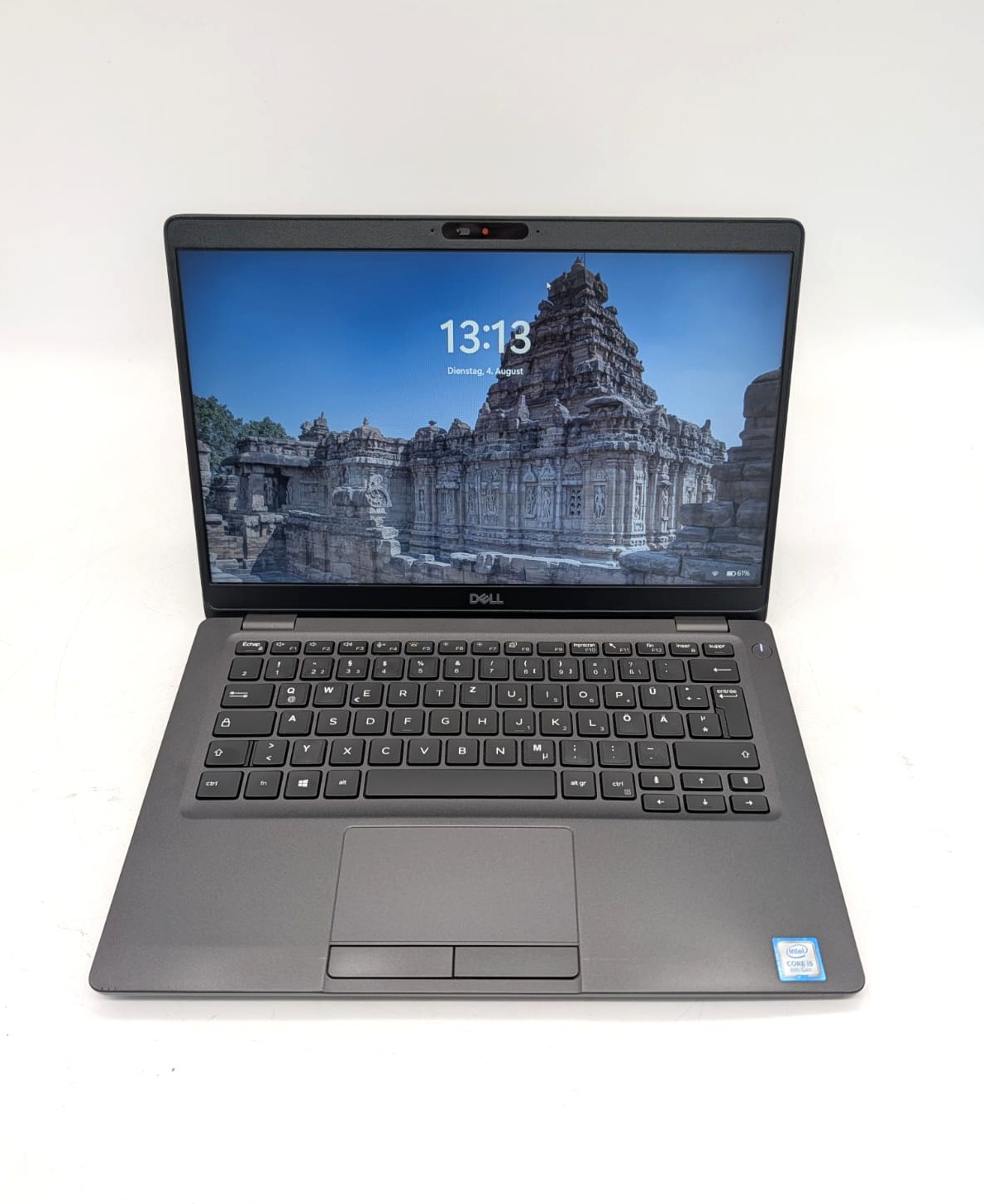 Laptop Dell Latitude 5300 13.3'' 128GB SSD i5-8365U 8GB RAM QWERTZ Kompatibilität ungeprüft
  Laptop Lenovo ThinkPad T14s Gen1 14" 256GB SSD AMD R5 PRO 4650U 16GB RAM Kompatibilität ungeprüft